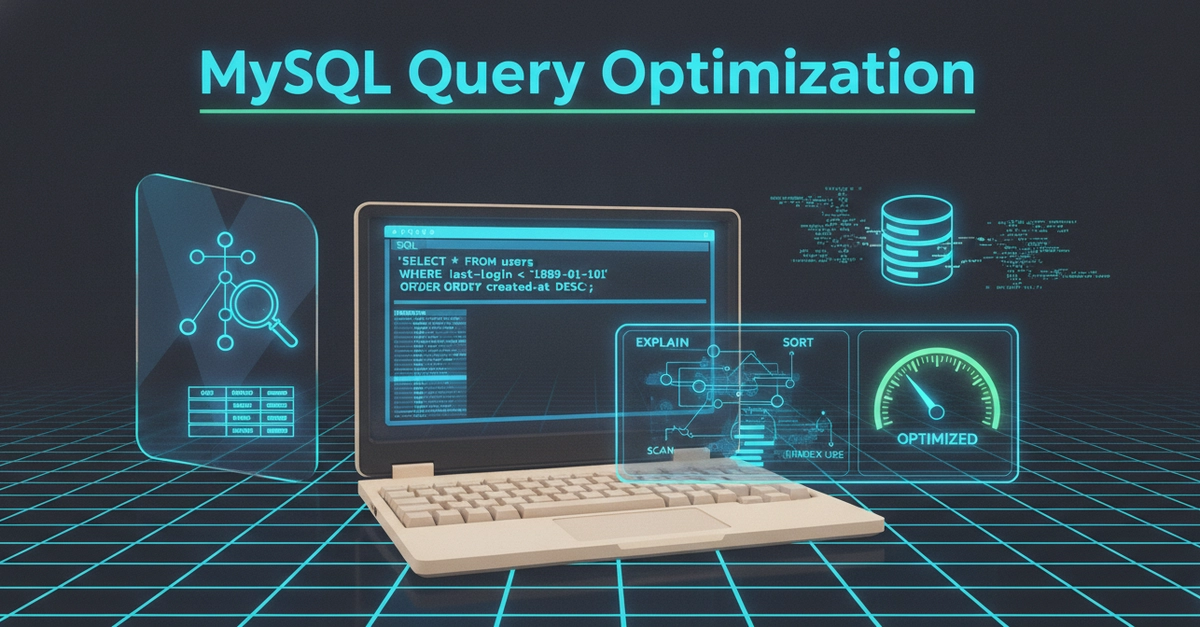
Identify the Bottleneck: Beyond Server Specs
When a Laravel application groans under load, the knee-jerk reaction is often to throw more hardware at it: upgrade the server, increase CPU, or add RAM. While these can sometimes help, they frequently miss the real culprit. In many cases, the database query itself is the bottleneck. Before considering infrastructure changes, a systematic approach to identifying and optimizing slow MySQL queries is essential. This checklist provides a practical path for developers to diagnose and resolve performance issues directly within their Laravel applications.
1. Pinpoint the Slow Queries
The first rule of optimization is: don't optimize randomly. Focus your efforts on the queries that are actually causing problems. This means identifying which queries are executed most frequently or take the longest to complete. Several tools can help you uncover these offenders:
- Laravel Telescope: This powerful debugging assistant for Laravel provides insights into your application's requests, exceptions, database queries, and more. It's invaluable for observing query performance in a development or staging environment.
- Laravel Debugbar: Primarily for development, this tool overlays useful debugging information directly onto your web pages, including database queries, allowing for quick identification of inefficient queries during local testing.
- MySQL Slow Query Log: Configure MySQL to log queries that exceed a defined execution time threshold. This provides a server-level view of problematic queries, independent of your application framework.
- Application Performance Monitoring (APM) Tools: Services like New Relic, Datadog, or Sentry offer deep insights into application performance, including database interactions. They can aggregate slow queries across your entire production environment.
You cannot optimize what you haven't measured. Start by gathering data on your query performance.
2. Analyze Query Execution Plans
Once you've identified a slow query, the next step is to understand *why* it's slow. The `EXPLAIN` command in MySQL is your best friend here. It shows you how MySQL intends to execute your query, detailing which indexes it will use (or not use), the order of table joins, and the number of rows it expects to examine. A query plan that involves full table scans or inefficient joins is a prime candidate for optimization.
For example, if `EXPLAIN` shows a full table scan on a large table, it's a strong indicator that an index is missing or not being used effectively. Think of `EXPLAIN` as the database's detailed explanation of its own thought process for running your query – if its thinking is inefficient, the query will be too.
3. Optimize with Indexes
Missing or poorly designed indexes are the most common cause of slow database queries. Indexes are special lookup tables that the database search engine can use to speed up data retrieval operations. However, indexes aren't free; they consume disk space and add overhead to write operations (INSERT, UPDATE, DELETE).
When analyzing your `EXPLAIN` output:
- Look for missing indexes: If a query frequently scans large portions of a table, especially in `WHERE` clauses or `JOIN` conditions, it likely needs an index on those columns.
- Consider composite indexes: For queries that filter or join on multiple columns, a composite index (an index on multiple columns) can be far more effective than individual indexes. The order of columns in a composite index matters.
- Avoid over-indexing: Too many indexes can slow down write operations and consume excessive disk space. Regularly review and remove unused indexes.
The goal is to create indexes that cover the columns used in your `WHERE`, `JOIN`, `ORDER BY`, and `GROUP BY` clauses for the most critical queries.
4. Refactor Inefficient SQL
Sometimes, the SQL itself is the problem, even with proper indexing. Look for opportunities to rewrite queries for better performance:
- Avoid `SELECT *`: Only select the columns you actually need. This reduces the amount of data transferred from the database and processed by your application.
- Optimize `JOIN` clauses: Ensure join conditions are on indexed columns. Understand the difference between `INNER JOIN`, `LEFT JOIN`, etc., and use the most appropriate type.
- Subqueries vs. Joins: In many cases, a well-structured `JOIN` can outperform a subquery, especially if the subquery is executed repeatedly for each row of the outer query. Test both approaches.
- `N+1` Query Problem: This is a classic Laravel issue where an additional query is executed for each item in a collection. Use eager loading (e.g., `with()`, `load()`) to fetch related data in a single, optimized query.
Laravel's Eloquent ORM can sometimes generate inefficient SQL. Always inspect the queries generated by Eloquent, especially for complex relationships or large datasets.
5. Leverage Database Features and Caching
Beyond basic query tuning, several other strategies can boost performance:
- Database Caching: For data that doesn't change frequently, implement caching at the application level (e.g., using Laravel's cache facade with Redis or Memcached) or even query caching if your database supports it effectively.
- Denormalization: In some read-heavy scenarios, strategically denormalizing your database schema (adding redundant data to reduce the need for joins) can improve read performance, though it complicates writes and data consistency.
- Connection Pooling: Ensure your application is configured for efficient database connection management. Opening and closing connections for every query is wasteful.
- Read Replicas: For read-intensive applications, consider setting up read replicas. Laravel's database configuration allows you to direct read operations to replica databases, offloading the primary database.
6. Monitor and Iterate
Optimization is not a one-time task. It's an ongoing process. After implementing changes, continue monitoring your query performance using the tools mentioned in step 1. Track key metrics like query execution time, throughput, and error rates. Performance can degrade over time as data grows or application usage patterns change.
Regularly revisit your checklist, especially after significant code deployments or increases in user traffic. This iterative approach ensures your Laravel application remains performant and scalable.