The JavaScript Event Loop: Beyond Synchronous Execution
You've seen it: setTimeout(fn, 0) doesn't run immediately. A Promise.then() scheduled later executes first. A lengthy for loop freezes your user interface for a full second, despite all functions appearing to be asynchronous. These aren't bugs. This is the JavaScript event loop functioning precisely as designed. Understanding its mechanism is crucial for writing predictable, performant JavaScript.
This guide demystifies the event loop, explaining why microtasks (like Promises) preempt macrotasks (like setTimeout) and how to diagnose and prevent UI unresponsiveness.
Synchronous Code, the Call Stack, and the Event Loop
JavaScript, in its core execution model, is single-threaded. This means it can only do one thing at a time. All synchronous code executes on the Call Stack. When a function is called, it's pushed onto the stack. When it returns, it's popped off. If the stack is busy, nothing else can happen. This is why a long-running synchronous operation freezes the UI – the browser cannot process user input or render updates.
The event loop's primary role is to manage asynchronous operations without blocking the main thread. It orchestrates when and how callbacks from asynchronous tasks are executed. It's not about running code *concurrently* in the traditional sense, but about efficiently interleaving tasks.
Macrotasks and Microtasks: The Two Queues
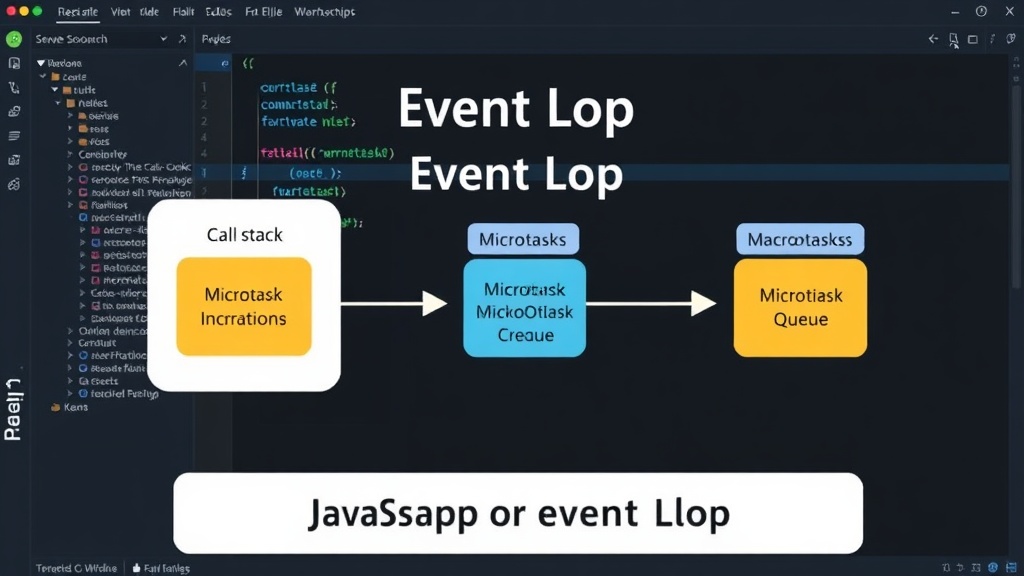
The event loop distinguishes between two types of asynchronous tasks, each managed by its own queue:
- Macrotasks (Task Queue): These are typically initiated by browser APIs like
setTimeout,setInterval, I/O operations (network requests), and UI rendering events. When a macrotask completes, its callback is placed in the macrotask queue. - Microtasks (Microtask Queue): These are generated by Promises (
.then(),.catch(),.finally()),queueMicrotask(), and Mutation Observers. Microtasks are designed for operations that need to run as soon as possible after the current synchronous code finishes, but before the next macrotask.
Think of the event loop as a diligent waiter in a restaurant. The main Call Stack is the chef's immediate workspace. Macrotasks are like orders for main courses that come in periodically. Microtasks are like urgent requests for appetizers that must be served immediately after the current dish is plated, but before the next main course order is even started.
The Execution Order: Why Promises Win
The crucial rule of the event loop is this: after each macrotask completes, the event loop checks the microtask queue. If there are any microtasks, it executes ALL of them before moving to the next macrotask. This happens even if the macrotask was initiated with a zero delay (setTimeout(fn, 0)).
Consider this code:
console.log('Start');

setTimeout(() => {
  console.log('setTimeout callback');
}, 0);

Promise.resolve().then(() => {
  console.log('Promise callback');
});

console.log('End');
The output will be:
Start
End
Promise callback
setTimeout callback
Here's why:
- 'Start' is logged (synchronous).
setTimeoutis called. Its callback is scheduled for the macrotask queue, but not executed yet.Promise.resolve().then()is called. Its callback is scheduled for the microtask queue.- 'End' is logged (synchronous).
- The synchronous code finishes. The Call Stack is now empty.
- The event loop checks the microtask queue. It finds the Promise callback and executes it ('Promise callback' is logged).
- The microtask queue is now empty. The event loop then checks the macrotask queue. It finds the
setTimeoutcallback and executes it ('setTimeout callback' is logged).
This prioritization ensures that Promise resolutions, which often signal the completion of asynchronous operations, are handled promptly, preventing the UI from appearing unresponsive due to long-running synchronous code or delayed callbacks.
Diagnosing and Preventing UI Freezes
A frozen UI is almost always a symptom of a blocked Call Stack. This happens when a synchronous piece of JavaScript code runs for too long, preventing the event loop from processing other tasks, including user interactions and rendering updates.
Common culprits:
- Long-running loops: As seen in the example, a
forloop iterating tens of thousands of times without yielding will block the stack. - Complex synchronous calculations: Heavy computations performed synchronously can also tie up the thread.
- Deeply nested synchronous function calls: While less common, a very deep synchronous call chain can contribute.
Solutions:
- Break up long tasks: Instead of one massive loop, break it into smaller chunks. Use
setTimeout(..., 0)orrequestAnimationFrame()to yield control back to the event loop between chunks. This allows the browser to handle other tasks. - Use Web Workers: For CPU-intensive tasks, offload the computation to a separate thread using Web Workers. This keeps the main thread free.
- Leverage asynchronous APIs: When possible, use asynchronous versions of operations (e.g., asynchronous file I/O in Node.js or modern browser APIs) that don't block the main thread.
- Prefer
queueMicrotaskfor urgent, non-blocking tasks: If you have a small piece of logic that needs to run immediately after the current script finishes but before the next macrotask,queueMicrotaskis more efficient thansetTimeout(fn, 0)as it doesn't involve the overhead of the timer and macrotask queue.
Understanding the interplay between the Call Stack, the microtask queue, and the macrotask queue is fundamental. It allows you to write code that is not only predictable but also provides a smooth user experience, even when dealing with complex asynchronous operations.
What's Next?
With this understanding, you can now precisely predict the console output of complex asynchronous code. You can identify UI freezes not as