The Problem: PR Hygiene and Traceability
A small development team faced a growing problem with their pull request (PR) process in Azure DevOps. With only three people managing both support and development, PRs were frequently merged without essential metadata: no linked work items, no reviewer approvals, and empty descriptions. This lack of rigor made bug tracing an arduous, often impossible, task, as connecting a shipped bug back to its original requirement became a detective mission.
While Azure DevOps offers branch policies to enforce certain merge rules, these are often too blunt. They can block a merge entirely but don’t offer nuanced guidance or automated checks for the quality of the review itself. The team needed more than just a gatekeeper; they needed a dedicated review desk – a tool that could provide a consolidated view on any PR, answering critical questions at a glance.
The Ideal Review Desk Functionality
The envisioned review desk needed to address several key areas:
- Ticket Mapping and Code Alignment: Does the PR actually implement the functionality described in the linked ticket? This isn't just about a link existing; it’s about verifying that the code fulfills the ticket's description and acceptance criteria.
- Genuine Human Review: Has a human actually reviewed the code? This implies looking beyond just a click-to-approve, ensuring meaningful human oversight.
- Code Quality and Best Practices: Does the code adhere to established best practices and team standards? This includes aspects like security, performance, and maintainability.
- Potential Bug Detection: Are there obvious bugs or logical errors that could lead to issues post-merge?
Essentially, the goal was to create an automated assistant that could provide a comprehensive, single-pane-of-glass summary for each PR, augmenting human review rather than replacing it.
Building the In-House Solution
To address these needs, the team decided to build their own AI-powered PR reviewer. The core of this homegrown tool was a single Python script. This script was designed to ingest PR data from Azure DevOps and leverage an AI model to analyze the code and associated metadata. The primary focus was on traceability and adherence to ticket requirements, acting as a first pass to flag potential issues before human reviewers spent their time.
The script's logic was straightforward: it would fetch PR details, compare the code changes against the linked work item’s description and acceptance criteria, and then use an LLM to assess code quality and identify potential bugs. The output was a concise summary, highlighting deviations or concerns. This approach aimed to streamline the review process by pre-filtering PRs, ensuring that human reviewers could focus on the more complex aspects of code logic and architecture, rather than basic checks.
The surprising detail here is not the complexity of the build, but the team's decision to tackle this in-house with a single-file script. Many teams might default to purchasing a commercial solution, but this demonstrated a pragmatic approach to solving a specific, immediate pain point with readily available tools and a clear objective.
Benchmarking Against Commercial Tools
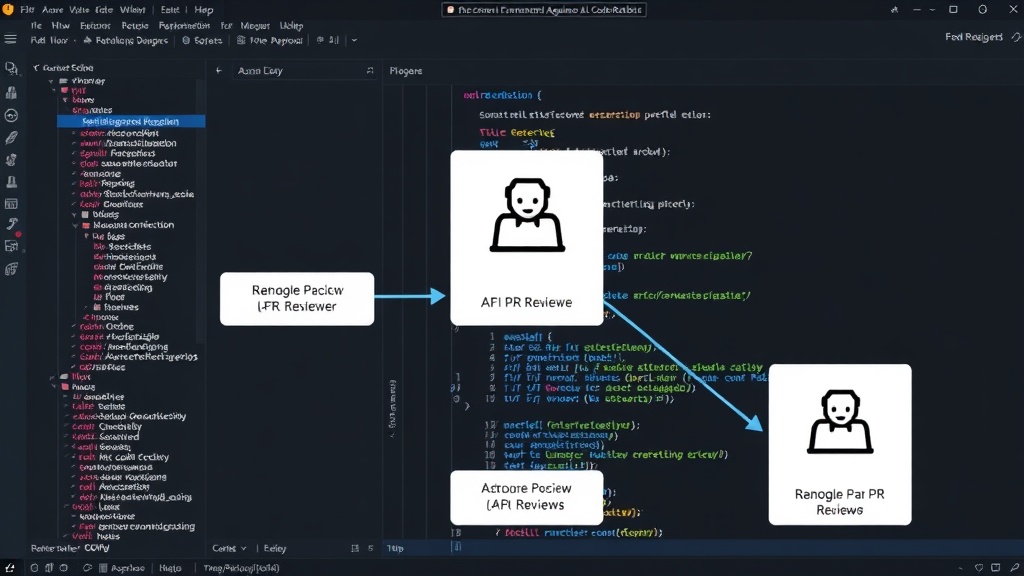
To validate their in-house solution and understand its capabilities relative to the market, the team conducted a benchmark comparison. They evaluated their homegrown reviewer against several commercial AI code review tools, including CodeRabbit. The comparison focused on the effectiveness and accuracy of the AI in identifying issues and providing relevant feedback across key categories.
The benchmark involved analyzing a set of real-world PRs and evaluating the output from both the custom script and the commercial tools. The metrics considered were not just about detecting errors, but also about the quality of the feedback, the relevance of the suggestions, and the overall efficiency gain. The team aimed for an honest comparison, eschewing marketing hype for concrete data, presented in a series of tables.
The comparison revealed interesting insights. While commercial tools offered broader features and more polished interfaces, the in-house solution often performed comparably on the core tasks it was designed for: traceability and basic code quality checks. The key differentiator was the specificity of the homegrown tool’s focus. It was tailored to the team’s exact workflow and pain points, which commercial tools, designed for a wider audience, might not address as precisely.
Key Findings and Trade-offs
The benchmarking exercise yielded several critical takeaways:
- Traceability is Achievable: The custom reviewer proved effective in verifying that PRs were correctly mapped to work items and that the code aligned with ticket descriptions. This directly addressed the team’s primary traceability problem.
- Commercial Tool Strengths: Tools like CodeRabbit offered more comprehensive code analysis, including deeper insights into potential performance bottlenecks, security vulnerabilities beyond basic checks, and more sophisticated code refactoring suggestions. They also provided better integration with various platforms and richer user interfaces.
- Cost vs. Benefit: The in-house solution, being a single script, incurred minimal direct costs beyond development time and API usage for the LLM. Commercial tools, on the other hand, represent a recurring subscription expense. For a small team, the cost-benefit analysis heavily favored the custom solution for its specific needs.
- Human Element Remains Crucial: Both the custom tool and commercial AI reviewers acted as assistants. They flagged potential issues, but the final judgment and understanding of complex business logic still required human expertise. The AI’s role was to augment, not replace, human reviewers.
The surprising detail here is not the performance of the custom tool, but the realization that for a very specific set of problems, a bespoke, single-file solution can hold its own against feature-rich, commercially supported products. It highlights that