The Problem: Terminal Fragmentation
Developers today juggle an ever-increasing number of command-line tools. From version control (Git) and package managers (npm, pip) to build tools (Webpack, Vite), container orchestration (Docker, Kubernetes), and cloud CLIs (AWS, Azure, GCP), the modern developer's workflow is a complex tapestry of disparate applications. Each tool often requires its own terminal window or tab, leading to a cluttered desktop, context switching overhead, and a fragmented user experience. This fragmentation slows down development, increases the cognitive load on developers, and makes it harder to manage complex projects that involve multiple services or environments.
Herdr emerges as a direct response to this challenge. It's not just another terminal emulator; it's designed from the ground up to be a unified workspace for command-line operations. The core promise is to consolidate these diverse tools into a single, manageable interface, reducing the friction associated with switching between them.
Introducing Herdr: A Unified Command-Line Environment
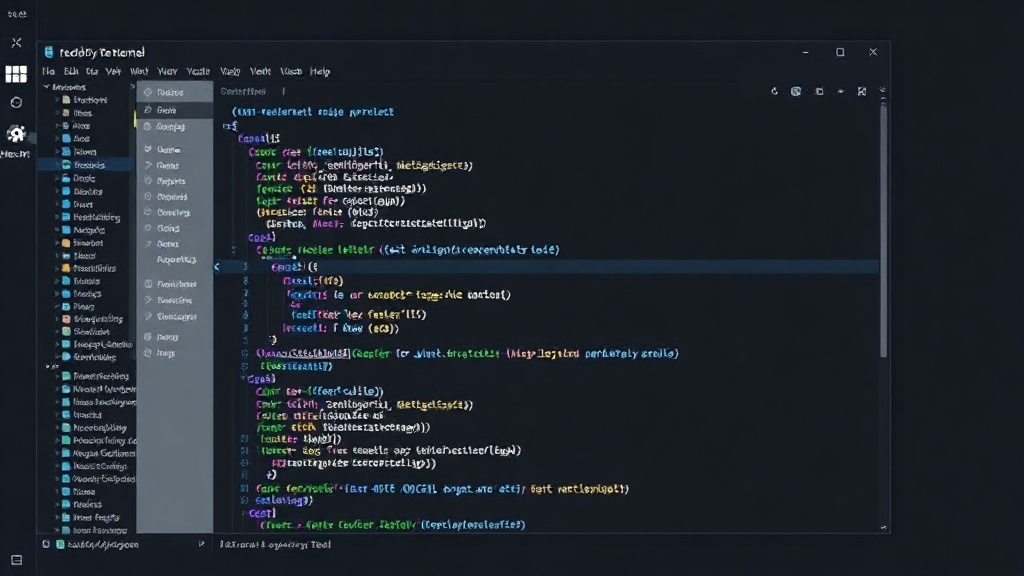
Herdr aims to be the central hub for all command-line activities. The vision is to allow developers to run, manage, and monitor all their tools from a single terminal window. This includes not only standard shell commands but also the ability to integrate with and control more complex CLI applications. The goal is to eliminate the need for multiple terminal tabs and windows, presenting a cleaner, more efficient development environment.
Think of it less like a traditional terminal and more like a control panel for your entire development infrastructure. Instead of opening separate applications for Git, Docker, and your cloud provider, Herdr seeks to bring the essential functionalities of these tools into one cohesive view. This consolidation is key to its value proposition, targeting the pain points of developers who feel overwhelmed by the sheer volume of CLI tools they must interact with daily.
Key Features and Design Philosophy
While specific feature sets are still evolving, the core design philosophy of Herdr revolves around integration and efficiency. The ambition is to provide a seamless experience that allows users to:
- Run Multiple Shells Concurrently: Execute commands in different shells (e.g., Bash, Zsh, PowerShell) within the same Herdr instance.
- Integrate CLI Tools: Develop or leverage plugins to bring the functionality of popular CLIs directly into Herdr's interface. This means being able to perform Git operations, manage Docker containers, or deploy to cloud services without leaving the Herdr window.
- Workflow Automation: The unified environment is intended to facilitate the creation and execution of complex command-line workflows. Developers could potentially script sequences of commands that span multiple tools, all managed within Herdr.
- Contextual Awareness: A potential, though not explicitly detailed, implication of a unified terminal is the ability for the tool to understand the context of different commands and projects, offering smarter suggestions or auto-completions.
The approach taken by Herdr is to build an extensible platform. This suggests that the tool is not intended to be a closed system but rather one that developers can customize and extend to fit their specific toolchains and workflows. The comparison to a "terminal to rule them all" is ambitious, aiming to provide a singular point of control that simplifies a fragmented landscape.
The Competitive Landscape and Developer Productivity
The developer tooling space is crowded, with many tools vying to improve productivity. Traditional terminal emulators like iTerm2, Alacritty, and Windows Terminal offer advanced features like tabs, split panes, and customization. However, they primarily focus on enhancing the terminal *experience* rather than integrating the *functionality* of disparate CLI tools. Tools like VS Code's integrated terminal also offer a single-window experience, but they are tied to the IDE and may not be suitable for all development environments or tasks.
Herdr's differentiator lies in its explicit goal of unifying the *control* of these tools. It seeks to move beyond just providing a better window to run commands in, and instead aims to become the orchestrator of those commands. This is a significant undertaking. The success of Herdr will hinge on its ability to provide deep, reliable integrations with a wide array of essential developer tools, and to do so without introducing performance bottlenecks or a steep learning curve. The question remains whether a single terminal can truly encompass the complexity of modern development workflows without becoming unwieldy itself.
Looking Ahead: The Future of Command-Line Work
Herdr represents a bold vision for the future of developer productivity. By aiming to consolidate the fragmented command-line tool ecosystem into a single, powerful interface, it addresses a significant pain point for many developers. If Herdr can deliver on its promise of seamless integration and workflow management, it could become an indispensable tool for software engineers, significantly reducing context switching and streamlining development processes. The challenge ahead is substantial, but the potential reward—a truly unified command-line experience—is immense.
The comparison to a framework like TanStack or Nuxt, as seen in other tech discussions, highlights the desire for integrated solutions that simplify complex ecosystems. Herdr is attempting this for the command line. Its success will depend on its ability to integrate deeply and intuitively, becoming the central nervous system for developer operations.