
Google's AI Data Collection Explained
Google has updated its privacy settings, enabling its AI models to utilize more of your personal data for training purposes. This change, which took effect recently, means that activity across various Google services could be contributing to the development of its artificial intelligence, including large language models.
The company is framing this as an enhancement to its services, suggesting that better AI leads to better products. However, for users concerned about data privacy and the potential for their information to be used in ways they haven't explicitly consented to, this presents a significant issue. Google's AI development is a massive undertaking, and the data it consumes is its primary fuel.
This isn't entirely new. Google has long used user data to improve its services, from search results to personalized ads. What's different now is the explicit linkage to AI training, particularly for generative AI models that are becoming increasingly sophisticated. These models learn patterns, styles, and information from the data they are fed. Your search queries, your emails, your documents stored in Google Drive, and your YouTube watch history are all potential training grounds.
The motivation behind this move is clear: to keep its AI competitive. As competitors like OpenAI, Microsoft, and others pour resources into AI development, Google needs a constant, vast stream of diverse data to refine its models. User data, gathered across its vast ecosystem, provides that data at an unparalleled scale. The company's stance is that this data usage is anonymized and aggregated, but the underlying process involves processing user-generated content.
The implications for users are broad. If you use Gmail, Google Docs, Google Photos, or even just search on Google, your digital footprint is likely being leveraged. While Google aims to enhance user experience through AI, the lack of granular control and the broad scope of data collection can be alarming. This is particularly true for professional or sensitive information that might be stored within Google services.
How to Opt Out of AI Training
Fortunately, Google provides a way to opt out of having your data used for AI training. This involves adjusting settings within your Google Account. The process requires navigating through several menus, but it is accessible to all users.
Step 1: Access Your Google Account
Begin by going to your Google Account. You can do this by visiting myaccount.google.com or by clicking on your profile picture in most Google services and selecting "Manage your Google Account."
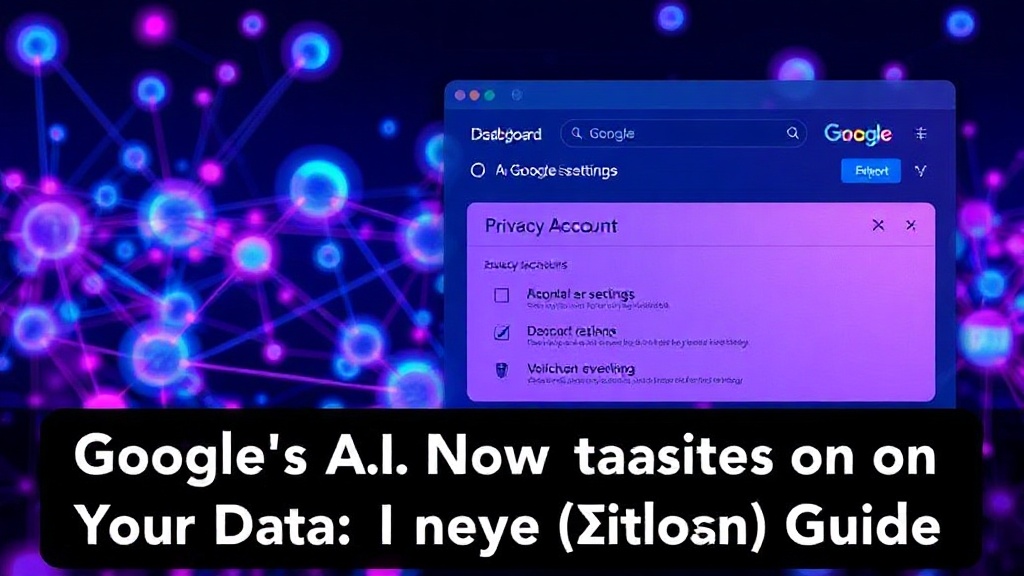
Step 2: Navigate to Data & Privacy Settings
Once in your Google Account, locate and click on the "Data & privacy" section in the left-hand navigation panel. This section consolidates all settings related to how Google uses your data.
Step 3: Find the "History settings"
Scroll down within the "Data & privacy" section until you find the "History settings" area. Here, you'll see various activity controls that Google uses to collect data. The key setting for AI training is "Web & App Activity."
Step 4: Adjust "Web & App Activity"
Click on "Web & App Activity." On this page, you will see an option that reads something like "Include your past activity on Google services and apps" or similar phrasing related to AI training. There should be a toggle or a checkbox to disable this. It is crucial to turn this off if you do not want your data to be used for AI model training.
You may also find other related settings here. For instance, "Include your voice and audio activity" pertains to data used for improving speech recognition models. If you wish to minimize data collection for AI, consider disabling this as well.
Step 5: Review "Personal results" and "AI-powered experiences"
Further down on the "Data & privacy" page, look for sections related to "AI-powered experiences" or "Personal results." Google is increasingly integrating AI into its products, and these settings can affect how your data is used to personalize those experiences. While not directly an opt-out for *training*, disabling personalization can limit the scope of data Google associates with your account for AI-driven features.
Step 6: Check YouTube History
Your YouTube watch history is also a valuable dataset for AI. Go to the "History settings" and find "YouTube history." Here, you can pause or clear your watch and search history. Ensuring "Include your YouTube watch and search history" is turned off will prevent this data from being used for AI training and personalization.
Step 7: Consider Google Photos and Drive
While Google doesn't offer a direct opt-out for AI training from Google Photos or Google Drive content in the same way as Web & App Activity, disabling Web & App Activity can limit the *contextual* use of this data. If you are highly concerned about data privacy, consider using alternative cloud storage and photo management solutions for sensitive information.
It's important to understand that opting out may affect the personalization and functionality of some Google services. For example, AI-powered features that rely on your specific data might become less effective or unavailable. However, for many users, the privacy benefits outweigh the loss of some personalized conveniences.
Broader Implications and What's Next
This move by Google highlights the ongoing tension between user privacy and the insatiable demand for data in the AI era. Companies are increasingly transparent (or at least, providing avenues for transparency) about their data usage for AI, but the default settings often favor collection.
The surprising detail here is not that Google wants user data for AI, but the recent, subtle shift in privacy settings that broadens its scope without a loud public announcement. It was tucked into general privacy updates, meaning many users might be contributing to AI training without realizing it.
What nobody has addressed yet is the long-term impact on the AI models themselves if a significant portion of users opt out. Will AI become less nuanced, or will companies find alternative, perhaps more synthetic, data sources? For developers and founders, understanding these data flows is critical. It impacts how you build user trust and design products that are both powerful and privacy-respecting.
If you run a service that integrates with Google APIs or relies on user data, you have a responsibility to understand these implications. Consider how your own data collection policies align with user expectations. Transparency is no longer optional; it's a core component of building a sustainable, trusted technology product.
For the average user, this is a call to action. Take a few minutes to review your Google Account settings. Your digital privacy is worth the effort.