GitHub Copilot for JetBrains: BYOK and Model Selector
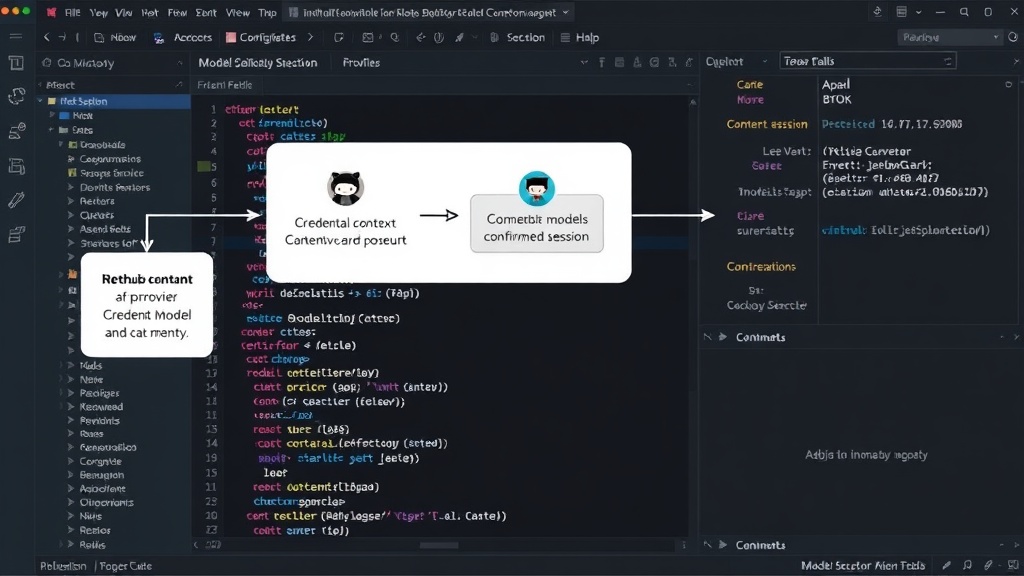
GitHub announced on July 14, 2026, that Copilot for JetBrains has expanded its bring-your-own-key (BYOK) capabilities. This update introduces a model selector, allowing users to choose between different AI models. The interaction between the BYOK provider selection and the model selector is designed as a dependent workflow. A user first selects a credential context, which then determines the available providers. Once a provider is chosen, a list of compatible AI models is presented. Confirming this selection leads to a confirmed session with the chosen model and provider.
This document outlines a proposed accessibility test plan for this new feature, focusing specifically on keyboard navigation and screen reader compatibility. It is important to note that this is a plan for testing, not a review of an existing product with known accessibility defects. The goal is to ensure that users who rely on keyboard input or assistive technologies can effectively manage their Copilot configuration.
Accessibility Testing for Keyboard Users
For keyboard-only users and screen reader users, interacting with the BYOK provider and model selector requires careful consideration. The primary objective is to ensure that all interactive elements are reachable, operable, and understandable via keyboard input alone. This includes:
- Discoverability: Users must be able to easily locate and identify the controls for selecting the BYOK provider and the AI model. This means clear labeling and logical tab order.
- Operability: All options within the provider and model selection workflows must be actionable using standard keyboard commands (e.g., Tab, Shift+Tab, Enter, Spacebar, Arrow keys for dropdowns).
- Understandability: Users must receive clear feedback about their selections, including the current provider, the available models, and the outcome of their choices (e.g., session confirmed, changes saved, or cancelled).
Testing the BYOK Provider Control
The BYOK provider control is the initial point of interaction. A keyboard user should be able to tab to this control. Once focused, they should be able to:
- Discover its name and current value (e.g., "BYOK Provider: Azure OpenAI").
- Activate the control to reveal a list of available providers. This list should behave like a standard dropdown or select menu.
- Navigate through the list of providers using arrow keys.
- Select a provider by pressing Enter or Spacebar.
- Commit the selection or cancel the operation.
- Understand the state of the control after interaction (e.g., if a provider was successfully selected or if the operation was aborted).
A critical aspect here is that the provider control and its options must be fully navigable without needing to resort to a mouse. The visual presentation should clearly indicate focus states for keyboard navigation.
Testing the Model Selector Workflow
The model selector is dependent on the BYOK provider selection. Once a provider is chosen, the model selector should update to show only compatible AI models. The workflow is sequential:
- After selecting a provider, the focus should ideally move to the model selector control, or the user should be able to tab to it immediately.
- The model selector control must clearly indicate its purpose and current selection (e.g., "AI Model: gpt-4-turbo").
- Activating the model selector should reveal a list of compatible models.
- Keyboard navigation within this model list must be fully supported, mirroring the interaction with the provider list (arrow keys, Enter/Space to select).
- Users must be able to commit their model selection, which would then confirm the session with the chosen provider and model.
- A cancel option must be available at each stage of the workflow to allow users to exit without making changes.
The surprising detail here is not the introduction of BYOK or model selection itself, but the explicit focus on testing this dependent workflow for keyboard accessibility. Often, complex configuration interfaces can inadvertently create barriers for users who cannot use a mouse. This plan aims to prevent such issues proactively.
Understanding Dependent Workflows
The core of this feature's accessibility challenge lies in its dependent nature. Think of it less like two independent dropdowns and more like a guided sequence. If the first step (provider selection) isn't fully accessible, the second step (model selection) becomes unreachable. Therefore, testing must validate the entire flow:
- Tab Order: Ensure a logical and predictable tab order from the initial Copilot settings entry point, through the provider selection, to the model selection, and finally to confirmation or cancel buttons.
- Focus Management: When a new list of options appears (providers or models), focus should be managed appropriately to allow immediate keyboard interaction with the new elements.
- State Changes: The UI must clearly communicate changes in state, such as when the list of available models updates based on provider selection. Screen readers should announce these changes.
- Error Handling: If a selection leads to an invalid state or an error, this must be clearly communicated to the user via accessible means.
What This Means for Users and Developers
For users of GitHub Copilot in JetBrains IDEs, this update offers greater control over their AI coding assistant, allowing them to leverage their own existing key management infrastructure and choose the specific models that best suit their needs or compliance requirements. For developers building or maintaining IDE plugins and extensions, this highlights the increasing importance of accessible configuration interfaces. The model selector and BYOK provider represent a complex, multi-step user interface that demands rigorous accessibility testing to ensure inclusivity.
The unanswered question here is how GitHub plans to integrate this accessibility testing into their ongoing development lifecycle for Copilot. Will these tests become part of automated CI/CD pipelines, or will they remain manual checks performed by dedicated QA teams?