The Promise of the Agentic IDE
The software development landscape is rapidly evolving, driven by advancements in artificial intelligence. At the forefront of this shift is the concept of the 'Agentic IDE' – an integrated development environment that moves beyond mere code completion to actively assist developers in complex tasks. This paradigm promises to change how we write, debug, and manage code, acting less like a tool and more like an intelligent partner. Two prominent contenders are emerging in this space: the standalone GitHub Copilot App and Jetbrains' integrated AI Assistant (formerly known as GitHub Copilot for Jetbrains). This comparison dives into their current capabilities, user experiences, and the implications for developers.
For years, developers like myself, particularly those in the Java ecosystem, relied heavily on robust IDEs such as IntelliJ. These environments offered deep integration, extensive plugin support, and an intuitive workflow. The introduction of AI code assistants, like the original GitHub Copilot, initially felt like an add-on. While useful for autocompletion and generating snippets, its integration within the existing IDE structure often relegated it to a secondary function. The ingrained habit of reaching for external search engines for more complex queries persisted, overshadowing the AI's potential.
GitHub Copilot App: Prompt-First Development
The advent of the dedicated GitHub Copilot App marked a significant shift. The promise was to place prompting and conversational AI at the core of the development experience, rather than as an afterthought. My initial foray involved simple commands: asking the AI to run a Spring Boot application or to open Swagger documentation. These straightforward tasks quickly highlighted the app's potential. For instance, on a laptop lacking the correct Java version, the Copilot app was able to identify the issue and guide me through the necessary setup, demonstrating a level of proactive problem-solving beyond basic code generation.
The Copilot app's interface is designed around natural language interaction. Users can pose questions, request code generation, ask for explanations, and even delegate entire tasks like refactoring or unit test creation. This conversational approach aims to lower the barrier to entry for complex operations and accelerate the development cycle. It's akin to having a senior developer on call, ready to tackle specific coding challenges or provide insights on demand. The clarity and directness of its responses, especially when dealing with environment setup or understanding unfamiliar libraries, proved invaluable.
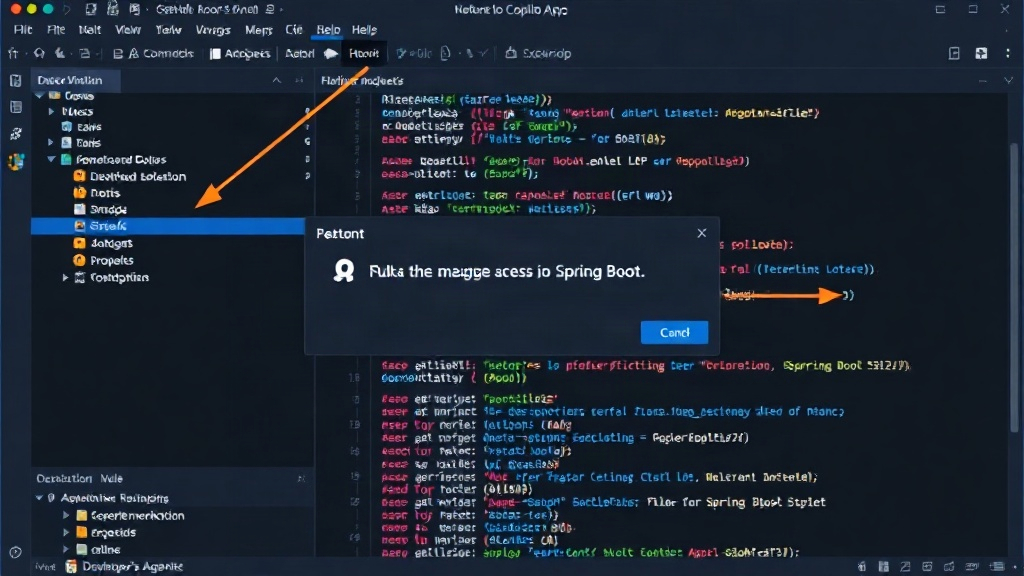
However, the standalone nature of the app also presents challenges. While it can interact with your local environment, it doesn't fundamentally alter the underlying IDE's workflow. Developers still need to switch contexts, manage their primary IDE, and integrate the Copilot app's outputs. The experience can feel bifurcated, particularly for those accustomed to a single, unified development environment. The true power of an agentic IDE lies in its seamless integration, and the standalone app, while powerful, is still a step away from that ideal.
Jetbrains AI Assistant: Integrated Intelligence
Jetbrains, a company long synonymous with developer productivity, has integrated its AI Assistant directly into its suite of IDEs, including IntelliJ IDEA. This approach leverages the existing, deeply entrenched workflows that millions of developers rely on daily. Instead of a separate application, the AI Assistant is a feature within the IDE, accessible through context menus, chat interfaces, and inline suggestions.
The benefit of this integration is immediate: context awareness. The Jetbrains AI Assistant understands the project structure, the codebase, and the specific file being edited. This allows it to provide highly relevant suggestions and perform tasks with a deeper understanding of the project's requirements. For example, asking it to generate unit tests for a specific class yields results that are far more tailored than a generic request to an external tool. It can also explain code, suggest refactorings, and even help debug issues by analyzing stack traces within the IDE itself.
The experience is less about learning a new interface and more about enhancing the existing one. Developers can highlight a block of code and ask the AI to explain it, rewrite it in a different style, or add comments. This contextual power is where the