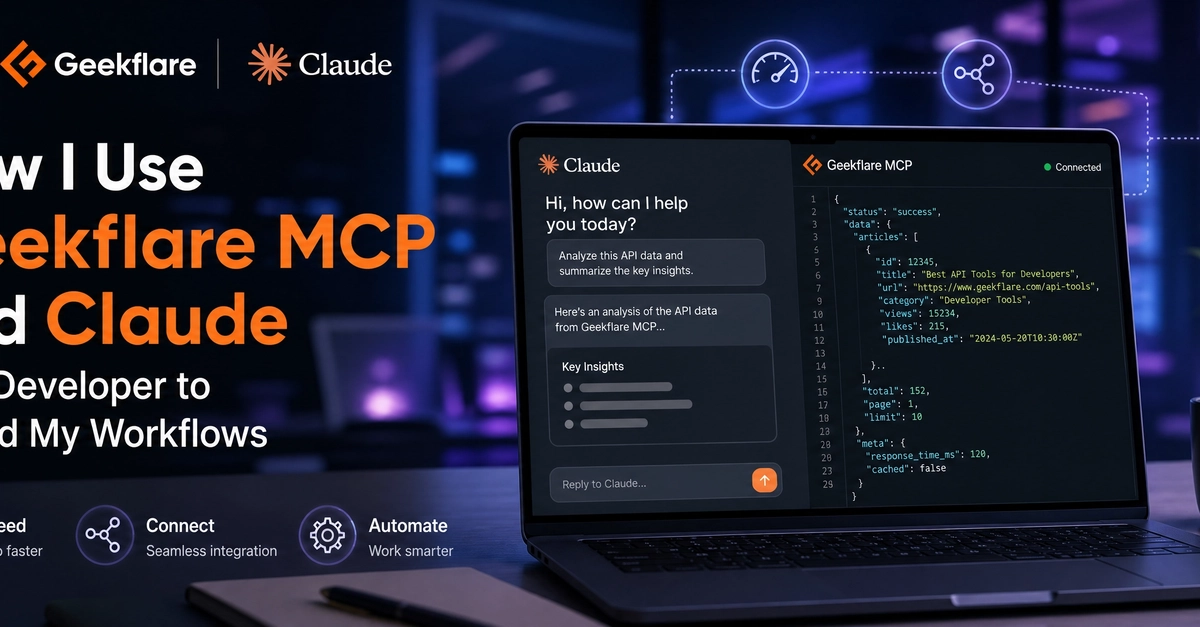
From Tab Hopping to Prompt Engineering: A Developer's Workflow Revolution
The daily grind for many developers involves a dizzying array of specialized tools. Imagine juggling over six browser tabs just to verify a single deployment: one for performance metrics (PageSpeed Insights), another for SSL certificate validity (SSL Labs), a third for API endpoint checks (Postman), and a terminal window for DNS lookups. This constant context switching, especially under tight client deadlines, is a significant productivity killer. The friction of navigating these disparate tools adds up, eroding momentum and increasing the potential for errors.
This fragmented workflow is precisely what Geekflare MCP, when integrated with Claude Desktop, aims to solve. By connecting these powerful Geekflare tools to an AI assistant like Claude, developers can now execute these complex checks using simple, plain-English prompts. The result is a unified chat interface where intricate technical validations become as straightforward as asking a question.

How Geekflare MCP Bridges the Gap
Geekflare MCP acts as a managed server that bridges the gap between Geekflare’s extensive suite of developer tools and AI assistants such as Claude. This integration allows developers to leverage tools for web scraping, taking screenshots, performing meta scraping, and conducting DNS lookups directly within their Claude chatbot interface. Instead of manually opening and operating each tool, developers can simply prompt Claude, which then orchestrates the necessary Geekflare tools in the background.
The setup process involves connecting your Claude instance to Geekflare MCP. Once established, the synergy allows for rapid data retrieval and analysis. For instance, a developer might prompt Claude with something like, "Check the SSL certificate and DNS records for example.com and report any issues." Claude, powered by Geekflare MCP, would then query the relevant Geekflare tools, synthesize the results, and present a concise summary back to the developer.
Key Tools and Use Cases
The power of this integration lies in the breadth of Geekflare’s toolset that becomes accessible via natural language. Developers can harness these capabilities for a variety of critical tasks:
- Performance Analysis: Instead of manually running PageSpeed Insights, a developer can ask Claude to "Analyze the performance of example.com and suggest improvements." This provides immediate insights into loading speeds, Core Web Vitals, and optimization opportunities.
- SSL Certificate Verification: The tedious task of checking SSL certificate expiration dates and validity is replaced by a prompt like, "Verify the SSL certificate for example.com is valid and not expiring soon."
- API Testing: Postman-like checks can be initiated by asking, "Test the API endpoint POST /users on example.com with the following payload." This allows for quick validation of API responses and statuses.
- DNS Lookups: Gathering information like A records, MX records, or CNAME records is simplified. A prompt such as, "What are the DNS A records for example.com?" returns the necessary information instantly.
- Web Scraping and Meta Scraping: Developers can extract specific data from websites or retrieve meta tags (like titles, descriptions, and keywords) using prompts, eliminating the need for custom scripts or dedicated scraping tools for many common tasks.
- Screenshotting: Visual verification of web pages across different viewports or states can be requested via prompts like, "Take a screenshot of example.com on a mobile viewport."
The Advantage of Contextual AI
The true advantage of using Claude with Geekflare MCP isn't just the consolidation of tools; it's the contextual understanding provided by the AI. Claude can interpret complex requests, chain multiple tool executions, and present findings in a human-readable format. This moves beyond simple command execution to intelligent task automation. For example, if an API test fails, a developer could follow up with, "Why did the API POST /users request fail?" and Claude could potentially analyze the error response provided by the Geekflare tool to offer a diagnosis.
This intelligent interaction significantly reduces the cognitive load on developers. They spend less time remembering specific tool commands or navigating complex UIs and more time focusing on problem-solving and code. The ability to have a conversational back-and-forth with the AI about technical issues streamlines debugging and enhances overall development velocity. It’s less like using a tool and more like collaborating with an exceptionally knowledgeable assistant.
Beyond the Hype: Real-World Impact
For developers shipping client work, the impact is tangible. Reducing the time spent on routine checks frees up hours each week. This directly translates to faster project turnaround times, improved client satisfaction, and the capacity to take on more projects. The reduced friction also lowers the barrier to performing thorough checks, encouraging developers to be more diligent about performance, security, and API integrity.
The integration also democratizes access to powerful diagnostic tools. Developers who might not be deeply familiar with every nuance of tools like SSL Labs or Postman can still leverage their capabilities through intuitive prompts. This makes advanced technical validation more accessible across development teams, regardless of individual tool expertise. The surprising detail here is not the consolidation of tools, but how natural language prompts can unlock sophisticated technical diagnostics for a broader audience of developers.
The Future of Developer Workflows
This combination of a managed tool server and a powerful AI assistant represents a significant step forward in developer productivity. As AI models continue to improve and integrations become more seamless, we can expect to see even more sophisticated workflows emerge. The ability to converse with our development environments, asking them to perform complex actions and provide intelligent analysis, is no longer science fiction. It’s a rapidly evolving reality that promises to reshape how software is built and maintained.
What remains to be seen is how widely this paradigm shift will be adopted and how quickly other tool providers will follow suit. The potential for a truly AI-native development experience, where complex technical tasks are managed through natural language, is immense. Developers who embrace these new ways of working will undoubtedly find themselves ahead of the curve.