Beyond the Docs: Feeling Framer Motion Animations
Framer Motion’s documentation meticulously lists every prop. Yet, for developers building dynamic user interfaces, understanding the practical impact of animation properties like stiffness and damping, or grasping the fundamental distinction between a tween and a spring animation, remains an experiential challenge. The official docs can’t replicate the tactile feedback of seeing a UI element react in real-time. To bridge this gap, a new interactive playground has been developed, offering live demos with accompanying code snippets, allowing developers to directly manipulate parameters and observe immediate results.
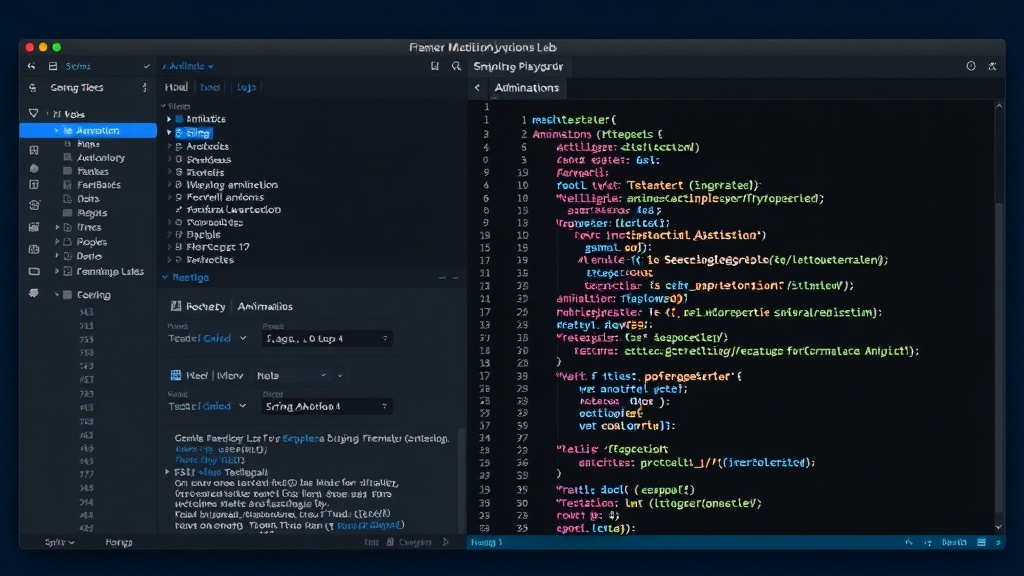
This initiative, available at framer-motion-lab.vercel.app, and with its source code published on GitHub (dev48v/framer-motion-lab) using React 19 and Framer Motion 11, focuses on making abstract animation concepts tangible. The core idea is to move beyond theoretical descriptions and provide a hands-on environment where developers can experiment with animation physics and timing.
The Core Distinction: Fixed Duration vs. Physics-Based Motion
The most significant insight offered by the playground lies in visualizing the fundamental difference between two primary animation paradigms: tweens and springs. A tween (short for in-betweening) operates on a fixed duration. This means an animation will always take precisely the same amount of time to complete, regardless of the distance the animated element needs to travel. If an object moves from point A to point B, and the duration is set to 1 second, it will always take 1 second, whether the distance is 10 pixels or 100 pixels. This predictable, clockwork behavior is ideal for simple transitions or timed sequences where precise timing is paramount.
The code for a basic tween animation in Framer Motion illustrates this: the duration prop is explicitly set, dictating the animation's endpoint in time. This predictability is a double-edged sword; while it ensures consistency, it can sometimes lead to animations that feel unnatural, especially when dealing with user interactions where the distance or force of an input might vary.
Understanding Spring Dynamics: Stiffness, Damping, and More
In contrast, spring animations introduce physics-based behavior. Instead of a fixed duration, these animations are governed by properties that simulate real-world forces, such as a spring’s elasticity and resistance. Key parameters include:
stiffness: This value determines how rigid the spring is. A higher stiffness means a tighter, faster spring that snaps into place more quickly, often resulting in more overshoot and oscillation. A lower stiffness creates a more relaxed, floppy spring that moves more slowly.damping: This property controls the resistance to motion. It dictates how quickly the oscillations of the spring die down. High damping will make the animation settle very quickly, while low damping will allow it to bounce for longer.mass: Analogous to the mass of an object attached to a spring, this affects how the spring reacts to forces. A larger mass will generally result in slower, more sluggish motion.fromandtovalues: These define the start and end points of the animation, similar to tweens, but the transition between them is governed by the spring’s physics.
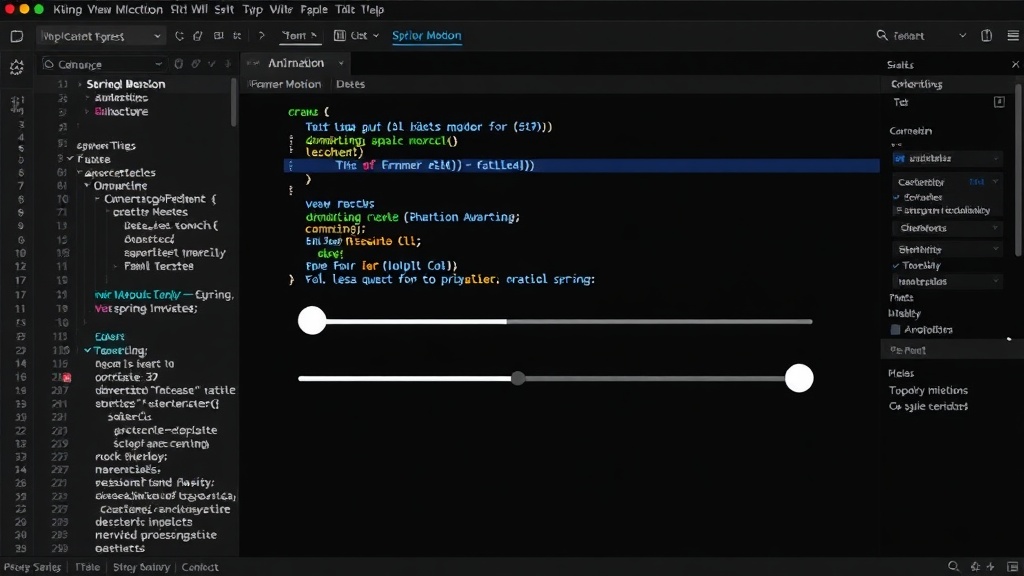
The playground allows users to adjust these sliders in real-time. Dragging a box, for instance, and observing how it settles back into its original position with varying degrees of bounce and speed provides an intuitive understanding that static documentation cannot convey. The interaction reveals how a high stiffness with low damping can lead to a rapid, bouncy effect, while low stiffness with high damping results in a slow, smooth settling.
Beyond the Basics: Additional Demos and Insights
The Framer Motion Lab doesn't stop at the fundamental spring-vs-tween comparison. It also explores other critical animation concepts:
1. Velocity-Based Animation
This demo showcases how animations can be driven by the velocity of a user's input, rather than a predefined duration or physics. When a user flings a box, the animation’s speed and endpoint are calculated based on the force and direction of that fling. This creates a highly responsive and natural feel, mimicking real-world momentum. Developers can experiment with how different initial velocities affect the animation's trajectory and settling time.
2. Keyframes Animation
Keyframes allow for complex, multi-stage animations. Instead of a single start and end point, developers can define a series of intermediate values (keyframes) that the animation will pass through. This enables the creation of intricate sequences, such as a bouncing ball that follows a specific path or a UI element that animates through several states. The playground demonstrates how to define these keyframes and control the timing and easing between each stage.
3. Scroll-Driven Animations
As web applications become more dynamic, scroll-triggered animations are increasingly important for guiding user attention and enhancing engagement. This section of the lab visualizes how elements can animate based on the user's scroll position within a container. Whether it’s fading elements in as they enter the viewport or parallax effects that move backgrounds at different speeds, scroll-driven animations offer powerful storytelling capabilities. The playground allows users to see how scroll progress maps directly to animation progress.
Implications for Developers and Designers
This interactive playground is more than just a collection of demos; it's a pedagogical tool designed to democratize the understanding of complex animation principles within Framer Motion. By providing immediate visual feedback for every adjustment, it empowers developers to make more informed decisions about which animation type and parameters best suit their specific use case. For designers, it offers a clear way to communicate desired animation behaviors to developers, moving beyond subjective descriptions to objective, tweakable parameters.
The ability to 'feel' the difference between a stiff, fast-snapping spring and a slow, gently damped one, or to see how a fixed-duration tween contrasts with a velocity-based interaction, significantly lowers the learning curve. It encourages experimentation and a deeper appreciation for the nuanced control Framer Motion offers. This hands-on approach is crucial for building modern, fluid, and engaging user experiences that feel polished and intuitive.