Amplify Environment Variable Pitfalls
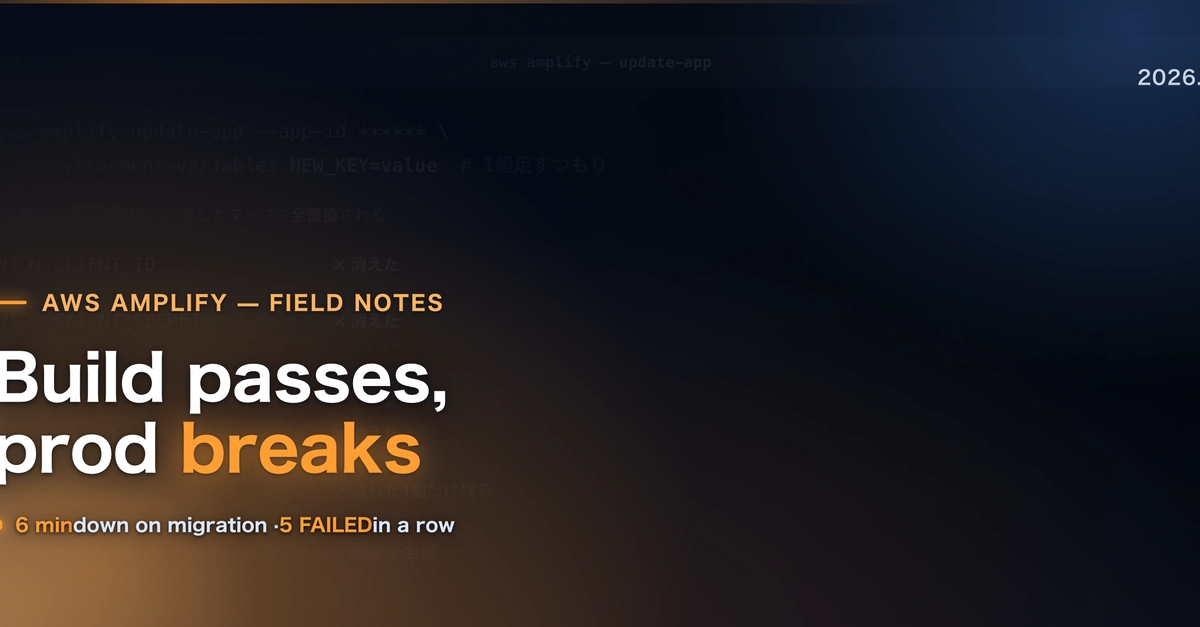
Deploying web applications on AWS Amplify Hosting, particularly with frameworks like Next.js, can present unique challenges. Between April and July 2026, I encountered recurring issues across multiple projects. One of the most disruptive failures involved AWS Amplify's handling of environment variables. The core problem lies in understanding how Amplify's environment variable APIs operate. Specifically, the update-app --environment-variables command does not append new variables to the existing set; it replaces the entire map with the one you provide. This behavior is counterintuitive for developers expecting to add a single variable. In my case, attempting to add a new variable inadvertently wiped out all existing production authentication variables, leading to a complete outage. This wasn't a one-off bug; I repeated this mistake across different projects, highlighting the need for explicit confirmation of API behavior before execution. The fix requires not just correcting the variable set but also performing a full rebuild after applying the changes to ensure the new environment variables are recognized and utilized by the deployed application.
To avoid this, always fetch the current environment variables, merge your new variables into that fetched map, and then update Amplify with the complete, merged map. Treat environment variable updates as atomic operations that require a full replacement of the existing configuration rather than incremental additions. This approach ensures that no variables are accidentally deleted and that the deployed application always has the correct, complete set of environment configurations.
Build Success, Runtime Failure: The Mysterious 500 Errors
Another persistent failure pattern was observing builds pass successfully on Amplify Hosting, only for the application to return HTTP 500 errors at runtime. This disconnect between a seemingly healthy build process and a non-functional application is particularly vexing. The root cause often stems from dependencies or configurations that are present and validated during the build phase but are missing or misconfigured in the runtime environment. For Next.js applications, this can include issues with serverless function configurations, missing environment variables that are only accessed at runtime, or subtle incompatibilities with the Amplify execution environment that are not caught by the build tools.
The critical lesson here is that a green build on Amplify does not guarantee a 500-free runtime. Developers must implement robust runtime testing and monitoring. This includes simulating runtime conditions locally as closely as possible and leveraging Amplify's built-in logging and debugging tools to pinpoint the exact cause of the 500 errors. Often, the error message within the runtime logs, though sometimes cryptic, holds the key. For instance, a common culprit is a missing environment variable that the application tries to access during request handling, leading to an unhandled exception and the dreaded 500 response. Rigorous post-build testing, specifically targeting runtime behavior, is essential to prevent these failures from impacting users.
The Insidious Nature of Silent Outages
Silent outages are perhaps the most dangerous type of failure because they go unnoticed until users report them, or worse, until they cause significant business impact. On Amplify Hosting, these can manifest in various ways, such as intermittent API failures, slow response times that don't trigger alerts, or features that simply stop working without any visible error messages in the build or deployment logs. The challenge with silent outages is their lack of clear indicators. They often arise from subtle shifts in underlying AWS services, unexpected load on resources, or race conditions that only occur under specific traffic patterns.
Preventing silent outages requires a proactive approach to monitoring. This means implementing comprehensive end-to-end monitoring that goes beyond build and deployment status. It involves synthetic monitoring to simulate user interactions, real-user monitoring (RUM) to track performance and errors from the user's perspective, and detailed application performance monitoring (APM) for backend services. For Amplify applications, this translates to setting up CloudWatch Alarms on key metrics like Lambda error rates, API Gateway latency, and request counts. It's also crucial to establish health check endpoints within the application that are regularly polled by external monitoring services. Without this layered monitoring strategy, applications can be subtly failing for hours or days before discovery, eroding user trust and potentially impacting revenue.
Domain Migration Complexities and Stale Allocations
Migrating domains on AWS Amplify Hosting, especially when CloudFront is involved, revealed another recurring failure point: stale CloudFront allocations. When you change the domain associated with your Amplify app, Amplify orchestrates updates to the underlying CloudFront distribution. However, if a previous domain configuration or distribution was not cleaned up properly, or if there are underlying caching issues, the migration process can stall or result in the new domain pointing to outdated content or failing entirely. This issue is compounded by the fact that CloudFront's propagation and invalidation processes can take time, and misconfigurations during a migration can leave the system in an inconsistent state.
The key to successfully migrating domains on Amplify lies in meticulous preparation and verification. Before initiating a migration, it's essential to ensure that any previous domain configurations within Amplify and associated CloudFront distributions are fully removed or updated. This might involve manually clearing DNS records, invalidating CloudFront caches, and confirming that the Amplify app is no longer associated with the old domain in any capacity. After the migration, thorough testing of the new domain is critical. Verify that the correct content is served, SSL certificates are active, and all sub-paths function as expected. If issues arise, the first step should be to check the CloudFront distribution status and logs for errors, and to perform a full cache invalidation. Understanding that CloudFront allocations can persist and cause conflicts is vital for a smooth domain transition. This experience underscores the importance of treating infrastructure changes, especially those involving CDNs and DNS, with extreme care and always verifying the outcome.
Conclusion: Proactive Vigilance on Amplify
These four failure categories—environment variable mismanagement, build-pass-runtime-fail scenarios, silent outages, and domain migration complexities—represent significant hurdles that can be repeatedly encountered on AWS Amplify Hosting. They are not necessarily flaws in Amplify itself, but rather common pitfalls arising from a lack of deep understanding of how its various components interact and how its APIs behave under different conditions. By internalizing these lessons, developers can adopt more robust deployment and monitoring strategies. Always confirm API behaviors, implement comprehensive runtime testing, establish multi-layered monitoring, and meticulously manage infrastructure changes like domain migrations. Proactive vigilance and a deep understanding of the underlying services are the best defenses against these recurring failures.