The Critical Distinction: Chat Agent vs. Remote Shell
A common point of confusion, especially in free-tier development environments, is the conflation of a chat agent's conversational state with the state of a remote shell process. These are not the same machine, nor do they share memory, current working directory (cwd), or lifespan. Understanding this fundamental difference is key to debugging and building reliable agent-assisted workflows.
This article aims to debunk five persistent myths circulating about agent state on remote servers. We will focus on verifiable facts derived from process state, not on subjective model performance or unprovable claims about latency or pass rates. The goal is to provide concrete, actionable checks that any developer can run on a Linux-like host.
What This Article Is Not
To be clear, this is not a comparative analysis of different AI models. We will not engage in a "model beauty contest" or offer lectures on cloud pricing. Our focus remains strictly on the observable state of processes and the systems they run on. You will not find unverified quotas or comparisons of models that cannot be precisely pinned down. Instead, we will present receipts for process state that can be independently verified.
The Two Surfaces of a Coding Agent
A coding agent, for our purposes, operates on two distinct surfaces:
- The Chat Surface: This is where the agent's conversational context resides. It's the memory of the dialogue, the instructions provided, and the agent's internal reasoning process. This state is managed by the LLM provider and is not directly accessible or observable as a distinct process on your remote server. When an agent "claims" a file exists, it's reporting its understanding based on its training data and the context of the conversation, not necessarily an immediate, real-time check of the server's filesystem.
- The Execution Surface: This is the actual remote server or shell environment where commands are executed. This surface has its own independent state, including running processes, file system contents, network connections, and memory usage. When you ask an agent to perform an action, it often translates that request into commands that run on this execution surface.
Myth 1: The Agent's "Memory" is Server Memory
The Myth: The context window or memory of a chat agent is stored directly in the RAM of the remote server where commands are executed.
The Reality: The agent's conversational memory resides with the LLM provider. Your remote server's memory is dedicated to the operating system, running shell processes, and any other applications you've deployed. The agent "remembers" by having its conversational history re-sent with each turn, or through more sophisticated context management techniques employed by the LLM provider. It does not occupy RAM on your target server.
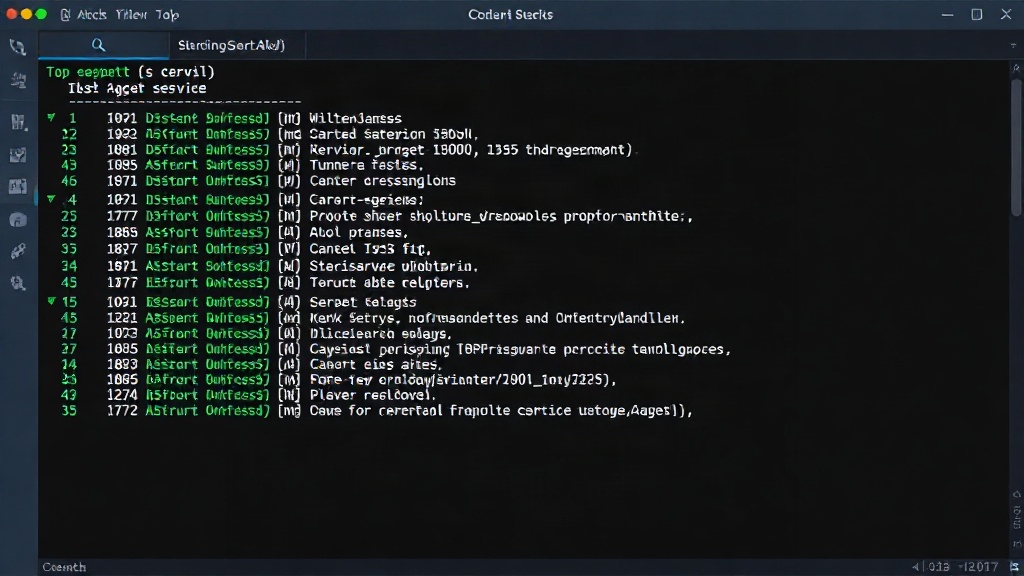
Verification: On your remote server, use the top or htop command to monitor memory usage. You will see processes related to your shell (e.g., bash, zsh), your applications, and the OS. You will not see a process directly corresponding to the LLM's conversational state.
Myth 2: The Agent's Current Working Directory (CWD) is the Server's CWD
The Myth: When an agent refers to files or paths, its current working directory is the same as the shell's current working directory on the remote server.
The Reality: The agent operates within the context of its chat interface. When it generates commands, it must explicitly specify paths or change directories. If it doesn't, commands might execute in the default directory of the tool executing them (e.g., the root of a temporary execution environment, or the directory where the agent's execution framework is set up). The agent doesn't inherently "know" or share the shell's current directory unless explicitly programmed to do so or informed by the output of a previous command.
Verification: Execute a command like pwd in your remote shell. Then, ask the agent to perform an action that implicitly relies on the CWD, such as listing files in the current directory without specifying a path. Compare the agent's reported output or actions with the actual output of pwd on your server. If the agent lists files from a different directory than your shell's CWD, this myth is busted.
Myth 3: Agent Lifespan is Tied to Server Lifespan
The Myth: An agent's conversational session or its ability to act persists as long as the remote server is online.
The Reality: The agent's lifespan is determined by the LLM provider's session management and your interaction pattern. A server can be online indefinitely, but an agent's session might expire due to inactivity, a timeout set by the provider, or a manual reset. Conversely, an agent session could theoretically be active even if the specific server instance it last commanded has been terminated, as its state is stored remotely.
Myth 4: The Agent "Sees" the Server Filesystem Directly
The Myth: The agent has direct, real-time access to browse and understand the entire filesystem of the remote server. The Reality: The agent doesn't "see" the filesystem in the way a logged-in user does. It can only act upon information it receives. This information typically comes from: 1) commands you explicitly ask it to run (e.g., Verification: Create a hidden file (e.g., The Myth: An agent's multi-step command sequence executes as a single, atomic transaction, ensuring the server's state is consistent throughout. The Reality: In reality, each command executed by an agent is a separate event on the server. If a multi-step process fails midway (e.g., due to a network glitch, a script error, or a server reboot), the server's state will be left inconsistent. There's no built-in transactionality unless you explicitly implement it using shell scripting features like Verification: Craft a simple two-step script: 1) create a file, and 2) attempt to read from it into another file. Introduce an error in the second step (e.g., a typo in the read command or a permission issue). Execute this via the agent. Observe the server state: the first file might be created, but the second operation fails, leaving the system in an incomplete state. This demonstrates that agent actions are not inherently atomic. Relying on an agent's claims without verification is a recipe for debugging nightmares. Always treat the agent's conversational state and the remote server's execution state as separate entities. Use explicit commands and monitor process states on the server to build robust and predictable agent-assisted workflows.ls, find), and 2) the output of those commands. If you don't ask it to list a directory, it doesn't know what's in it. Its "knowledge" is limited to what it has been told or what it can infer from command outputs.touch .secret_file) in a directory on your server. Ask the agent to list all files in that directory without specifying the hidden files. It will likely not report .secret_file. Then, ask it to run ls -a in that directory. Only then will it "see" the hidden file, demonstrating its reliance on explicit command execution.Myth 5: Agent Actions are Atomic and Server-State Consistent
set -e or more robust orchestration tools.Conclusion: Verifiable State is Key