
Understanding Firestore's Billing Model
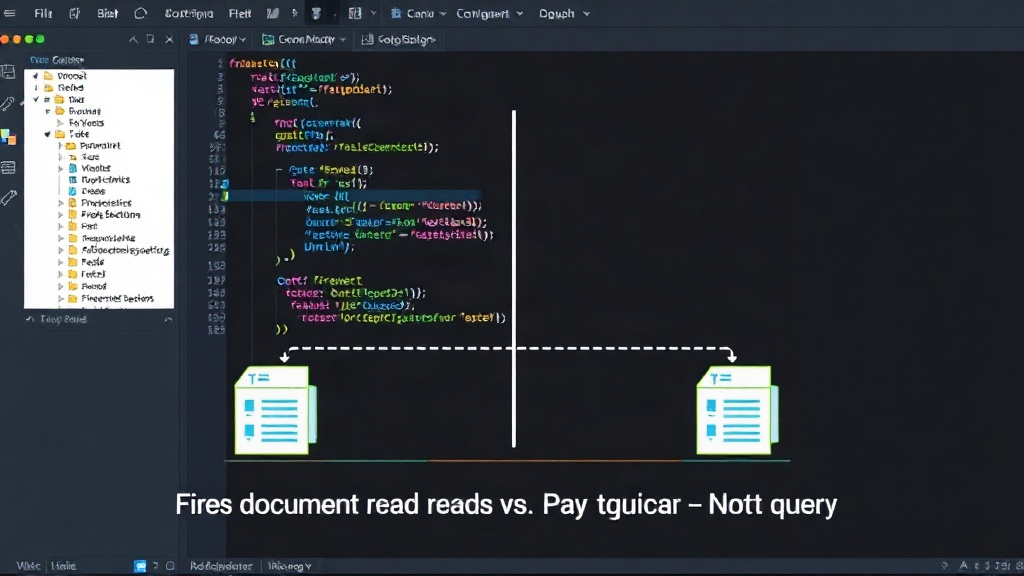
Firestore's pricing is not an afterthought; it's a fundamental constraint that shapes your application's architecture from schema design to data fetching. The core unit of billing is the document operation—specifically, reads, writes, and deletes. This is critical to internalize: you pay for each document accessed, not for the query that retrieves it, the bytes transferred, or the connection maintained.
The pricing structure is straightforward: you are charged per document read, write, and delete. Storage is billed by GiB-month, and data egress incurs costs. For context, using indicative Blaze plan rates in a US multi-region, you're looking at approximately $0.06 per 100,000 reads, $0.18 per 100,000 writes, and $0.02 per 100,000 deletes. Storage costs around $0.18 per GiB-month. Firestore offers a generous free tier, providing 50,000 reads, 20,000 writes, and 20,000 deletes daily, plus 1 GiB of stored data. However, these free tier limits can be consumed rapidly in applications with many users or frequent data updates.
A common misconception is that complex queries are expensive. The reality is that a query returning 100 documents costs exactly 100 read operations, irrespective of the document's size or the query's complexity. Conversely, a query that returns zero documents still incurs a minimum charge, typically equivalent to one read operation. This means that inefficient queries, such as those that fetch more data than necessary or repeatedly query for non-existent data, can quickly inflate your costs.
The implications of this model are profound. For developers accustomed to traditional SQL databases where billing is often based on query complexity, data scanned, or time, Firestore presents a different paradigm. Designing your application to be document-aware is paramount. This means structuring your data and fetch patterns to minimize redundant reads and writes. For instance, fetching a list of items and then fetching the details for each item individually will incur separate read operations for each detail document, in addition to the reads for the initial list.
Consider a social media feed. If each post is a document, fetching 50 posts for a feed requires 50 reads. If each post also contains a list of comments, and you decide to fetch the first 10 comments for each of those 50 posts, you're looking at an additional 500 reads (50 posts * 10 comments each). If a user clicks to view a post's full details, that's another read for the post document itself, and potentially more reads for associated data if not denormalized.
Schema Design for Cost Efficiency
The per-document billing model strongly encourages denormalization and strategic data duplication, concepts often avoided in relational database design. In Firestore, it's frequently more cost-effective to store related data within a single document or to duplicate data across multiple documents than to perform multiple queries to fetch that data. This is because a single read operation can fetch an entire document, even if it contains substantial amounts of nested data.
For example, if you have a `users` collection and a `posts` collection, and each post references a user, you might initially think of storing only the `userId` in the post document and fetching user details separately when needed. However, if user display names or profile pictures are frequently shown alongside posts, it's more economical to embed a snapshot of the relevant user information (like `displayName` and `profilePicUrl`) directly into each post document. This means that fetching 50 posts costs 50 reads, and you immediately have the user's display name and picture without needing 50 additional reads to the `users` collection.
The trade-off here is increased storage costs and potential data consistency challenges. When user information changes, you must update it across all posts where it's duplicated. This requires careful consideration of update frequency and the acceptable level of data staleness. Firestore's transactions and batched writes can help manage these updates atomically, but they also incur write operations.
Optimizing Data Fetching Patterns
Beyond schema design, your data fetching patterns are critical. Avoid fetching entire collections if you only need a subset of documents. Use query limitations (`limit()`) and pagination effectively. However, remember that each document fetched still counts as one read operation.
For lists where users might scroll infinitely, fetching data in batches is standard practice. If you fetch 20 documents per page, that's 20 reads. The next page is another 20 reads. This is generally more predictable than fetching a large number of documents at once. More problematic are queries that might unintentionally fetch many documents. For example, a search query that doesn't use appropriate indexes or filters could scan many documents before returning results, incurring reads for all scanned documents, not just the returned ones.
Firestore's `count()` operator for queries is a good example of how to get metadata without fetching full documents. A `count()` operation is billed as a single document read, regardless of how many documents match the query. This is significantly cheaper than fetching all the documents just to count them. Similarly, if you need to check for the existence of a document without retrieving its content, a `limit(1)` query can be used; it still costs one read operation but is more efficient than fetching the entire document if you only need to confirm its presence.
If your application frequently needs to aggregate data across many documents (e.g., calculating total sales for a day), consider implementing server-side aggregation or using denormalized summary fields. For instance, a `daily_sales_summary` document could be updated via a batched write or a cloud function whenever a sale occurs, storing the running total. Querying this single document for the daily total would cost just one read, rather than hundreds or thousands of reads to individual sale documents.
The Minimum Charge for Zero Results
A detail that often surprises developers is that a query returning zero documents still incurs a charge, typically equivalent to one read operation. This means that even if your filtering logic results in no matches, you're still paying for the query execution and the document scan. This reinforces the importance of efficient indexing and ensuring your queries are well-formed to avoid unnecessary scans, even if they yield no results. For applications with a very high volume of queries that might often return empty sets, this can add up.
When to Reconsider Firestore
While Firestore is powerful, its per-document billing model can become a significant cost factor for applications with extremely high read/write volumes or those that cannot easily adapt their data fetching patterns to be document-centric. Applications that inherently rely on complex, ad-hoc analytical queries across vast datasets might find relational databases or specialized analytical databases more cost-effective and performant. For instance, if your primary use case involves running aggregations across millions of records daily without pre-denormalized summaries, Firestore's pricing could become prohibitive.
Developers must proactively model their expected data access patterns and estimate costs during the design phase. Tools like the Firebase pricing calculator and understanding the free tier limits are essential. If your application's core functionality involves fetching large, unpredictable subsets of data or performing frequent, complex analytical queries that cannot be optimized through denormalization or summary fields, it may be prudent to explore alternative database solutions or hybrid approaches.