The Silent Killer of Developer Onboarding: Env Var Drift
Every engineering team encounters it: a new developer clones a repository, sets up their local environment, and the application immediately crashes. The culprit? A missing or mistyped environment variable, like REDIS_URL or STRIPE_WEBHOOK_SECRET. What should be a ten-second check devolves into a lengthy Slack archaeology expedition to find the correct configuration. This common failure mode isn't just frustrating; it's expensive, delaying onboarding and introducing bugs.
Sybil Gamble, a software engineer, experienced this recurring pain point and developed envalign, a small, zero-dependency Python CLI tool designed to keep your .env files, .env.example files, and actual code usage perfectly aligned.
How Envalign Tackles Configuration Chaos
Environment variable mismanagement typically fails in three predictable, yet costly, ways:
- Local Drift: The
.env.examplefile might list 40 required variables, but your local.envfile only has 35. The remaining five silently cause failures, often discovered late at night when a critical background job throws aKeyError. - Documentation Drift: A developer introduces a new environment variable, say
process.env.STRIPE_WEBHOOK_SECRET, directly in the code during a pull request. They forget to update the.env.examplefile. The next engineer to work on the project has no visibility into this new, essential configuration item. - Runtime Drift: The application expects a variable, but it's not present in the production environment. This is the most critical failure, leading to unexpected downtime and service interruptions.
Envalign addresses these issues by acting as a central arbiter for your application's configuration. It scans your project for three key sources of truth: the .env.example file, which serves as the template for required variables; your local .env file, which contains the actual values for local development; and the application's source code, where environment variables are referenced (e.g., via os.getenv() or process.env()).
Aligning Your Configuration Sources
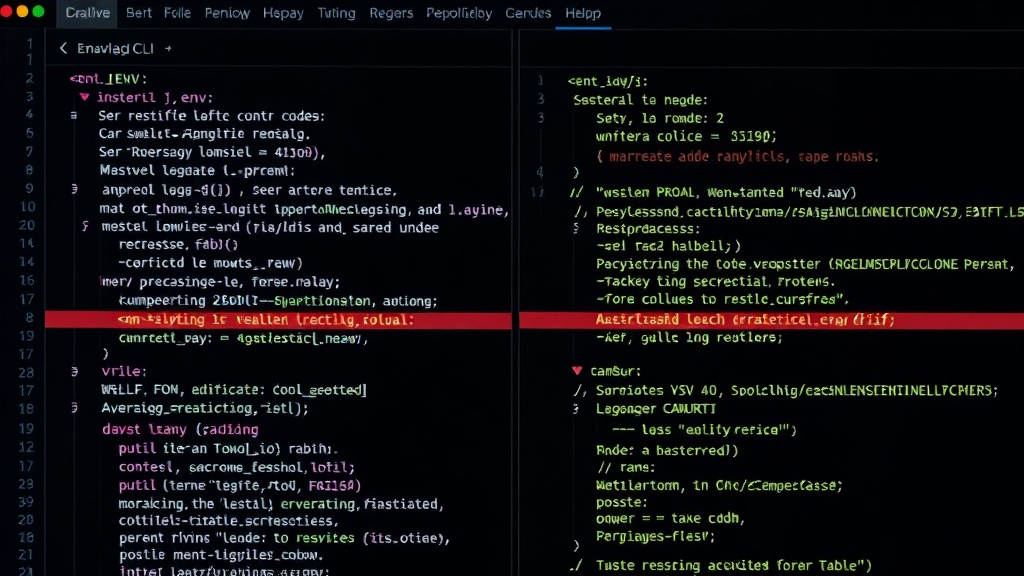
The core functionality of envalign is its ability to compare these sources and report any discrepancies. When you run the tool, it performs the following checks:
- Code vs.
.env.example: It identifies environment variables used in your code that are *not* present in your.env.examplefile. This catches undocumented requirements. - Code vs.
.env: It detects environment variables used in your code that are *not* present in your local.envfile. This highlights missing local configurations. .envvs..env.example: It flags variables present in your local.envfile that are *not* defined in your.env.example. This can help identify unnecessary or leftover variables in local setups..env.examplevs. Code: It finds variables listed in.env.examplethat are *never* actually used in your codebase. This helps clean up outdated or superfluous configuration items.
The tool is built in Python and requires no external dependencies, making it exceptionally easy to integrate into any Python-based project. Its command-line interface is straightforward, allowing for quick checks as part of pre-commit hooks or CI/CD pipelines.
Preventing Runtime Surprises
The most significant impact of envalign is its ability to prevent runtime failures. By ensuring that the variables defined in .env.example are consistently present and correctly referenced in the code, teams can have much higher confidence that their applications will behave as expected across different environments. If a variable is missing in production, it's far more likely to be a deliberate omission or a deployment configuration error, rather than a simple oversight in local development setup.
Think of envalign as an automated proofreader for your application's configuration. Instead of relying on human memory or ad-hoc checks, you have a tool that systematically verifies that all necessary environment variables are accounted for, documented, and used correctly. This simple alignment prevents the