
Global Query Filters Evolve into Named Query Filters in EF Core 10
Entity Framework Core (EF Core) has long provided a powerful mechanism for managing data access patterns through Global Query Filters. These filters act as LINQ query predicates that are automatically applied to all queries involving specific entity models. This capability is particularly beneficial for applications requiring robust data access controls, such as multi-tenant architectures or systems implementing soft deletion.
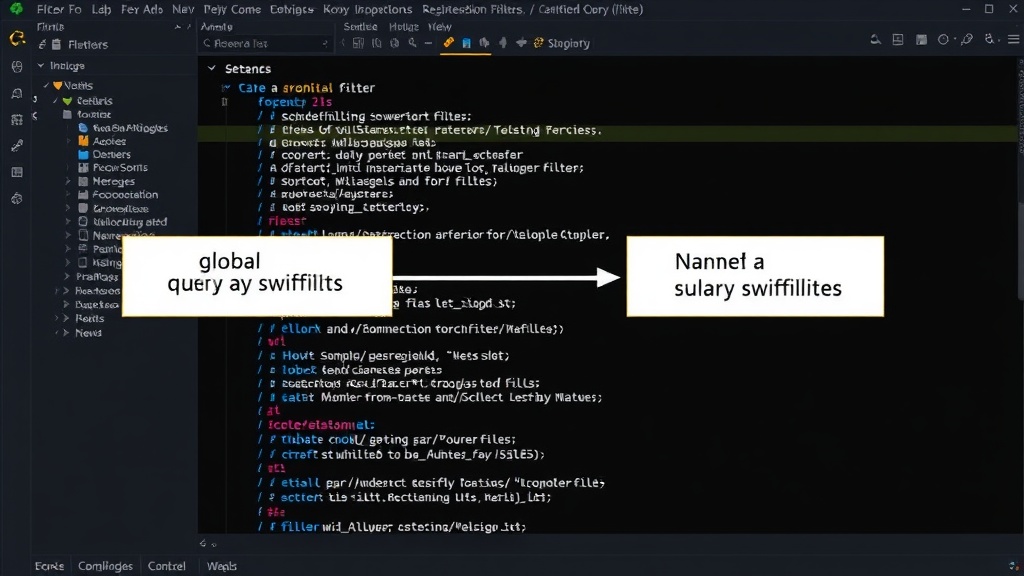
In the latest iteration, EF Core 10, this feature has undergone a significant renaming and enhancement. Global Query Filters are now known as Named Query Filters. This change is more than just a nomenclature update; it addresses a critical limitation that previously hampered EF Core's flexibility: the lack of support for applying multiple global query filters to a single entity simultaneously.
Understanding the Need for Query Filters
To appreciate the evolution, it’s helpful to revisit the core use cases that Global Query Filters were designed to address. Two prominent scenarios highlight their utility:
Soft Deletion
In many applications, data is not permanently deleted but rather marked as inactive or deleted. A soft delete mechanism prevents the physical removal of records, preserving historical data and simplifying recovery. Implementing soft deletion manually involves adding a boolean flag (e.g., IsDeleted) to each entity and ensuring that every LINQ query includes a .Where(e => !e.IsDeleted) clause. This repetitive addition of the same filter across numerous queries is not only tedious but also error-prone. A single oversight can lead to deleted records appearing in query results. Global Query Filters automate this by ensuring the filter is applied by default to all queries targeting that entity, effectively abstracting away the complexity from the developer.
Multi-Tenancy
Multi-tenant applications serve multiple distinct groups of users (tenants) from a single instance of the application and database. Each tenant's data must be isolated to prevent unauthorized access or interference. A common approach is to include a TenantId property in relevant database tables. Developers must then ensure that all queries are filtered by the current tenant's ID, for example, using .Where(e => e.TenantId == currentTenantId). Similar to soft deletion, failing to apply this filter consistently can lead to data leakage between tenants. Global Query Filters provide a centralized way to enforce this tenant isolation, making the data access layer more secure and maintainable.
The Limitation: Multiple Filters on One Entity
While the original Global Query Filters were effective for single-purpose filtering (like soft deletion OR multi-tenancy), they struggled when an entity needed to adhere to multiple such constraints simultaneously. For instance, a multi-tenant application might also implement soft deletion for its entities. Previously, EF Core could only apply one global filter per entity. Developers had to choose between enforcing soft deletion globally or tenant isolation globally, and then manually add the other filter to specific queries. This negated much of the benefit of global filters, reintroducing the risk of manual errors and increasing code complexity.
Introducing Named Query Filters in EF Core 10
The introduction of Named Query Filters in EF Core 10 directly resolves this critical limitation. The renaming signifies a shift in capability. Instead of a single, implicit global filter, developers can now define and apply multiple, named filters to an entity. Each named filter can encapsulate a specific data access concern, such as soft deletion or tenant isolation.
The configuration of Named Query Filters typically involves:
- Defining the filter expression (e.g.,
e => e.IsDeleted == falseore => e.TenantId == tenantId). - Assigning a unique name to this filter.
- Registering these named filters with the
DbContextOptionsBuilderor within theOnModelCreatingmethod of yourDbContext.
When querying an entity, developers can now explicitly choose which named filters to apply, or the system can be configured to apply a default set of named filters. This provides a much more granular and flexible approach to data access control. For a soft-delete scenario, you could have a named filter called SoftDeletedFilter. For multi-tenancy, a TenantFilter. An entity could be configured to use both by default, or a developer could opt to apply only the TenantFilter for a specific query if business logic dictated.
Benefits and Implications
The shift to Named Query Filters offers several advantages:
- Enhanced Flexibility: The ability to apply multiple, distinct filters to a single entity without manual intervention significantly increases the framework's adaptability to complex application requirements.
- Improved Maintainability: Centralizing complex filtering logic reduces code duplication and makes the codebase easier to understand and maintain.
- Reduced Errors: Automating the application of crucial data access rules, like tenant isolation or soft deletion, minimizes the risk of security vulnerabilities or data integrity issues caused by developer oversight.
- Clearer Intent: Naming the filters explicitly clarifies the purpose of each data access constraint, improving code readability.
For developers working with EF Core, this update means a more powerful and robust way to manage data access. It removes a previously significant barrier for building sophisticated applications that require concurrent data filtering strategies. If you are building or maintaining multi-tenant applications, systems with soft delete, or any application with complex data segregation requirements, understanding and adopting Named Query Filters in EF Core 10 will be crucial.