The Edge AI Wall is Real
You've trained a fantastic machine learning model. It's accurate, it's compact, and it hums along perfectly on your development machine. Then, you deploy it to an Android device. Suddenly, the user interface freezes, the device overheats, and your smooth 30 frames per second (FPS) demo devolves into a jarring 2 FPS slideshow. This is the 'Edge AI Wall.'
Implementing real-time AI on Android is far more than just calling a model's inference method. It demands high-performance systems engineering. To transition from a 'cool demo' to a 'production-grade product,' you must shift your perspective. Stop viewing AI as an isolated black box. Instead, understand it as a data transformation stream. You're orchestrating the conversion of a high-frequency stream of raw photons from a CMOS sensor into semantic meaning—labels, bounding boxes, or embeddings—all while battling the brutal constraints of limited thermal headroom, battery life, and processing power inherent to mobile devices.
From Pixels to Predictions: The Pipeline Approach
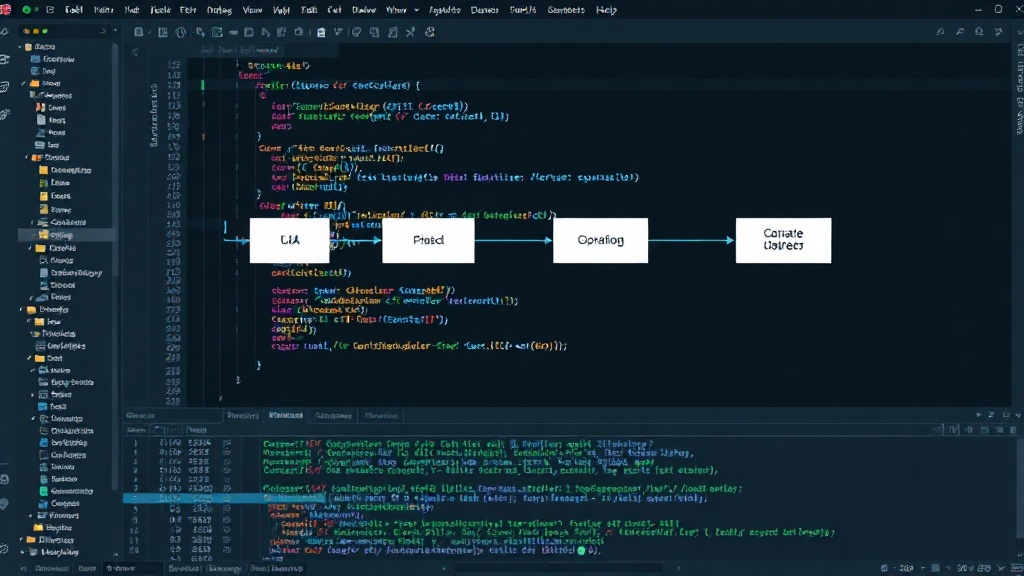
The core challenge lies in efficiently processing the continuous flow of image data. This isn't a single, isolated computation but a pipeline. Each stage must be optimized to minimize latency and resource consumption. This pipeline typically involves:
- Camera Input: Capturing frames from the device's camera.
- Preprocessing: Resizing, normalizing, and formatting the image data to match the model's input requirements.
- Inference: Running the machine learning model on the preprocessed data.
- Postprocessing: Interpreting the model's raw output (e.g., converting logits to class labels, drawing bounding boxes).
- Display/Action: Rendering the results on the UI or triggering an action.
Traditional approaches often treat these stages as sequential, blocking operations. A slow preprocessing step halts the entire pipeline, leading to dropped frames. A bottleneck in inference or postprocessing has the same effect. The key to overcoming the Edge AI Wall is to design this pipeline asynchronously and efficiently.
Leveraging CameraX for Efficient Frame Capture
Android's CameraX library is instrumental in building robust camera pipelines. It abstracts away device-specific complexities and provides a consistent API for camera operations. For edge AI, its key benefits include:
- Lifecycle Awareness: CameraX integrates seamlessly with Android's Activity and Fragment lifecycles, preventing resource leaks and ensuring the camera is active only when needed.
- Asynchronous Operations: It allows you to set up image analysis use cases that receive frames independently of the UI thread. This is crucial for feeding data to your AI model without blocking the main thread.
- Image Analysis Use Case: This specific use case provides access to camera frames in a format suitable for machine learning preprocessing. You can configure callbacks to receive these frames efficiently.
By using CameraX's ImageAnalysis use case, you can set up a listener that receives camera frames as ImageProxy objects. This object provides direct access to the image buffer, often in YUV format, which is typically what camera sensors output. The critical step is to process this buffer quickly and release it to CameraX so it can capture the next frame.
Optimizing with TensorFlow Lite (TFLite)
TensorFlow Lite is the go-to solution for deploying machine learning models on edge devices. Its optimizations are specifically designed for mobile and embedded systems:
- Model Quantization: Reducing model size and computational requirements by using lower-precision arithmetic (e.g., 8-bit integers instead of 32-bit floats). This significantly speeds up inference and reduces memory footprint.
- Hardware Acceleration: TFLite can leverage specialized hardware accelerators available on many Android devices, such as GPUs and NPUs (Neural Processing Units), through delegates (e.g., GPU delegate, NNAPI delegate). This offloads computation from the CPU, drastically improving performance and reducing power consumption.
- Efficient Kernels: TFLite employs highly optimized C++ kernels for common operations, ensuring maximum performance on ARM architectures.
When integrating TFLite with CameraX, the goal is to minimize the overhead between frame capture and model inference. This means efficient conversion of the ImageProxy data to the format TFLite expects (often a Float32 or UINT8 tensor) and rapid execution of the TFLite interpreter.
Building the High-Performance Pipeline
The synergy between CameraX and TFLite is achieved by designing a data pipeline that prioritizes speed and resource efficiency. Here’s a conceptual breakdown:
1. Camera Capture and Frame Acquisition
Use CameraX’s ImageAnalysis use case. Configure it to provide frames at a reasonable rate, perhaps matching your model's optimal input FPS or slightly higher to allow for processing time. Crucially, set up the ImageProxy.close() call within your analysis callback. If you don't close the ImageProxy, CameraX will eventually stop delivering frames, as it runs out of available buffers.
2. Preprocessing on a Background Thread
The ImageAnalysis.Analyzer callback is invoked on a background thread managed by CameraX. This is the ideal place to perform preprocessing. However, if preprocessing is computationally intensive (e.g., complex resizing, augmentation), consider offloading it further to a dedicated background thread pool (like Kotlin Coroutines or Java's `ExecutorService`). Convert the YUV data from ImageProxy to RGB or the specific input format your TFLite model requires. Normalize the pixel values.
3. TFLite Inference
Feed the preprocessed data into the TFLite interpreter. If you’ve enabled hardware acceleration via delegates (GPU, NNAPI), TFLite will automatically utilize them. Measure the inference time. If it’s still a bottleneck, consider model optimization techniques like quantization or pruning, or explore using a smaller, faster model architecture.
4. Postprocessing and UI Updates
Interpret the model's output. This step should also be as fast as possible. If the results need to be displayed on the UI, ensure you dispatch them to the main thread using appropriate mechanisms (e.g., `runOnUiThread`, `viewModel.postValue`). Avoid performing heavy UI drawing operations directly within the analysis callback.
Avoiding Common Pitfalls
The primary goal is to keep the pipeline flowing. Dropped frames are the enemy. This means:
- Minimize Blocking Calls: Never perform I/O or heavy computation directly in the CameraX analyzer callback without dispatching it to a background thread.
- Efficient Data Conversion: YUV to RGB conversion can be surprisingly costly. Use optimized libraries or hardware acceleration if available.
- Resource Management: Ensure you are correctly closing
ImageProxyobjects and releasing TFLite resources when the camera is no longer active. - Thread Safety: If multiple threads access shared data (e.g., the latest inference result), use proper synchronization mechanisms.
By treating the entire process—from image capture to prediction—as an integrated, high-performance data stream, developers can successfully navigate the Edge AI Wall and deliver responsive, power-efficient AI experiences on Android. It’s about engineering, not just model accuracy.