The Mobile Debugging Overload
The modern mobile developer's workflow often resembles a juggling act. Picture this: one terminal window dedicated to `adb logcat` streams, another for infrequently recalled `adb` commands, a third running `scrcpy` for screen mirroring, a separate instance for Reactotron or a similar dev tool, and a scattered collection of notes filled with obscure commands and incantations. This fragmentation means debugging a single issue can demand context switching across at least five distinct applications and interfaces. This is not just inefficient; it's a constant drain on focus and productivity.
Rohindh R., a developer frustrated by this reality, set out to build a solution. The result is Droidective, a free, open-source macOS application designed to streamline this entire process. Droidective consolidates the disparate tools and commands used in daily mobile debugging into a single, unified command palette, inspired by the popular productivity app Raycast.
Unified Command Palette for Mobile Debugging
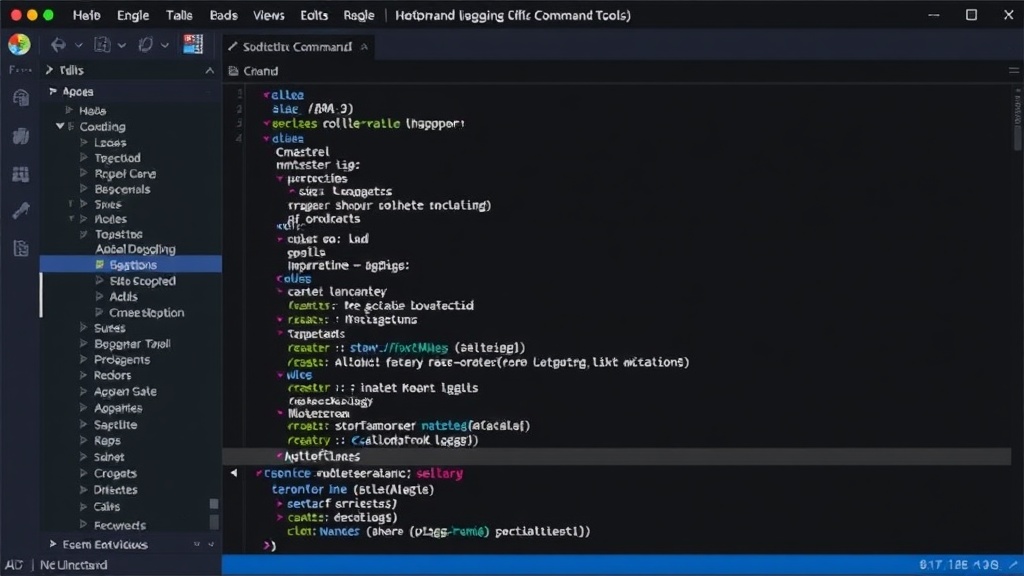
Droidective's core innovation lies in its command palette interface. After installing the macOS application, developers can summon the palette with a simple hotkey. Within this single interface, they can search for and execute a wide array of debugging tasks. Instead of remembering specific commands or navigating through multiple applications, developers simply type their intent. For instance, searching for "logcat" might bring up options to stream logs, filter them by tag, or clear them. Similarly, commands for device management, screen recording, network inspection, and even specific framework debugging tools are accessible through this unified entry point.
The application aims to abstract away the complexity of individual tools. Whether it's interacting with Android Debug Bridge (ADB) for device connections and commands, streaming device screens with `scrcpy`, or inspecting application state with tools like Reactotron, Droidective seeks to provide a consistent, keyboard-driven experience. This approach significantly reduces the cognitive load associated with debugging, allowing developers to stay in their flow state and address issues more rapidly.
Key Features and Supported Tools
Droidective is built to support a broad spectrum of mobile development debugging needs. While the exact list of integrated tools is extensive and growing, it typically includes functionalities for:
- Log Management: Accessing, filtering, and clearing `logcat` output from Android devices.
- Device Interaction: Executing common `adb` commands such as connecting devices, installing/uninstalling apps, and managing processes.
- Screen Mirroring and Control: Initiating and managing `scrcpy` sessions for real-time screen viewing and interaction.
- Network Inspection: Potentially integrating with tools or providing interfaces for inspecting network traffic from mobile applications.
- Application State Inspection: Connecting to and querying the state of applications, similar to what tools like Reactotron offer for React Native development.
- File Management: Pushing and pulling files to/from devices.
- Build and Deployment: Streamlining the process of building and deploying applications to connected devices.
The open-source nature of Droidective means that the community can contribute to expanding its capabilities. New integrations can be added, and existing ones can be improved, ensuring the toolkit remains relevant as mobile development technologies evolve. This collaborative approach is crucial for an application that aims to be an 'all-in-one' solution.
The 'Why Now' for Unified Debugging
The complexity of mobile development has steadily increased. Cross-platform frameworks like React Native and Flutter, coupled with the native complexities of Android and iOS, mean developers are often working with a hybrid set of tools and environments. The fragmentation of the debugging workflow is a direct consequence of this increasing complexity. Developers need to monitor native logs, framework-specific logs, network requests, UI hierarchies, and application state, often simultaneously.
Tools like Raycast have demonstrated the power of a unified command palette for general productivity. Droidective applies this paradigm specifically to the developer workflow. By bringing these essential debugging functions into one searchable interface, it addresses a clear pain point. The fact that it's free and open-source further lowers the barrier to adoption for individual developers and small teams who might not have the budget for enterprise-grade debugging suites.
The choice of macOS as the initial platform is also strategic. macOS is the dominant operating system for iOS development and is widely used for Android development due to its robust Unix-like environment, making it a natural fit for a tool that needs to interact deeply with device command-line interfaces and SDKs.
Implications for Developers and Teams
For individual developers, Droidective promises a significant boost in efficiency and a reduction in the friction associated with debugging. The ability to quickly access any debugging function without leaving the keyboard or switching applications means less time spent on tooling and more time spent on core development tasks. This can lead to faster iteration cycles and quicker bug resolution.
For teams, adopting Droidective could lead to more standardized debugging practices. When everyone on the team uses the same set of shortcuts and commands through a unified interface, knowledge sharing and onboarding become easier. It reduces the reliance on tribal knowledge about which obscure command-line tool does what. The open-source nature also means teams can audit the tool, contribute fixes, or even fork it if they have highly specific needs not met by the main project.
The surprising detail here is not the ambition of consolidating tools, but the execution via a Raycast-style palette. This approach moves beyond simply creating a dashboard of buttons; it leverages a powerful, familiar interaction model that many developers already use for other productivity tasks. It’s less about having every tool in one place and more about having instant, keyboard-driven access to the precise tool or command needed at that moment.
Looking Ahead
Droidective addresses a common, persistent problem in mobile development. Its success will likely depend on the breadth of its integrations, the reliability of its command execution, and its ability to keep pace with evolving mobile SDKs and debugging techniques. As it matures, it has the potential to become an indispensable part of the mobile developer toolkit, akin to how `git` is for version control or how a good IDE is for coding. The question remains: how quickly can the community contribute to make it truly 'all-in-one' for every conceivable mobile debugging scenario?