The 'Works on My Machine' Conundrum Solved
The specter of "works on my machine" has haunted software development for decades. It’s the punchline to countless jokes, but the humor evaporates when it translates to lost weekends and production incidents. The root cause is rarely the code itself, but the elusive, undocumented, and often inconsistent development and deployment environments. These environments live in fragmented pieces: scattered across configuration management tools, buried in individual developer’s .bashrc files, and whispered as 'tribal knowledge.' This lack of a defined, versioned environment makes reproducing bugs or ensuring consistency across development, staging, and production environments a Herculean task.
Containerization offers a robust, durable solution. It’s not about magic; it's about forcing a paradigm shift. Instead of relying on a hope that a machine is configured correctly, containerization compels developers to define the entire execution environment as a single, inspectable, and reproducible artifact – the container image. This transformation from a 'machine we hope is right' to an 'image we can point to' is the core value proposition.
What Containerization Actually Solves
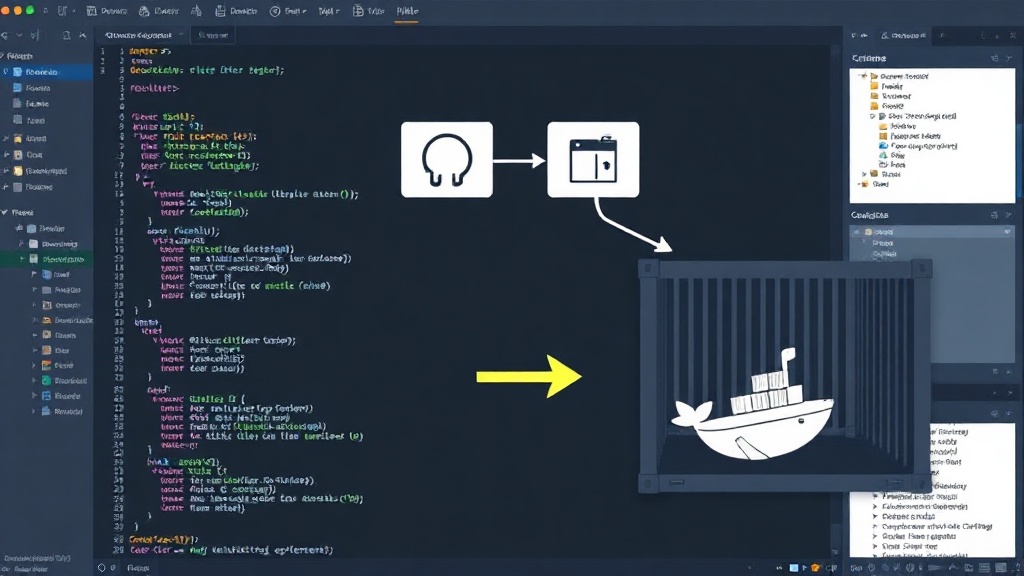
At its heart, a container image is fundamentally simple: it encapsulates your application alongside all its dependencies, libraries, and runtime configurations. This bundling eliminates the guesswork and variability inherent in traditional deployment methods. When you build a container image, you are essentially creating a blueprint for an environment. This blueprint is versioned, shareable, and, most importantly, identical wherever it is run – whether that’s on a developer’s laptop, a testing server, or a production cluster.
Consider the operational implications. Instead of debugging why an application behaves differently in staging than on a developer's machine, you can now confidently say, 'It runs exactly like this in the container.' This is achieved by defining the environment declaratively. A Dockerfile, for instance, is a text file that contains a series of instructions on how to build a container image. Each instruction adds a layer to the image, specifying everything from the base operating system to the installation of specific software packages, environment variables, and the command to run when the container starts.
Building a Minimal Reproducible Artifact
Let's illustrate with a minimal example. Imagine a simple Python web application that needs a specific version of Python, a particular web framework, and a small configuration file. Without containerization, setting this up on a new machine would involve:
- Installing the correct Python version (and managing potential conflicts with other projects).
- Using a package manager (like
pip) to install the web framework, potentially encountering version mismatches or dependency hell. - Manually creating or copying configuration files.
- Ensuring necessary operating system packages are installed.
This process is manual, error-prone, and difficult to document effectively. A containerized approach changes this entirely. You would start with a base Docker image, perhaps an official Python image:
FROM python:3.9-slim
This line specifies that our new image will be built on top of the official Python 3.9 slim image. Next, we'll copy our application code into the container and install its dependencies:
COPY . /app
WORKDIR /app
RUN pip install --no-cache-dir -r requirements.txt
Here, COPY . /app transfers our project files into the container’s filesystem at /app. WORKDIR /app sets the working directory. RUN pip install ... executes the command to install dependencies listed in requirements.txt. Finally, we define how to run our application:
CMD ["python", "app.py"]
The CMD instruction specifies the default command to execute when a container is launched from this image. The resulting Dockerfile is a self-contained recipe. Anyone can take this file, build the image using the Docker CLI (docker build -t my-app .), and then run the application in an isolated container (docker run my-app). The environment is guaranteed to be identical, regardless of the host machine’s configuration.
Operational Benefits and Beyond
The shift to reproducible artifacts brings profound operational benefits. Debugging becomes more efficient because developers can run the exact same environment that produced the bug. Deployment pipelines are simplified; instead of complex scripts to configure servers, you simply pull and run a container image. Security is also enhanced, as container images can be scanned for vulnerabilities, and specific versions of libraries are locked down. Furthermore, this immutability lends itself well to microservices architectures, where each service can be packaged and scaled independently within its own container.
The true win of containerization lies in its ability to externalize and standardize the environment. It transforms a messy, implicit set of assumptions into an explicit, versioned, and portable artifact. This makes software more reliable, development workflows smoother, and operations significantly more manageable. It’s the durable fix for a problem that has plagued the industry for too long.