The Problem: Excel's Growing Complexity
For many power users, Excel's capabilities have outpaced its traditional interface. Formulas, VBA macros, and manual clicking can become cumbersome when dealing with complex data manipulation, analysis, and reporting tasks. The desire for a more intuitive, natural-language-driven approach to interacting with spreadsheets is palpable. Users want to simply ask their data to be cleaned, duplicates found, charts generated, reports formatted, formulas added, or errors identified, without needing deep technical expertise in Excel's intricate functions.
Microsoft's official solution, Copilot for Excel, aims to address this need. However, its integration is tied to the Microsoft 365 subscription, presenting a barrier for those who prefer to use the standalone desktop version or wish to avoid recurring subscription costs.
The Quest for a Custom Solution
Akshay Jatin Solanki, a developer and avid Excel user, faced this exact dilemma. Frustrated by the limitations of existing methods and the subscription model of Microsoft's offering, he embarked on a personal project: to build his own AI assistant directly within the native Excel Desktop application. The goal was not just a chatbot that suggests formulas, but a true assistant capable of interpreting natural language commands and executing them as actual Excel operations.
This ambitious undertaking required a deep dive into how to bridge the gap between natural language processing (NLP) and the Excel object model. The core challenge lies in translating high-level user requests into the specific, granular commands Excel understands.
Architecture of the DIY Copilot
The developed solution, dubbed "Excel AI," operates by leveraging a combination of technologies to achieve its functionality. At its heart is a large language model (LLM) that processes user input. However, the critical innovation is how this LLM's output is translated into actionable Excel commands.
Instead of merely returning text, the system is designed to parse the LLM's response and identify specific Excel functions, parameters, and ranges. This involves a sophisticated prompt engineering strategy to guide the LLM towards generating output that can be programmatically interpreted. The system then uses automation tools to interface directly with the Excel desktop application, executing the identified operations. This allows for direct manipulation of the spreadsheet, such as applying formatting, inserting formulas, or filtering data, based on the user's natural language prompt.
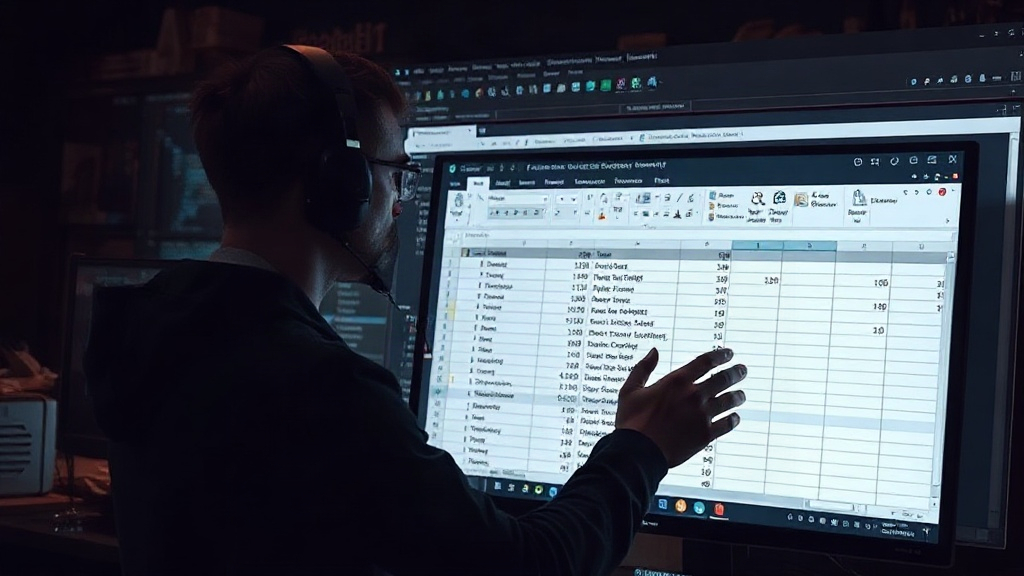
The process typically involves:
- User Input: The user types a natural language command into a custom interface.
- LLM Processing: The command is sent to an LLM (e.g., via an API like OpenAI's) with carefully crafted prompts designed to elicit structured, actionable output.
- Command Parsing: The system analyzes the LLM's response to extract specific Excel operations, arguments, and target cells/ranges.
- Excel Automation: A script or automation layer interacts with the Excel desktop application's object model to perform the requested actions. This could involve using libraries like `win32com` in Python for Windows environments.
- Feedback Loop: The system may provide feedback to the user, indicating success, failure, or requesting clarification.
Key Features and Capabilities
The DIY Excel AI demonstrates several powerful capabilities, mirroring some of the promised functionality of commercial solutions:
Data Cleaning and Transformation
Users can instruct the AI to clean datasets. This includes tasks like removing duplicate entries, standardizing formats (e.g., dates, text casing), handling missing values, and trimming whitespace. The AI can intelligently identify common data quality issues and apply appropriate corrections.
Formula Generation and Application
Instead of manually searching for the right Excel function, users can describe the calculation they need. For instance, asking to "calculate the profit margin for each row" or "sum sales by region" would prompt the AI to generate and apply the correct formulas, referencing the appropriate cells and ranges.
Chart Creation and Formatting
The assistant can create various chart types based on selected data. A prompt like "create a bar chart of sales per month" would result in the AI generating and formatting a suitable visualization. It can also apply professional formatting to existing tables and reports, enhancing readability.
Error Detection
The AI can be tasked with identifying potential errors within a workbook. This could range from formula errors (like `#DIV/0!`) to logical inconsistencies in the data, helping users quickly pinpoint and rectify issues.
Technical Implementation Details
Building such an assistant requires careful consideration of the underlying technologies. For developers targeting Windows, Python with libraries like `openpyxl` (for reading/writing `.xlsx` files without necessarily launching Excel) or `win32com` (for direct COM automation of the Excel application) is a common choice. The LLM integration typically involves using SDKs or REST APIs provided by AI model providers such as OpenAI, Google AI, or Anthropic.
Prompt engineering is crucial. The prompts must be designed not just to get an answer, but to guide the LLM to output commands in a structured, parseable format. This might involve few-shot learning, where examples of input prompts and their corresponding desired command outputs are provided to the LLM. The system then needs robust parsing logic to handle variations in LLM output and potential ambiguities.
The challenge of directly manipulating the Excel desktop application via automation scripts means the solution is often platform-specific (e.g., Windows) and requires Excel to be installed. Handling complex interactions, dynamic range selection, and ensuring the AI's actions are reversible or clearly communicated to the user are key development hurdles.
Implications and Future Potential
The creation of a functional AI Copilot for Excel Desktop without a paid subscription has significant implications. It democratizes advanced AI assistance for spreadsheet users, offering a cost-effective alternative. It also highlights the power of custom development and the flexibility of modern LLMs when combined with appropriate automation techniques.
For individual users and small businesses, this approach provides a pathway to enhanced productivity without the ongoing expense of enterprise software suites. For developers, it opens up possibilities for creating specialized AI tools tailored to niche workflows within other desktop applications.
The surprising detail here is not that an AI assistant for Excel is possible, but that a single developer could build a functional, integrated version without relying on proprietary, subscription-based APIs for the core Excel interaction. This signals a potential shift towards more modular and customizable AI integrations, where users can piece together best-of-breed components to suit their specific needs and budgets.
While Microsoft's Copilot offers a polished, integrated experience, custom solutions like Solanki's demonstrate that powerful AI capabilities can be achieved through ingenuity and a willingness to build bespoke tools. The question remains: how many other common desktop applications could benefit from similar user-driven AI enhancements?