The Overwhelming Start in DevOps
Starting a career in DevOps often feels like trying to drink from a fire hose. The sheer volume of tools, frameworks, and acronyms can be disorienting. Early in my journey, I grappled with a fundamental question: Who is truly responsible for code quality? Is it the Quality Assurance (QA) team, or does that responsibility fall under the DevOps umbrella? This ambiguity led to a week of unproductive spinning, trying to define the boundaries of each role. My confusion persisted until a pivotal mentorship session during my training at Cyber Shujaa. A DevSecOps engineer from Sirianu Ltd. joined us, and that single interaction dramatically shifted my perspective on software delivery. This article outlines what I learned, how I resolved the QA vs. DevOps debate, and the steps I took to build my first secure GitHub Actions pipeline.
Defining Roles: QA vs. DevOps
The core of my confusion stemmed from the overlapping responsibilities often perceived between QA and DevOps. Traditionally, QA teams focus on testing, bug detection, and ensuring the software meets specified requirements before deployment. DevOps, on the other hand, emphasizes collaboration, automation, and streamlining the entire software development lifecycle, from code commit to production deployment. The question wasn't about whether code quality mattered, but rather who owned ensuring it at each stage.
The mentor explained that DevOps doesn't replace QA; it integrates quality assurance *into* the development and operational processes. In a DevOps model, quality is not an afterthought but a continuous concern. This means that while QA engineers still perform critical testing, the responsibility for building quality into the system is shared across the entire team, including developers and operations personnel. DevOps engineers, in particular, are tasked with implementing the tools and processes that enable this continuous quality focus. This includes setting up automated testing, monitoring, and feedback loops.
The key takeaway is that DevOps aims to break down silos. Instead of QA being a separate gatekeeper, their principles and practices are woven into the fabric of development and deployment. This shift means that developers are more involved in testing their own code, and operations teams are concerned with the stability and performance of applications in production, which directly relates to quality.
The Rise of DevSecOps: Integrating Security
Building upon the DevOps principles, the mentor introduced DevSecOps. This is not a separate discipline but an evolution of DevOps that embeds security practices throughout the entire software development lifecycle. The mantra here is "security is everyone's responsibility." In a DevSecOps model, security considerations are integrated from the initial design phase through to deployment and ongoing maintenance. This proactive approach contrasts with traditional security models where security is often treated as a final check, leading to costly late-stage fixes or vulnerabilities.
For me, this meant understanding that building a secure CI/CD pipeline wasn't just about deploying code faster, but about deploying it *securely*. This involves incorporating security scanning tools, static and dynamic analysis, dependency checking, and secure coding practices directly into the automated workflows. The goal is to identify and remediate security flaws as early as possible, ideally before they ever reach production.
Building a Secure GitHub Actions Pipeline
With a clearer understanding, I set out to build my first secure CI/CD pipeline using GitHub Actions. This process involved several key steps:
1. Setting up the Workflow Trigger
I configured the workflow to trigger automatically on every `push` to the `main` branch and on every `pull_request` to `main`. This ensures that code is validated continuously as it's being developed and before it's merged.
2. Code Linting and Formatting
The first step in the pipeline was to run linters and formatters. Tools like ESLint for JavaScript or Flake8 for Python help enforce coding standards and catch potential syntax errors or stylistic inconsistencies. This is a basic but crucial step for maintaining code readability and preventing simple bugs.
3. Automated Testing
Next, I integrated automated tests. This included unit tests, integration tests, and potentially end-to-end tests. Using a framework like Jest for JavaScript or Pytest for Python, these tests verify that individual components and the application as a whole function as expected. A pipeline failure at this stage immediately signals a problem that needs addressing before proceeding.
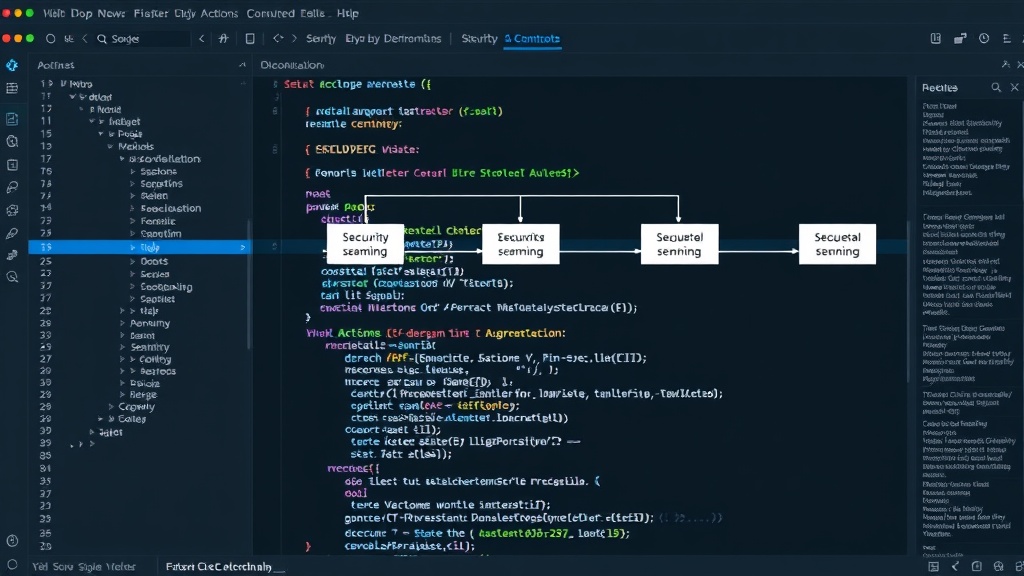
4. Security Scanning
This is where DevSecOps principles came to the forefront. I incorporated several security scanning tools:
- Static Application Security Testing (SAST): Tools like SonarQube or GitHub's own CodeQL can analyze source code for security vulnerabilities without executing it. They look for common flaws like SQL injection, cross-site scripting (XSS), and insecure configurations.
- Dependency Scanning: Tools like Dependabot (integrated into GitHub) or Snyk can scan project dependencies for known vulnerabilities (CVEs). Keeping libraries up-to-date is a critical defense against many common attacks.
- Secret Scanning: Ensuring that no sensitive credentials (API keys, passwords, tokens) are accidentally committed to the repository. Tools like `git-secrets` or GitHub's native secret scanning can prevent this.
5. Building and Packaging
If all previous stages pass, the pipeline proceeds to build the application and package it for deployment. This could involve compiling code, creating Docker images, or generating deployment artifacts.
6. Deployment (Staging/Production)
Finally, the pipeline can be configured to deploy the application to staging or production environments. This stage often includes further checks, such as infrastructure as code validation or manual approval gates, depending on the environment's criticality.
The Continuous Feedback Loop
What makes this pipeline truly powerful is the feedback loop. If any stage fails—whether it's a linter error, a failing test, or a security vulnerability—the pipeline stops, and the team is notified immediately. This prevents faulty or insecure code from progressing further. Developers receive rapid feedback directly within their pull requests, allowing them to fix issues quickly while the context is still fresh in their minds. This continuous integration and continuous delivery (CI/CD) approach, enhanced with security, is the essence of modern software development and operations.