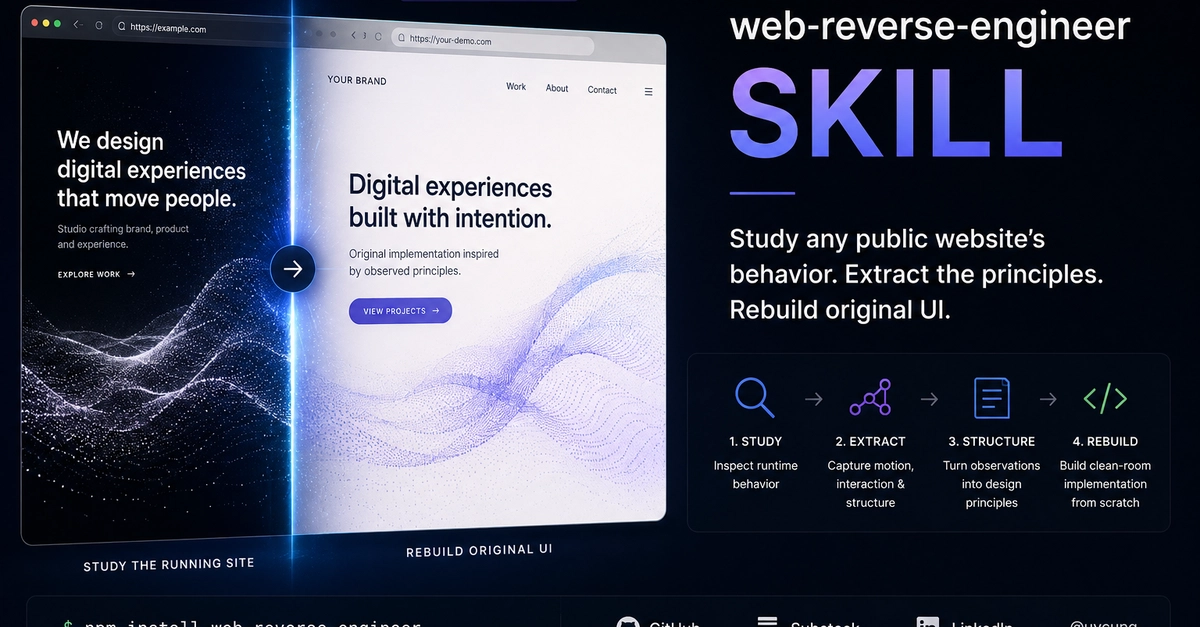
The Limits of Static Design Definitions
AI coding agents have become adept at parsing DESIGN.md files. They can dutifully translate color palettes, spacing tokens, typography scales, and component variants into code, ensuring a degree of consistency across projects. This has become the de facto standard for handing over design systems to AI assistants like Claude Code, Codex, or Gemini CLI. Users can expect these tools to follow the defined rules with precision.
However, the most captivating digital experiences – the ones that make users pause, linger, and engage – transcend the static definitions found in token files. Consider the subtle animation of a hero canvas when idle, the almost imperceptible tilt of elements responding to cursor movement, or the carefully choreographed pacing of a scroll-triggered reveal. These experiential nuances, the very essence of what makes an interface feel alive and intuitive, are not captured in design tokens. They reside in the dynamic, running state of the application itself, a state that is lost the moment you only examine the markup or token definitions.
This gap represents a significant challenge for AI in replicating truly engaging user interfaces. While AI can build functional and aesthetically consistent components based on specifications, it struggles to imbue them with the qualitative feel, the 'breath,' that characterizes exceptional design. The 'how' of an animation – its acceleration, deceleration, and settling – is as crucial as the 'what' – the reveal itself. These details are learned through observing the live product, not by reading a static document.
Web Reverse Engineering: Capturing the Dynamic Soul
The solution to bridging this experiential gap lies in web reverse engineering. This process involves dissecting a live website not just for its structural components, but for its behavioral logic and animation timing. It’s about understanding the underlying code that orchestrates the user experience, the code that makes the interface feel responsive and alive. By analyzing the running application, developers and AI can glean insights into:
- Animation Easing and Timing: How animations accelerate, decelerate, and ease into their final states. This includes understanding the specific curves used (e.g., ease-in-out, cubic-bezier) and their precise durations.
- Micro-interactions: The subtle feedback loops and animations that occur in response to user actions, such as button hovers, form validation feedback, or drag-and-drop indicators.
- Scroll-Triggered Effects: The mechanics behind animations that are initiated or modified by scrolling, including parallax effects, fade-ins, and element transformations.
- Layout Shifts and Responsive Behavior: How elements fluidly adapt and transition between different screen sizes and states, beyond simple media queries.
- Stateful Visuals: Visual cues that change based on application state, user interaction, or even inactivity, contributing to a sense of dynamism.
Tools that perform web reverse engineering can inspect network requests, analyze JavaScript execution, and deconstruct CSS animations and transitions. This allows for the extraction of granular details that are simply not present in a static design file. For AI coding agents, this means moving beyond literal interpretation of tokens to understanding the emergent behavior of a system.
Implications for AI Development and User Experience
The current reliance on DESIGN.md for AI code generation creates a ceiling for the quality of user experiences AI can produce. While AI can efficiently replicate the look and feel of a design system, it struggles to capture the intangible qualities that define truly great interfaces. These qualities are often learned through iterative refinement and a deep understanding of human-computer interaction, aspects that are difficult to codify in a static document.
Web reverse engineering offers a path to provide AI agents with the necessary context. By feeding AI not just the design tokens but also behavioral patterns extracted from successful interfaces, we can enable it to generate code that is not only consistent but also exhibits the subtle, dynamic qualities users expect. This involves developing AI models that can interpret and learn from runtime behavior, animation curves, and interaction feedback loops.
Consider the difference between a static illustration and a live demo. A DESIGN.md is akin to the illustration – it shows what something should look like. Web reverse engineering, however, is like watching a live demo, revealing how it truly works and feels. For developers building AI agents, this means exploring new data sources and training methodologies that incorporate dynamic interaction data. For designers and product teams, it highlights the importance of documenting not just visual styles but also interaction patterns and animation principles, potentially through richer prototyping tools or behavioral specifications.
The ultimate goal is to equip AI with the ability to understand and replicate the 'feel' of an interface, not just its appearance. This requires a paradigm shift in how we prepare design data for AI, moving from static specifications to dynamic behavioral models. As AI coding agents evolve, their ability to create truly compelling user experiences will depend on their capacity to learn from the running web, not just its blueprints.