The Illusion of Simplicity
At first glance, designing an interface for streaming content seems straightforward. You need a play button, a progress bar, maybe some playback controls. However, beneath this surface simplicity lies a complex web of considerations that can quickly unravel the user experience. Developers and designers often overlook critical factors like layout shifts, user motion preferences, robust markup, and the myriad of potential content states. The result? Interfaces that feel brittle, unpredictable, and frustrating for users.
The core challenge is managing dynamic content and user interaction within a system that is inherently fluid. Think of it less like a static webpage and more like a live television broadcast where elements can appear, disappear, or change position at any moment. This dynamism is exciting, but it introduces significant design and engineering hurdles. What happens when the video stream is interrupted? How does the UI adapt? Can a user navigate the interface effectively using only a keyboard, especially when elements are constantly moving or changing?
Layout Shifts and Content Stability
One of the most common pitfalls is neglecting the impact of layout shifts. Content loading asynchronously, ads appearing, or even changes in video aspect ratios can cause elements to jump around the screen. This is not just an aesthetic problem; it’s a usability and accessibility nightmare. Users can lose their place, misclick buttons, or experience cognitive overload trying to track moving targets. For users with cognitive disabilities or those who rely on screen readers, these shifts can render the interface unusable.
Designing for stability means anticipating these changes and implementing strategies to mitigate their impact. This could involve:
- Fixed or relative positioning for critical controls: Ensure that playback controls, volume sliders, and other essential interactive elements remain in predictable locations, even as the video feed or surrounding content changes.
- Pre-allocating space: Reserve space for dynamic content like ads or related videos before they load. This prevents sudden shifts that push other elements around.
- Content placeholder strategies: Use skeleton screens or placeholder elements that mimic the final content's dimensions. This provides a stable visual structure while data is being fetched.
The goal is to create an experience where the user feels in control, not constantly reacting to an unpredictable interface. This requires a deep understanding of how the content is fetched, rendered, and how different states of the stream affect the visual layout.
Motion Preferences and Accessibility
Modern operating systems and browsers offer users the ability to specify their motion preferences, such as reducing motion. Streaming interfaces, often rich with animations, transitions, and subtle visual effects, must respect these preferences. A UI that animates aggressively for one user might be disorienting or even nauseating for another.
Implementing respect for motion preferences involves:
- Conditional animations: Use CSS media queries like
@media (prefers-reduced-motion: reduce)to disable or simplify animations when a user has indicated they prefer less motion. - Focus on essential motion: Ensure that any animations that remain are purely functional, providing clear feedback for user actions rather than decorative flourishes.
- Keyboard navigation: A stable interface is a navigable interface. If elements shift or disappear, keyboard users can easily get lost. Proper ARIA attributes and focus management are crucial. This means ensuring that all interactive elements are focusable and that focus order makes logical sense, regardless of content state.
What nobody has addressed yet is the long-term impact of interfaces that *don't* account for motion preferences. Are we inadvertently alienating a significant portion of our potential audience, or worse, making our platforms inaccessible to individuals with vestibular disorders?
Markup and State Management
The underlying markup and how the interface manages its various states are foundational to stability. Poorly structured HTML, reliance on JavaScript to manipulate the DOM without a clear strategy, and inadequate handling of different content states (e.g., buffering, error, ended, live, ad playing) all contribute to a fragile experience.
Consider the following:
- Semantic HTML: Use appropriate HTML5 elements. For example, the
<video>element provides native controls and events that can be leveraged. ARIA roles and states should be applied judiciously to enhance accessibility, especially for custom controls. - State-driven design: Architect the UI to be driven by explicit states. Each state (e.g., 'playing', 'paused', 'buffering', 'error') should have a clearly defined visual representation and behavior. This makes the UI more predictable and easier to debug.
- Error handling: Design clear, actionable error states. Instead of a blank screen or a cryptic message, inform the user what went wrong and what they can do about it.
- Progressive enhancement: Build core functionality that works with basic HTML and CSS, then layer on JavaScript enhancements. This ensures a baseline experience even if JavaScript fails or is disabled.
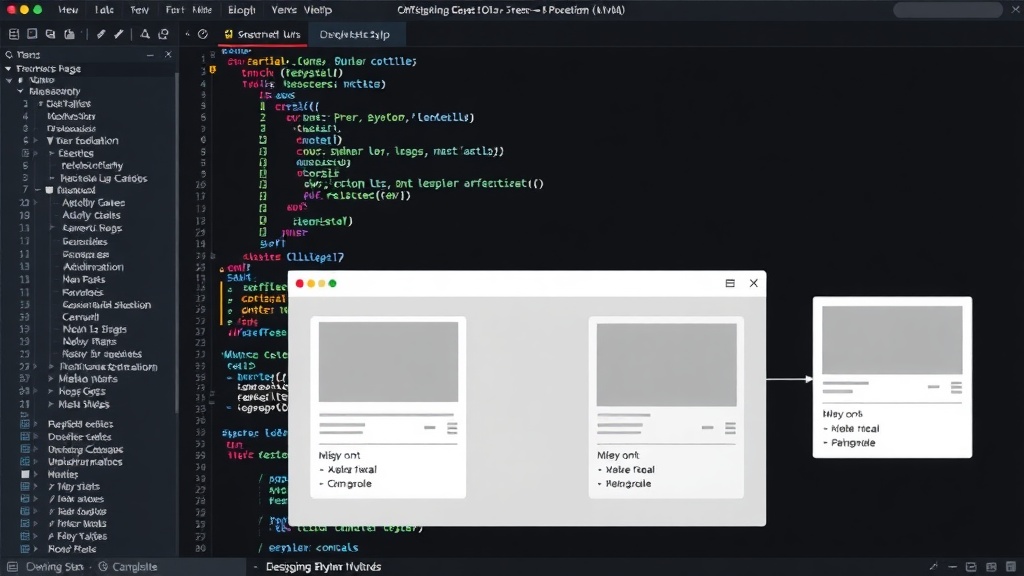
The surprising detail here is not the complexity of handling states, but how often the most basic markup and state management principles are overlooked in the rush to deploy features. A well-structured DOM and a clear state machine are the bedrock of a stable streaming interface.
Beyond the Player
While the video player itself is central, a stable streaming interface extends to the surrounding elements. Think about carousels of recommended content, live chat overlays, subscription prompts, and related articles. Each of these components must coexist harmoniously with the primary video experience.
Designers and developers must ask:
- Does the recommendation carousel shift the main video player when it loads?
- Can a user dismiss a chat overlay without affecting playback controls?
- Are subscription prompts blocking essential controls during critical moments?
By treating the entire viewing experience as a cohesive system, rather than a collection of disparate components, we can build interfaces that are not only functional but also delightful and accessible. This requires collaboration between design, engineering, and product teams to ensure that stability and usability are prioritized from the outset, not treated as an afterthought.