Enhancing Developer Productivity in Contacts App
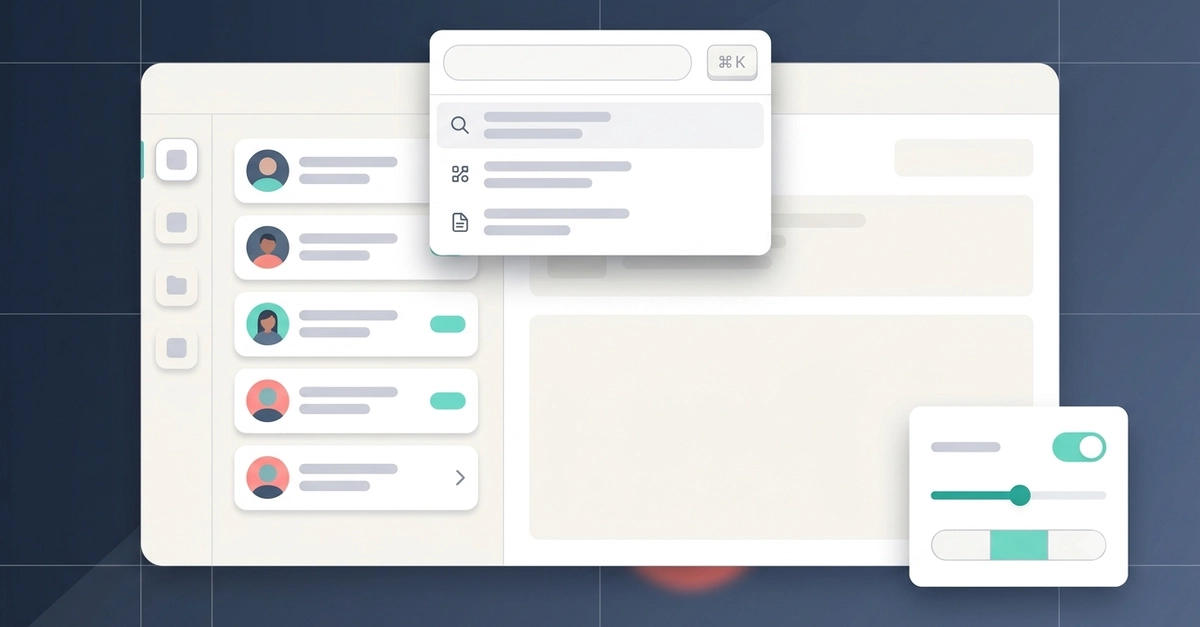
Following up on its initial release, the Design+Code tutorial series continues its deep dive into building a robust Contacts application. Part 2 focuses on elevating the user experience from a basic functional app to one that embodies the ergonomic principles expected by real users. This iteration introduces key features designed to boost developer productivity and streamline application interaction. The focus is on creating an adaptive shell, implementing efficient search, integrating a command palette for swift actions, and managing data loading states gracefully, all without resorting to platform-specific conditional compilation or custom control reimplementations.
Adaptive Shell: Sidebar to Tab Bar
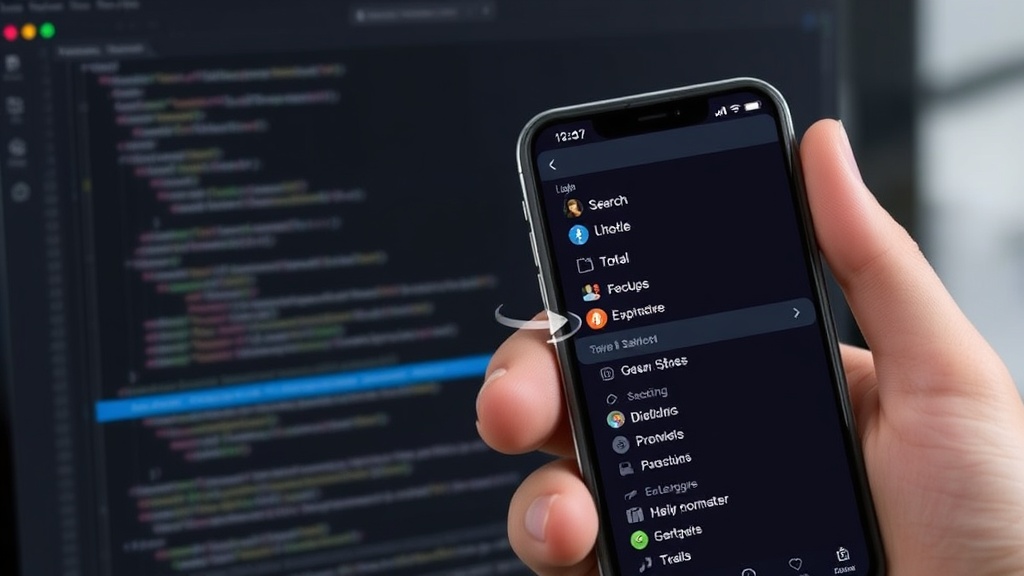
The first major enhancement is the introduction of an adaptive shell that intelligently adjusts its navigation paradigm based on available screen width. On larger screens, it presents as a traditional sidebar using DFSidebar, providing persistent access to app sections. When the screen compacts, such as on an iPhone, the sidebar seamlessly transforms into a tab bar using DFTabBar. This transition ensures optimal navigation for different device form factors without developer intervention. The goal is to create a UI that feels natural and intuitive, regardless of the device it's running on, by leveraging the platform's idiomatic navigation patterns.
Efficient In-App Search
To improve data discoverability, a search field is integrated directly at the top of the contact list. As users type, the list dynamically filters, presenting only matching contacts in real-time. This immediate feedback loop significantly speeds up the process of finding specific contacts within potentially large datasets. The implementation aims for efficiency, ensuring that the filtering process is performant even as the contact list grows. This feature is critical for any application dealing with a substantial amount of data, providing a direct and efficient way for users to locate what they need.
The ⌘K Command Palette
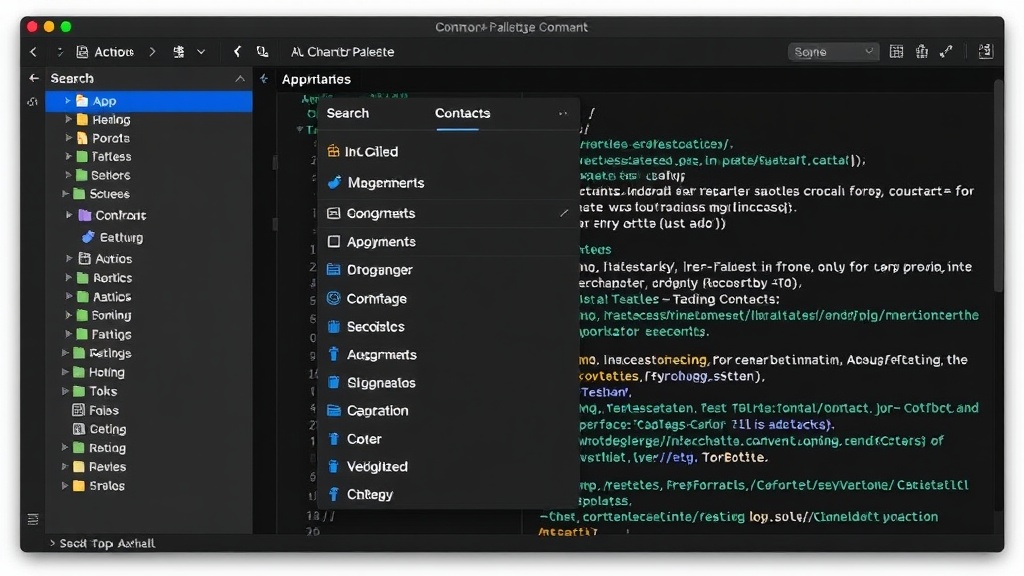
A standout addition is the implementation of a command palette, accessible via the keyboard shortcut ⌘K. This feature consolidates all actionable commands within the application into a single, searchable interface. Users can quickly find and execute any function, from adding a new contact to editing an existing one, or even navigating between different sections of the app, all without needing to locate specific buttons or menu items. The command palette is designed to accelerate workflows for power users, offering a more efficient alternative to traditional UI navigation. It exposes the app's entire action surface in a discoverable and rapid-access manner.
Graceful Loading States
Addressing the user experience during data retrieval, the tutorial introduces skeleton loaders. These are placeholder UI elements that mimic the structure of the content that will eventually load. Instead of showing a blank screen or a spinning indicator indefinitely, skeleton loaders provide a visual cue that data is being fetched. This makes the perceived loading time feel shorter and provides a more polished user experience. When the actual data arrives, these loaders are replaced seamlessly. This technique is crucial for applications that fetch data from APIs or databases, ensuring users understand that the app is working and preparing to display information.
Technical Approach: Zero `#if os` Guards
A core tenet of this tutorial's approach is to achieve cross-platform UI adaptability without resorting to platform-specific conditional compilation directives like #if os. The tutorial demonstrates how to use components like DFSidebar and DFTabBar, which are designed to handle adaptive layouts internally. Similarly, custom controls are avoided in favor of leveraging the system's built-in components and robust layout systems. This strategy leads to cleaner, more maintainable codebases that are easier to update and less prone to platform-specific bugs. It emphasizes a unified development approach where platform differences are managed by higher-level abstractions rather than explicit code branches.
Beyond the Basics: Productivity and Ergonomics
Part 2 shifts the focus from simply building a functional application to refining its usability and efficiency. By incorporating an adaptive shell, a powerful search function, a comprehensive command palette, and intelligent loading states, the Contacts app evolves into a tool that developers can use productively. The emphasis on clean code and platform-agnostic UI development underscores a modern approach to application architecture. This iteration provides a solid foundation for building applications that are not only feature-rich but also highly responsive and user-friendly.