The Ubiquitous Node.js Ecosystem
For years, JavaScript developers have defaulted to npm init when starting new projects. Node.js has become the de facto standard, a comfortable environment where most problems have readily available solutions on Stack Overflow or Medium. This familiarity breeds efficiency, allowing developers to focus on the problem rather than the tooling. However, this comfort can come at a hidden cost: the extensive ecosystem overhead.
Introducing Deno: A Fresh Approach
Deno, created by Ryan Dahl (the original creator of Node.js), presents a compelling alternative for new projects. It aims to address some of the perceived shortcomings of Node.js by offering a more opinionated and secure runtime environment. The core philosophy behind Deno is to provide a more cohesive and modern JavaScript and TypeScript development experience out-of-the-box.
Key Deno Features and Advantages
Deno distinguishes itself with several key features that enhance developer productivity and security:
Built-in TypeScript Support
Unlike Node.js, which requires external dependencies like ts-node or a separate compilation step, Deno has first-class support for TypeScript. You can write your code directly in TypeScript, and Deno handles the compilation internally. This eliminates a significant part of the setup and configuration often associated with using TypeScript in Node.js projects.
Secure by Default
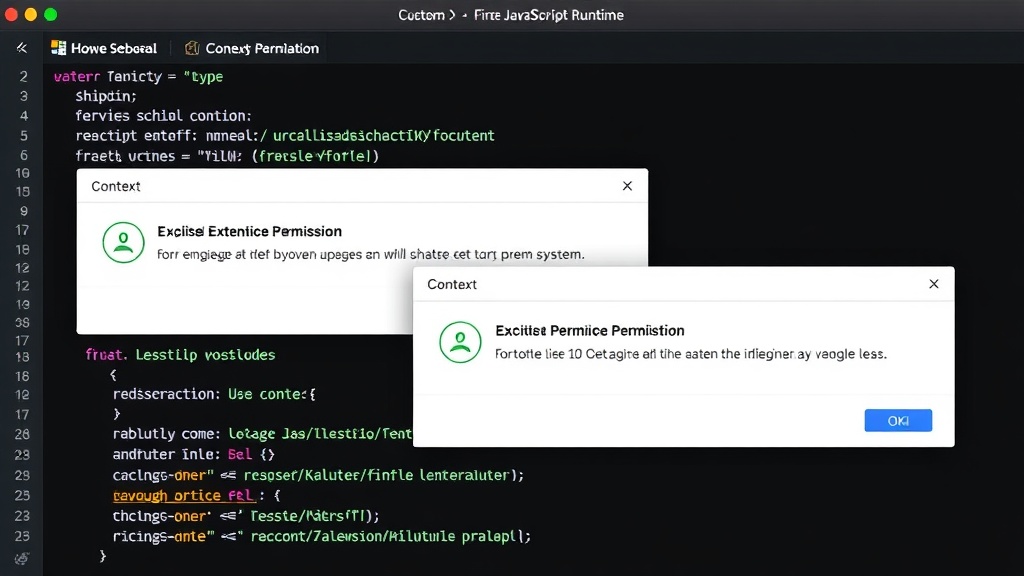
Security is a primary concern for Deno. By default, Deno scripts do not have access to the file system, network, or environment variables. Permissions must be explicitly granted via command-line flags (e.g., --allow-read, --allow-net). This explicit permission model helps prevent malicious code from accessing sensitive resources without the developer's knowledge, a stark contrast to Node.js where packages can often access resources freely unless explicitly restricted.
Standard Library and Module System
Deno promotes a standardized approach to its standard library, offering built-in modules for common tasks like file I/O, networking, and date manipulation. This reduces the reliance on third-party packages for fundamental functionalities. Deno also uses ES Modules exclusively and imports modules directly via URLs, bypassing the need for a central package manager like npm or a node_modules directory. This approach simplifies dependency management and makes code more portable.
Single Executable
Deno applications can be compiled into a single executable file. This simplifies deployment and distribution, as the application and its dependencies can be bundled together. This is a significant advantage for creating self-contained applications and microservices, reducing the complexity of deployment pipelines.
Modern JavaScript Features
Deno embraces modern JavaScript features and APIs, including Promises, async/await, and Web APIs like fetch. This provides a more consistent and familiar development experience for developers coming from a browser background. The runtime is also built on V8, the same JavaScript engine used by Chrome and Node.js, ensuring high performance.
The Ecosystem Overhead of Node.js
The author of the source article highlights the "ecosystem overhead" associated with Node.js. This includes the proliferation of build tools, linters, bundlers, and package managers that developers often need to configure and maintain. While these tools are powerful, they add complexity and a learning curve to projects. Deno aims to reduce this by providing many of these functionalities built-in or through a more streamlined process.
When to Choose Deno
Deno is particularly well-suited for new projects where developers can leverage its modern features and secure-by-default approach from the outset. For teams already heavily invested in the Node.js ecosystem, migrating existing large-scale projects might present challenges. However, for new applications, microservices, CLIs, or serverless functions, Deno offers a compelling and efficient alternative that can lead to faster development cycles and more robust, secure code.
The Unanswered Question: Interoperability
While Deno's focus on a clean slate is admirable, what remains to be fully explored is the long-term strategy for seamless interoperability with the vast npm ecosystem. Although Deno can now run npm packages, the developer experience and performance implications of this bridging mechanism are still evolving. Developers will be watching closely to see how Deno balances its core principles with the practical need to access the mature Node.js package landscape.