The Need for Granular S3 Access Control
As organizations increasingly adopt the Databricks Lakehouse Platform on AWS, two paramount concerns emerge: robust data governance and secure access to data stored in AWS S3. Prior to the advent of Unity Catalog, Databricks relied on a less sophisticated method for S3 access: cluster-level instance profiles. This approach presented significant security and governance challenges. Every user operating on a given cluster inherited the same S3 permissions, effectively eliminating any possibility of granular, per-user, or per-table access control. This lack of isolation made auditing difficult and centralizing governance a complex, if not impossible, task. The absence of fine-grained permissions meant that any user on a cluster could potentially access or modify any data within the S3 buckets that the cluster’s instance profile was authorized to interact with, creating a broad attack surface and a compliance nightmare.
Introducing Storage Credentials
Unity Catalog fundamentally changes this paradigm with the introduction of Storage Credentials. This feature acts as the essential security backbone, bridging the gap between Unity Catalog's governance framework and the underlying AWS S3 permissions. Think of Storage Credentials less like a simple key, and more like a meticulously managed access pass that dictates precisely who can access what data, and under what conditions, directly within AWS S3. Instead of relying on broad cluster-level permissions, Storage Credentials allow for the definition of specific, role-based access policies that are tied to Unity Catalog objects like catalogs, schemas, and tables.
How Storage Credentials Work
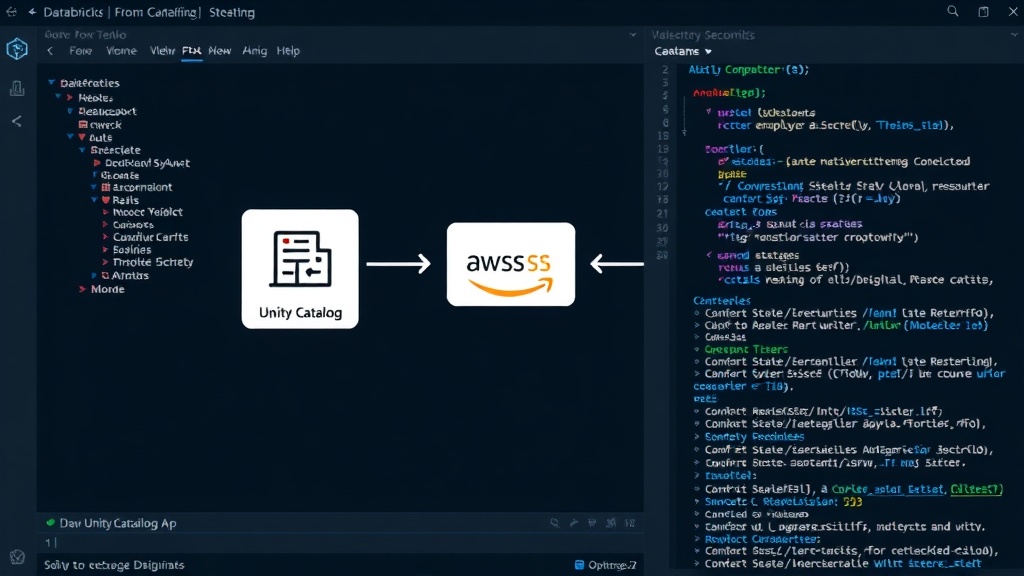
At its core, a Storage Credential in Databricks Unity Catalog is a secure object that encapsulates the necessary information for Databricks to assume an AWS IAM role. This role then grants Databricks the permissions to access specific S3 locations. The process involves creating an IAM role in AWS that has been configured with the appropriate S3 bucket policies. This IAM role is then associated with a Storage Credential within Unity Catalog. When a user or a Databricks job attempts to access data governed by Unity Catalog, Databricks leverages the associated Storage Credential to assume the IAM role, thereby gaining temporary, permissioned access to the required S3 data. This mechanism ensures that Databricks itself never directly stores or manages AWS access keys. Instead, it orchestrates access through AWS's own robust IAM system. This approach significantly enhances security by adhering to the principle of least privilege, ensuring that access is granted only to the resources that are explicitly needed for a given operation. Furthermore, the use of IAM roles simplifies credential management, as administrators only need to manage IAM policies in AWS, rather than distributing and rotating access keys across multiple Databricks clusters or users.
Key Benefits and Use Cases
The introduction of Storage Credentials brings several critical benefits to organizations using Databricks on AWS:
- Enhanced Security: By decoupling S3 access from cluster configurations and enforcing granular permissions, Storage Credentials drastically reduce the attack surface. Access is managed centrally through Unity Catalog and AWS IAM, making it easier to implement and enforce security policies.
- Improved Data Governance: Unity Catalog, powered by Storage Credentials, provides a unified governance layer over data in S3. This allows for the definition of access controls at the catalog, schema, and table levels, aligning with organizational data policies.
- Simplified Auditing: With access control managed centrally, auditing data access becomes significantly more straightforward. Logs from both Databricks and AWS IAM can be correlated to provide a comprehensive audit trail of who accessed what data, when, and from where.
- Separation of Duties: Data administrators can manage data access policies within Unity Catalog without needing direct access to the underlying AWS infrastructure, while cloud administrators can manage the IAM roles that grant permissions to S3 buckets.
- Cost Management: By enabling fine-grained access, organizations can ensure that compute resources are only accessing the data they are intended to, potentially optimizing S3 access patterns and associated costs.
Consider a scenario where a marketing analytics team needs access to customer data stored in a specific S3 bucket, but only to tables related to campaign performance. Using Storage Credentials, a Unity Catalog administrator can grant this team access to the relevant Unity Catalog schema and tables, which in turn are linked to an IAM role that permits read access only to the designated S3 path. A data engineering team, on the other hand, might require write access to a different S3 location for staging raw data. This can be managed through a separate Storage Credential and IAM role, ensuring strict isolation between the two teams' data access privileges.
Future Implications
The implementation of Storage Credentials marks a significant step forward in securing data lakehouse architectures on Databricks. It moves away from the legacy, less secure model of shared cluster permissions towards a modern, fine-grained, and auditable access control system. This foundation is crucial for organizations aiming to build compliant, secure, and scalable data platforms. As data volumes grow and regulatory requirements become more stringent, the ability to precisely control data access will be non-negotiable. Storage Credentials provide the necessary tooling to achieve this, ensuring that data remains protected while still being accessible to authorized users and applications. The integration with AWS IAM means that existing AWS security best practices can be directly applied and extended into the Databricks environment, creating a cohesive security posture across the entire data estate.