The Problem with Content Security Policies
Deploying new features often means tightening security. For web applications, a critical layer of defense against cross-site scripting (XSS) and code injection attacks is the Content Security Policy (CSP). However, the CSP specification can be notoriously complex. Writing raw policy strings requires deep knowledge of numerous directives, each with its own syntax and potential pitfalls. A single misplaced semicolon or an overlooked quote can silently break legitimate site functionality or, worse, leave a gaping security hole that attackers can exploit within minutes.
This complexity introduces significant friction into the development and deployment workflow. Developers, often under pressure to ship quickly, may resort to overly permissive policies that defeat the purpose of CSP or spend valuable time debugging subtle syntax errors. The result is a critical security standard that is underutilized or implemented incorrectly, leaving applications vulnerable.
The CSP spec itself is a dense document, detailing directives like default-src, script-src, style-src, img-src, and many more. Each directive controls the loading of specific types of resources, and their values can include keywords like 'self', 'unsafe-inline', 'unsafe-eval', or specific hostnames and URIs. Managing these directives and their intricate syntax manually is a task prone to human error. For instance, forgetting to whitelist a necessary font source could render a site unusable, while a typo in a directive could inadvertently allow malicious scripts to execute.
Introducing CSP Builder
CSP Builder aims to eliminate this complexity. It is a visual Content Security Policy generator designed to simplify the creation and management of these critical security policies. As part of the DevTools collection, which offers over 200 free browser utilities, CSP Builder provides a user-friendly, form-based interface for composing policy directives. Instead of memorizing syntax or poring over documentation, developers can use a visual configuration tool that guides them through the process.
The tool treats each CSP directive as a distinct configuration element. Users select the directives they need and then specify their allowed sources through a guided interface. This approach enforces correct syntax automatically, catching common mistakes like missing quotes or invalid directive values before a policy string is even generated. The output is a clean, production-ready policy string that can be directly integrated into web server configurations or HTTP headers.
How CSP Builder Works
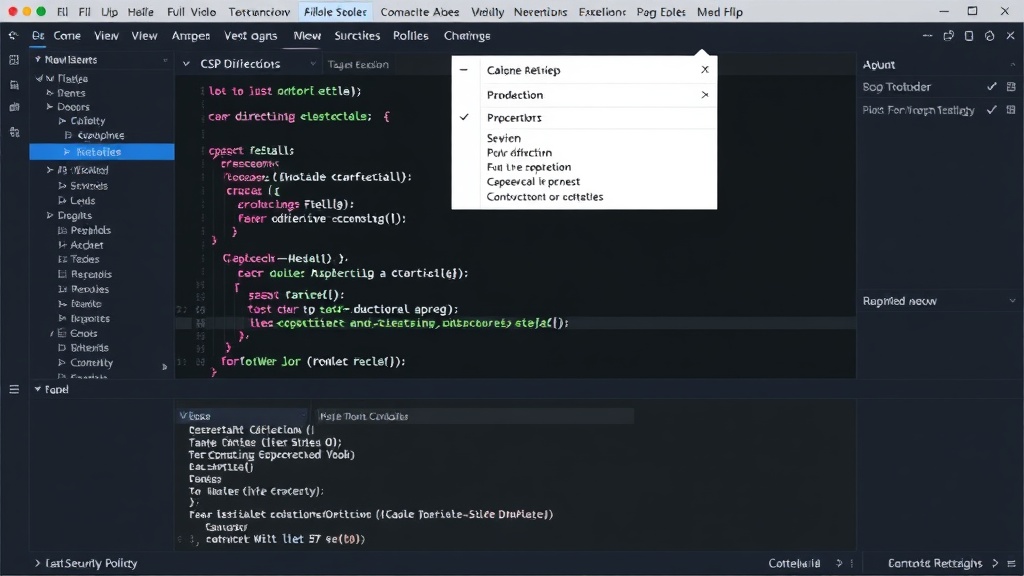
The core functionality of CSP Builder revolves around translating a visual, form-based input into a valid CSP string. When a user interacts with CSP Builder, they are presented with a series of options corresponding to the various CSP directives. For each directive, such as script-src, the user can add allowed sources. These sources can be specific domains (e.g.,
https://cdn.example.com), wildcards (e.g., *.example.com), or special keywords like 'self' (referring to the same origin as the document). The tool validates these inputs in real-time. For example, if a user attempts to enter an invalid URL format or uses a directive that is deprecated, CSP Builder will flag it.
The tool's interface is designed to be intuitive. It breaks down the CSP specification into manageable chunks, making it accessible even to developers who are not security experts. This visual approach contrasts sharply with the traditional method of manually constructing CSP strings, which often involves extensive trial and error. By providing immediate feedback and enforcing syntax rules, CSP Builder significantly reduces the time and effort required to create a secure and functional CSP.
Once the user has configured all necessary directives and sources, CSP Builder compiles this information into a single, coherent CSP string. This string is then presented to the user, ready to be copied and deployed. The tool also offers guidance on how to implement the generated policy, typically by adding it to HTTP headers (e.g., Content-Security-Policy) or within meta tags in the HTML document.
Benefits and Use Cases
The primary benefit of CSP Builder is its ability to drastically lower the barrier to entry for implementing effective Content Security Policies. This makes robust XSS protection more accessible to a wider range of developers and organizations, especially smaller teams or those with limited security expertise.
For developers deploying new features, CSP Builder streamlines the security configuration process. Instead of getting bogged down in the intricacies of CSP syntax, they can quickly generate a policy that aligns with their application's resource requirements. This accelerates deployment timelines without compromising security.
Furthermore, the tool helps prevent common misconfigurations that can lead to security vulnerabilities or broken functionality. By enforcing correct syntax and providing a structured way to define resource sources, it minimizes the risk of accidental oversights. This is particularly valuable in environments where security best practices are paramount, such as in financial services, healthcare, or any application handling sensitive user data.
CSP Builder can also serve as an educational tool. By visually interacting with the directives and their options, developers can gain a better understanding of how CSP works and what each part of the policy controls. This can foster a more security-conscious development culture.
The Broader Context of Web Security Tools
CSP Builder is part of a growing ecosystem of developer tools focused on simplifying complex aspects of web development and security. In an era where web applications are increasingly sophisticated and face evolving threat landscapes, tools that abstract away intricate details while maintaining accuracy and security are invaluable.
The prevalence of XSS attacks remains a significant concern for web security. According to various industry reports, XSS vulnerabilities consistently rank among the most common and impactful security flaws. Tools like CSP Builder empower developers to implement a fundamental defense mechanism against these threats more effectively. They complement other security measures, such as input validation, output encoding, and the use of security scanners.
The existence of CSP Builder also highlights a broader trend in the developer tooling space: the move towards more intuitive, visual interfaces for complex technical tasks. This mirrors developments in areas like infrastructure-as-code, API management, and data visualization, where sophisticated underlying technologies are made more accessible through user-friendly abstractions. The challenge for such tools is always to provide sufficient flexibility and power without sacrificing the underlying technical rigor. CSP Builder appears to strike this balance by offering a visual front-end that generates syntactically correct and semantically meaningful CSP strings.
Looking Ahead
While CSP Builder addresses a significant pain point in web security configuration, the ongoing evolution of web technologies and security threats means that tools like this will need to adapt. As new resource loading mechanisms emerge or new attack vectors are discovered, the CSP standard itself may evolve, requiring updates to the builder. The simplicity it offers is a powerful advantage, but the underlying complexity of web security is ever-present. The success of CSP Builder will likely depend on its ability to remain current with web standards and security best practices, ensuring it continues to be a reliable assistant for developers seeking to secure their applications.