Croc GUI: Bridging the Gap for Secure File Transfers
Sending files securely between computers often conjures images of complex command-line interfaces, intimidating developers who live and breathe the terminal. The popular schollz/croc tool offers robust, end-to-end encrypted, peer-to-peer file transfer across different operating systems without relying on any third-party cloud services. However, its command-line interface (CLI) presents a barrier for users who aren't comfortable with terminal commands. Enter Croc GUI, a new desktop application designed to bring the power of croc to a wider audience through a familiar graphical user interface.
Croc GUI is a free, MIT-licensed desktop application that acts as a frontend for the schollz/croc binary. It aims to provide a clearer, more accessible user experience for sending and receiving files, making secure peer-to-peer transfers as simple as dragging and dropping files into a window.
Key Features and Functionality
The primary goal of Croc GUI is to abstract away the complexities of the CLI while retaining the core security and functionality of croc. The application offers a straightforward interface for both sending and receiving files.
Sending Files
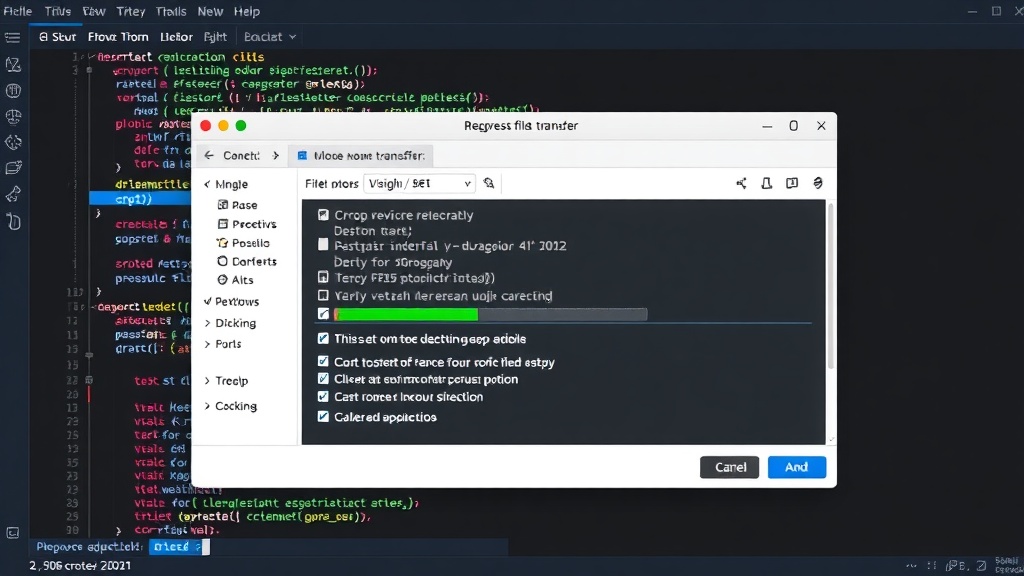
When sending files, users can simply drag and drop files or folders directly into the Croc GUI window. The application then generates a unique code that the recipient needs to enter to initiate the transfer. For enhanced convenience, Croc GUI integrates with getcroc.com to provide QR codes for these transfer codes. This allows users to easily share the code with someone nearby by displaying the QR code on their screen, which the recipient can then scan with their own device.
Receiving Files
On the receiving end, users input the code provided by the sender. Croc GUI handles the connection and decryption process, prompting the user to select a download location for the received files. The application ensures that the transfer is end-to-end encrypted, meaning only the sender and receiver can access the file contents.
Under the Hood: Leveraging the Croc Binary
Croc GUI is not a re-implementation of the croc protocol. Instead, it acts as a wrapper around the official schollz/croc executable. This approach ensures that Croc GUI benefits from the ongoing development, security patches, and feature updates of the underlying croc project without needing to maintain its own complex networking and cryptography stack. The application downloads and uses the appropriate croc binary for the user’s operating system (macOS, Windows, or Linux), making it a truly cross-platform solution.
Ease of Use and Accessibility
The motivation behind Croc GUI stems from the creator's frequent use of croc and the common scenario of needing to help less technical friends or family members transfer files. While the CLI is efficient for experienced users, it can be a significant hurdle for those unfamiliar with command-line environments. Croc GUI aims to democratize secure peer-to-peer file transfers by providing a visual, intuitive interface. The inclusion of drag-and-drop functionality and QR code sharing via getcroc.com significantly lowers the barrier to entry.
Furthermore, Croc GUI supports a Local Area Network (LAN) mode. This feature allows for direct peer-to-peer transfers within the same local network without requiring an internet connection to relay the connection through a public relay server, potentially offering faster transfer speeds and enhanced privacy for local file sharing.
Cross-Platform Compatibility
Croc GUI is built with cross-platform compatibility as a core requirement. It is available for macOS, Windows, and Linux. This ensures that users on any major desktop operating system can utilize the application for their file transfer needs. The application leverages existing UI frameworks and the native croc binary to achieve this broad compatibility.
Download and Licensing
Croc GUI is distributed under the MIT license, making it free to use, modify, and distribute. The latest releases can be found on the project’s GitHub repository. Users are encouraged to download directly from the official GitHub Releases page to ensure they are getting the most up-to-date and secure version of the application.
The Future of Accessible Secure Transfers
Croc GUI addresses a clear need in the market for user-friendly tools that facilitate secure, private file transfers. By building upon the solid foundation of schollz/croc, it offers a compelling alternative to cloud-based file sharing services that often come with privacy concerns and storage limitations. The project’s open-source nature and straightforward design position it as a valuable tool for individuals and small teams looking for a simple yet powerful way to share files securely across different platforms, bridging the gap between powerful CLI tools and everyday user accessibility.