
Introducing Cloudflare Mobile: Your Pocket-Sized Control Panel
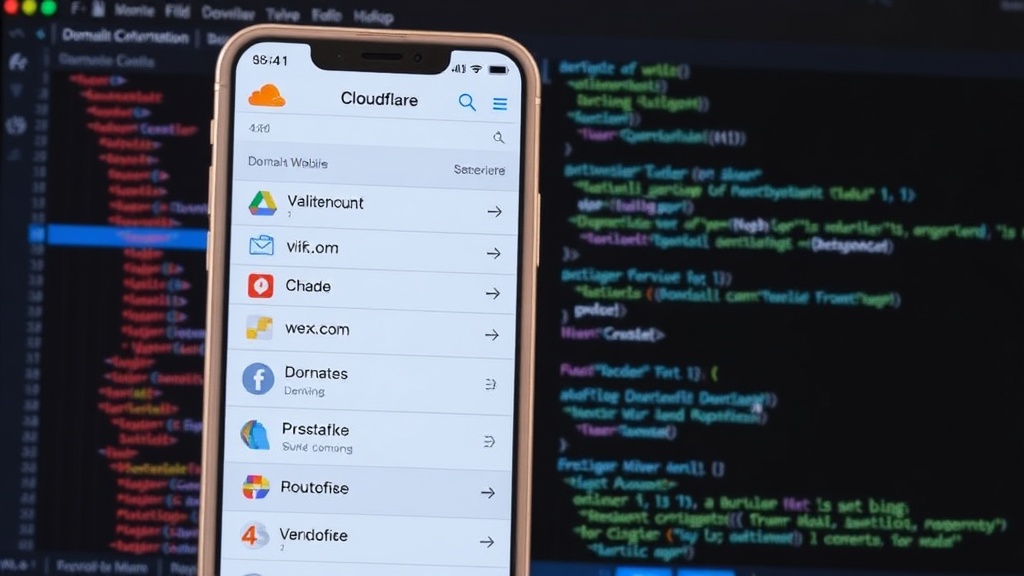
For developers and system administrators who rely on Cloudflare for their web infrastructure, managing services on the go has always been a challenge. While Cloudflare's web dashboard is comprehensive, accessing it from a mobile device often means navigating a desktop-optimized interface or settling for limited functionality. Enter Cloudflare Mobile, an unofficial, full-featured management application built with React Native and Expo. This app aims to bring the power of Cloudflare's core services directly to your smartphone, offering a streamlined experience for everyday tasks.
The app allows users to manage a wide array of Cloudflare resources. This includes core domain management, DNS record manipulation, deployment and monitoring of Cloudflare Workers, access to Workers KV (Key-Value) storage, and interaction with R2 object storage. Furthermore, it extends to managing Cloudflare Pages, the company's static site hosting platform, and potentially other services as development progresses. The goal is to provide a single point of access for essential Cloudflare operations, eliminating the need to log into multiple interfaces or use a desktop browser for routine adjustments.
Key Features and Functionality
Cloudflare Mobile's strength lies in its breadth of supported features, replicating much of the functionality found in the official web dashboard. Users can:
- Domain Management: Add, remove, and view details of domains within their Cloudflare account.
- DNS Records: Create, edit, delete, and manage various DNS record types (A, CNAME, MX, TXT, etc.) for their domains. This includes setting TTLs and specifying record content.
- Cloudflare Workers: Deploy new Workers, edit existing scripts, monitor their performance, and view logs. This is crucial for developers leveraging serverless compute at the edge.
- Workers KV: Interact with Key-Value data stores associated with Workers. This allows for dynamic content retrieval and configuration management directly from the app.
- R2 Object Storage: Upload, download, and manage objects within Cloudflare R2 buckets. This is particularly useful for developers working with large assets or media files.
- Cloudflare Pages: Monitor the status of deployed Pages projects, view build logs, and potentially trigger redeployments.
- Analytics: Access basic analytics for domains, providing insights into traffic, threats, and performance.
The app's design prioritizes ease of use on smaller screens. Navigation is intuitive, with clear menus and straightforward forms for data entry. This approach makes it feasible to perform quick checks or make urgent changes without being tethered to a computer. The use of React Native and Expo ensures a consistent user experience across both iOS and Android platforms, leveraging a single codebase for cross-platform development.
Technical Underpinnings: React Native and Expo
The choice of React Native as the development framework is significant. It allows developers to build native mobile applications using JavaScript and React, enabling code reuse between web and mobile projects. Expo, a framework and platform for universal React applications, further simplifies this process. Expo provides a set of tools and services that abstract away much of the complexity of native development, such as handling build processes, managing dependencies, and providing a rich set of pre-built native components and APIs. This combination allows for faster development cycles and easier maintenance.
The app communicates with Cloudflare's services through their official APIs. This means that the functionality is directly tied to the capabilities exposed by Cloudflare's developer endpoints. Any limitations or features available through the Cloudflare API are reflected in the mobile app. The developers have clearly put effort into mapping these API functionalities into a user-friendly mobile interface.
An Unofficial Solution with Broad Appeal
It is critical to note that Cloudflare Mobile is an unofficial application. It is not developed, endorsed, or officially supported by Cloudflare, Inc. The developers explicitly state this disclaimer, and users should be aware of this distinction. While unofficial apps can offer valuable functionality, they come with inherent risks. There is no guarantee of continued support, timely updates for API changes, or the same level of security scrutiny as an official product.
However, the existence of such an app highlights a clear demand within the developer community for better mobile management tools for cloud services. Many users find themselves needing to perform quick administrative tasks or check system status while away from their desks. This app fills that gap, providing a convenient alternative to using a mobile web browser.
Availability and Distribution
Cloudflare Mobile is available for download on the Google Play Store for Android devices. Interested users can find it by searching for "Cloudflare Mobile" or by following the direct link provided by the developer. The developer also offers the Android application's APK file directly from their GitHub releases page, allowing users who prefer not to use the Play Store to install it manually. Information regarding an iOS version is not explicitly detailed in the provided source, but the use of React Native and Expo suggests cross-platform availability is feasible and likely.
The app is free to download and use. While it does not appear to have any in-app purchases or advertisements, this could change as the project evolves. The developer's commitment to maintaining the app and keeping it updated with Cloudflare's API changes will be key to its long-term success and adoption.
The Future of Cloudflare Mobile Management
Cloudflare Mobile represents a significant step towards making cloud infrastructure management more accessible and flexible. By leveraging modern cross-platform development tools, developers can create powerful applications that cater to the needs of on-the-go professionals. While the unofficial nature requires user caution, the app's functionality and convenience are undeniable. It begs the question: will Cloudflare itself eventually offer an official mobile application, or will the community continue to fill this niche?