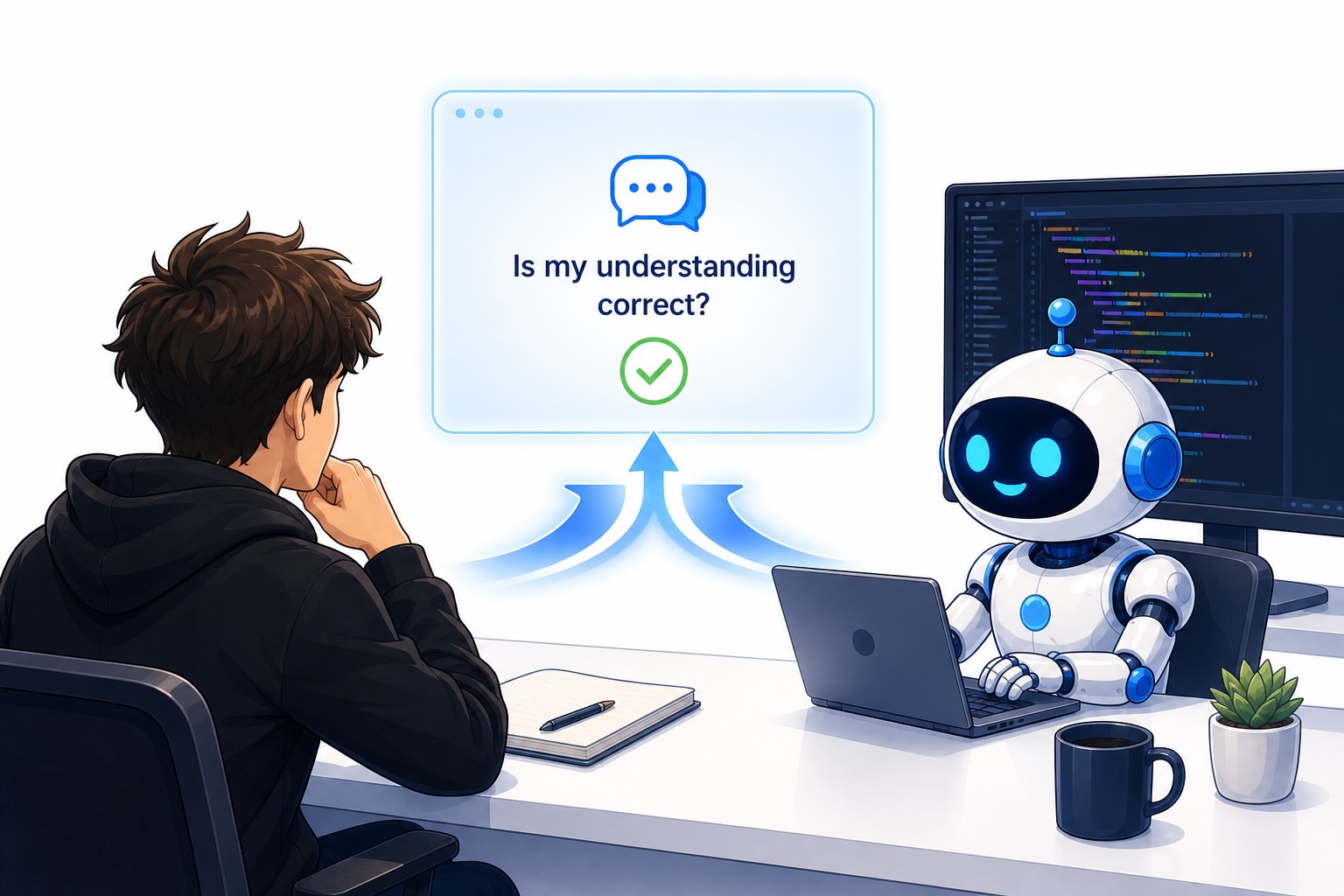
Understanding Claude Code's Contextual Awareness
Claude Code, Anthropic's large language model tailored for software development, thrives on clarity. Its ability to generate, debug, and explain code hinges on how precisely a developer articulates their intent. This isn't about simply asking for a function; it's about providing the right context, constraints, and desired outcomes. Think of it less like a command-line interface and more like a pair programming partner who needs detailed instructions to truly assist you. The model analyzes your prompt not just for keywords but for the underlying logical structure and desired behavior of the code.
Effective intent alignment means moving beyond superficial requests. Instead of asking "Write a Python script for web scraping," a more aligned prompt would be: "Write a Python script using BeautifulSoup and Requests to scrape the titles and H2 headings from the main content area of a given URL. The script should handle potential network errors gracefully and return a list of tuples, where each tuple contains the title and heading text." This level of detail specifies the tools, the exact data points to extract, the desired output format, and error handling requirements.
The core challenge lies in bridging the gap between a developer's mental model of a problem and the LLM's interpretation. Claude Code, like other advanced models, has a vast knowledge base of programming languages, libraries, and common patterns. However, it cannot read minds. Therefore, the more information you provide about the specific environment, dependencies, performance considerations, and edge cases, the more accurate and useful the generated code will be. This often involves iterative refinement, where an initial prompt is followed by clarifying questions or more specific instructions based on the model's output.

Key Principles for Intent Alignment
Several key principles guide effective intent alignment with Claude Code:
1. Be Specific and Unambiguous
Vague prompts lead to generic or incorrect code. Define variables, data structures, algorithms, and expected outputs clearly. For instance, when requesting a database query, specify the database type (SQL, NoSQL), the schema (if known), and the exact filtering or joining conditions. If you need a specific library version or compatibility, state it upfront.
2. Provide Contextual Information
Claude Code benefits from understanding the broader project. Mention the programming language, framework, operating system, and any relevant existing code snippets or architectural patterns. For example, if you are working within a Django project, asking for a view function should include context about URL routing and model interactions within that framework. Similarly, for frontend development, specifying the UI library (React, Vue, Angular) and state management approach is crucial.
3. Define Constraints and Requirements
Clearly state any limitations or specific requirements. This includes performance targets (e.g., "must execute within 100ms"), memory usage limits, security considerations (e.g., "sanitize all user input"), or coding style preferences (e.g., "adhere to PEP 8 standards"). These constraints act as guardrails, steering the model towards a solution that meets your practical needs.
4. Specify the Desired Output Format
How should the code be presented? Do you need a complete script, a function, a class, a configuration file, or pseudocode? Do you need comments explaining each section? Stating the desired format ensures that the output is immediately usable. For example, "Provide the code as a single, runnable Python script with inline comments explaining the logic" is far more effective than just asking for code.
5. Use Examples (Few-Shot Prompting)
Illustrating your request with a small example of input and desired output can significantly improve Claude Code's understanding. This is known as few-shot prompting. If you want a function to transform data, show it one or two input-output pairs. This helps the model grasp the transformation logic more intuitively than a purely descriptive prompt.
Iterative Refinement and Debugging
Even with well-aligned intent, the first output from Claude Code may not be perfect. The process of refining prompts and debugging the generated code is an integral part of leveraging the tool effectively. Developers should view the output as a strong starting point, not a final product.
When code doesn't work as expected, the next step is to analyze the error messages and provide them back to Claude Code. Instead of starting over, feed the error back into the prompt: "The previous Python script produced the following error: `TypeError: 'NoneType' object is not iterable`. Please modify the code to handle this case." This iterative feedback loop allows the model to correct its mistakes and improve the code's robustness. The surprising detail here is not the LLM's initial error, but its capacity to learn and adapt within a single conversational session when provided with specific debugging information.
Debugging with Claude Code can be as simple as asking it to explain a complex section of code it generated or to identify potential bugs. "Can you review this function for potential race conditions or security vulnerabilities?" This turns the LLM into a code reviewer, augmenting the developer's own analysis. The key is to maintain a clear, conversational thread, ensuring the model retains the context of previous interactions and code generations.
Advanced Techniques for Intent Alignment
For more complex tasks, consider breaking them down into smaller, manageable sub-problems. Prompt Claude Code to solve each sub-problem sequentially, then integrate the solutions. This modular approach makes it easier to manage complexity and verify the correctness of each component before assembling the final solution. This is akin to how human developers approach large projects—dividing and conquering.
Furthermore, explore Claude Code's capabilities for generating tests. Asking for unit tests alongside the functional code ensures that the generated code is not only functional but also verifiable. A prompt like, "Generate a Python function to calculate the factorial of a number, and also provide pytest unit tests to verify its correctness for positive integers, zero, and negative inputs" can yield highly robust code.
Ultimately, mastering intent alignment with Claude Code is an ongoing process. It requires a shift in how developers think about instructing AI. By treating the LLM as a sophisticated, context-aware tool that requires precise guidance, developers can significantly enhance their productivity and the quality of their code. The goal is to move from simply asking for code to collaborating with an AI assistant that understands your precise coding intentions.