Chrome's Integrated AI: A New Era for Browser-Based Workloads
Chrome is quietly integrating a suite of powerful AI APIs directly into the browser. This move bypasses the need for developers to deploy and manage external model infrastructure, promising a more streamlined and efficient approach to AI-powered applications. These built-in APIs aim to bring capabilities like language detection, translation, summarization, and writing assistance to the forefront, accessible directly within the user's browsing environment. The implications for web application development are significant, potentially lowering the barrier to entry for sophisticated AI features and improving user experience by keeping processing local.
Unlike traditional AI integrations that often rely on cloud-based services requiring data roundtrips and server-side processing, Chrome's native APIs leverage the browser's own capabilities. This means faster response times, enhanced privacy as data can remain on the user's device, and reduced server costs for developers. The initiative signals Google's commitment to embedding AI more deeply into its core products, making advanced AI functionalities a seamless part of the everyday browsing experience.
API Availability and Experimental Features
The rollout of these AI APIs is phased, with different functionalities at varying stages of maturity. Some are readily available in stable versions of Chrome, while others remain experimental and require specific flags to be enabled. This tiered approach allows for broader adoption of mature features while providing early access to cutting-edge capabilities for developers eager to experiment.
APIs Available in Stable Chrome
For users running the latest stable version of Chrome on supported desktop devices, several key AI APIs are already accessible without the need for experimental flags:
- Language Detector API: This API can identify the language of a given text. It's a foundational tool for any application dealing with multilingual content, enabling dynamic adjustments to user interfaces or content presentation based on detected language.
- Translator API: Capable of translating text from one language to another, this API moves beyond simple dictionary lookups to provide more nuanced and context-aware translations. This opens up possibilities for real-time translation of web content, user-generated text, and communication tools.
- Summarizer API: This API condenses longer pieces of text into shorter, more digestible summaries. It's invaluable for quickly grasping the essence of articles, documents, or lengthy web pages, saving users time and improving information processing efficiency.
Experimental APIs and Future Potential
Beyond the stable offerings, Chrome is experimenting with more advanced AI features. The Prompt API, for instance, is noted as having different availability requirements, suggesting it might be in an earlier stage of development or require specific user opt-ins or developer configurations. While details on the Prompt API are sparse in the provided information, its existence points towards future capabilities that could include more sophisticated natural language understanding and generation tasks, moving beyond simple detection and translation.
The distinction between stable and experimental APIs is crucial for developers. Stable APIs offer reliability and broad compatibility, making them suitable for production applications. Experimental APIs, conversely, are for testing and early adoption, subject to change and potential deprecation. Developers looking to leverage these features must carefully check the current status and requirements for each API they intend to integrate.
Hands-On: Implementing Language Detection
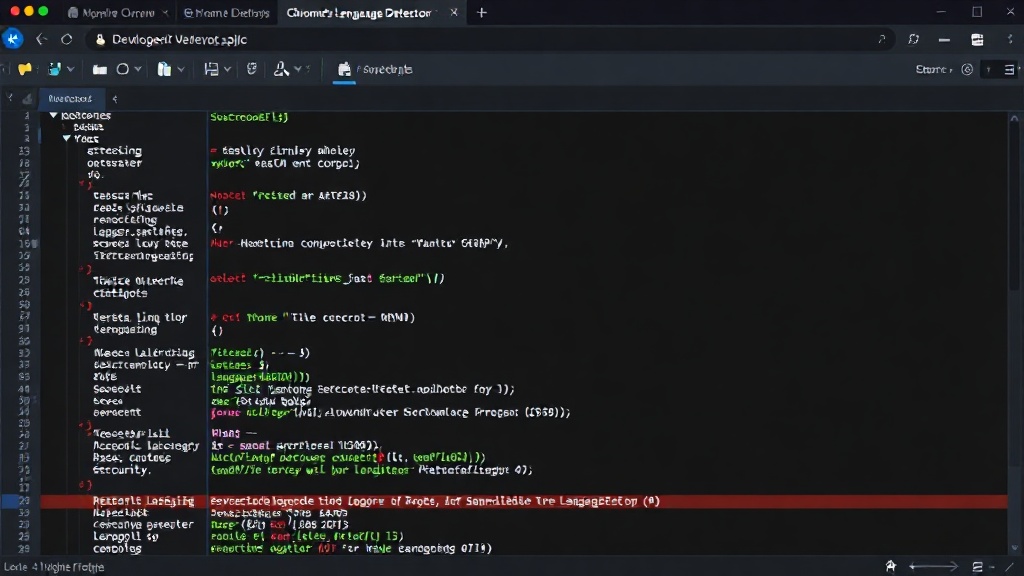
The Language Detector API provides a straightforward way to programmatically identify the language of a given text string. This is particularly useful for web applications that need to serve content in the user's preferred language or adapt their interface accordingly. For example, a content aggregation platform could use this API to tag articles with their original language, facilitating better filtering and user experience.
To use the Language Detector API, developers would typically pass a text input to the API and receive a confidence score along with the detected language code. The implementation involves checking for API availability and then invoking the detection method. A simple use case might involve analyzing user input in a comment section to flag potentially non-English comments for moderation or translation.
Leveraging the Translator API
The Translator API extends Chrome's capabilities to break down language barriers within web applications. Developers can integrate this API to offer on-the-fly translation of text snippets, messages, or even entire web page content. Imagine a customer support portal where user queries in any language can be instantly translated for the support agent, or vice-versa for the customer's response.
The API would likely accept source text and target language codes as parameters, returning the translated output. The advantage here is the potential for high-quality translations powered by Google's advanced machine translation models, all processed within the browser. This can significantly enhance the usability of global platforms and foster better cross-cultural communication.
Summarization for Information Efficiency
In an age of information overload, the Summarizer API offers a powerful tool for distilling key insights from lengthy texts. Web applications can employ this API to provide users with concise summaries of news articles, research papers, or lengthy forum discussions. This feature is akin to having a built-in executive summary generator for any piece of text encountered online.
The practical application involves passing a block of text to the API and receiving a shorter version that captures the main points. This can be implemented as a button on an article page that, when clicked, reveals a summary, or as a background process that pre-generates summaries for quick previews. The potential for saving user time and improving comprehension is substantial.
Writing Assistance and the Prompt API
While specific details about the Prompt API are not fully elaborated, its inclusion suggests Chrome is moving towards more sophisticated text generation and manipulation capabilities. This could encompass features like grammar correction, style suggestions, content generation, or even more complex natural language understanding tasks. If the Prompt API allows for custom prompts, it could unlock a vast array of AI-driven writing assistance tools, transforming how users interact with text-based interfaces on the web.
The integration of such APIs directly into Chrome means that these advanced functionalities can be accessed by any web application, provided the user has a compatible browser version. This democratizes access to powerful AI tools, enabling smaller developers and startups to build innovative features without the prohibitive costs and complexity of managing their own AI models. The focus on browser-native AI is a clear signal of where web technology is headed: more intelligent, more efficient, and more integrated experiences.
The Future of Browser AI
Chrome's foray into built-in AI APIs represents a significant shift in how AI capabilities will be delivered and consumed on the web. By bringing these powerful tools directly into the browser, Google is not only enhancing the functionality of Chrome itself but also empowering developers to create richer, more intelligent web applications. The move away from purely server-side AI processing for common tasks is a step towards a more decentralized and user-centric AI future. As more APIs become stable and new experimental features are introduced, we can expect to see a wave of innovative applications leveraging these browser-native AI capabilities.