The Extension: More Than Just a Pretty Interface
Shipping a functional Chrome extension two weekends ago, the developer found a familiar pattern: the user interface, polished and ready for marketing, took a mere six hours. The remaining time, spread across two full weekends and parts of the following week, was consumed by a series of four state-related bugs. This experience highlights a common pitfall in software development: underestimating the complexity of state management, especially in interactive browser extensions.
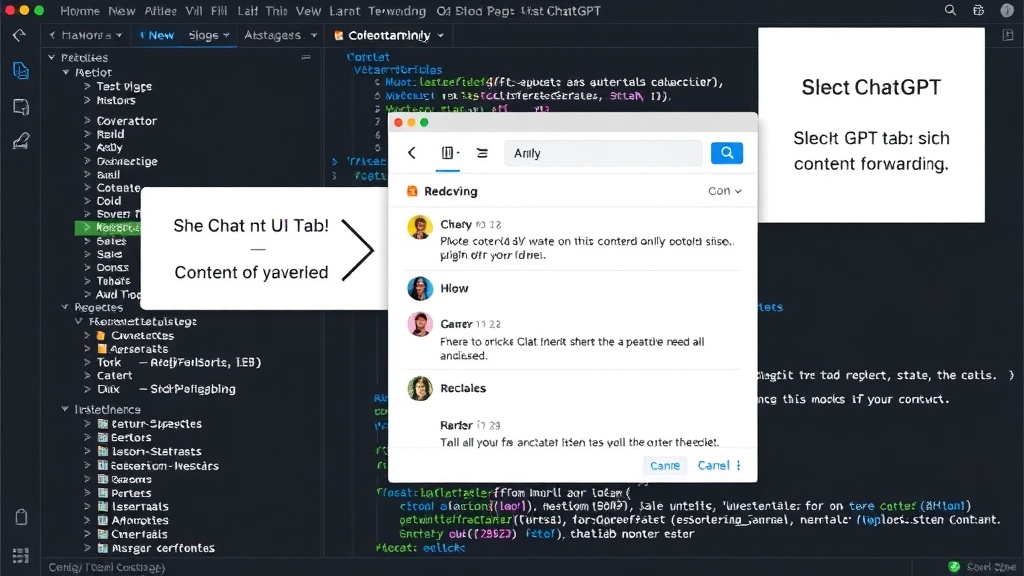
The extension itself is designed to streamline content sharing from any webpage to various AI chat interfaces. Users can highlight text or capture a region of a page. This content is then sent to a selected AI tab – be it ChatGPT, Claude, Gemini, or a custom endpoint. A small wrapper prompt accompanies the forwarded content. The core functionality is straightforward, but the developer notes that the real complexity emerges not from the initial interaction, but from subsequent ones, specifically when a user performs the action multiple times.
This focus on state management is critical. While visually appealing UIs can be built rapidly, the underlying logic that governs how the application behaves across different user interactions, data states, and environmental conditions is where the true engineering effort often lies. This is precisely the problem the developer encountered, turning a seemingly simple UI project into a significant debugging challenge.
Bug 1: Destination Mismatch – A Case of Confused AI Tabs
The first critical bug encountered involved a mismatch between the user's intended AI destination and where the content actually landed. The scenario: a user has two ChatGPT tabs open simultaneously. One tab is associated with a specific workspace, and the other is for a different persona or personal account. The extension, upon receiving user input, needs to correctly identify which of these two identical AI services is the intended recipient. The bug manifested when the extension would incorrectly route the content, sending it to the wrong ChatGPT tab. This occurred even though the user explicitly selected "ChatGPT" as the destination. The core issue was the extension's inability to differentiate between multiple instances of the same service running in different tabs, leading to user frustration and data misdirection.
This bug exposes a common challenge in browser extension development: managing context across multiple tabs, especially when those tabs host the same application. The extension needs a more robust mechanism to track and select the correct tab based on user selection or a predefined default, rather than simply relying on the service name. It's akin to having two identical filing cabinets; you need a clear label or indicator to ensure you're putting documents in the right one.
Bug 2: The Disappearing Wrapper Prompt
The second state bug involved the wrapper prompt that precedes the forwarded content. This prompt is crucial for providing context to the AI, guiding its response. The bug occurred when the user initiated a new action after a previous one had been completed. Specifically, if a user highlighted text, sent it, and then highlighted a new piece of text, the wrapper prompt from the *previous* action would sometimes persist or be incorrectly applied to the new content. This meant the AI received context that was no longer relevant to the current query. For example, if the user first sent a question about Python, and then highlighted text about JavaScript, the AI might still be operating under the assumption the query was about Python due to the lingering prompt data.
This state bug points to an issue with how the extension managed its internal state between user interactions. It suggests that the application's state was not being properly reset or updated after each successful transmission. The wrapper prompt's data was likely being cached or carried over, leading to stale context. Developers need to ensure that state variables are meticulously cleared or appropriately updated at the beginning of each new user-initiated action to prevent such contextual errors.
Bug 3: Screenshot Region State Management
The third bug related to the screenshot functionality. When a user chose to screenshot a region of a page, the extension entered a specific state where it captured the selected area. The problem arose when the user decided to cancel the screenshot operation after initiating it but before completion. The bug caused the extension to remain in a