
Automating Design System Extraction
The painstaking process of manually reverse-engineering a website's design system is now a thing of the past for some developers. A newly published Chrome extension, Design System Extractor, promises to automate this workflow. The tool scans the active tab, identifies key visual design tokens and components, and packages them into a downloadable ZIP file. Version 1.4.0 is now live on the Chrome Web Store.
Traditionally, developers would open browser DevTools, inspect individual elements, and meticulously copy color values, font sizes, and media query definitions. This data would then be transcribed into documentation or a design system repository. This manual approach is not only time-consuming but also prone to errors and inconsistencies, especially on large or complex websites.
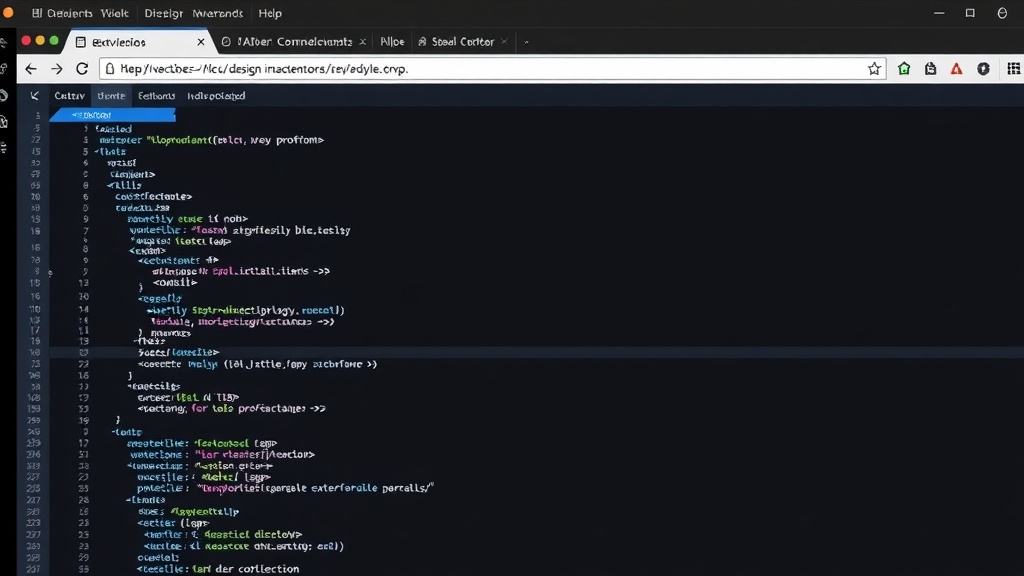
Core Functionality and Workflow
Using Design System Extractor is straightforward. Once installed, users navigate to any webpage they have permission to inspect and activate the extension. A single click on the 'Capture' button initiates the scan. The extension then systematically analyzes the page's Document Object Model (DOM) and associated styles. It identifies and extracts a comprehensive range of design elements, including:
- Colors: Primary, secondary, accent, and semantic colors.
- Typography: Font families, sizes, weights, line heights, and letter spacing.
- Spacing: Margins, paddings, and grid gaps.
- Borders: Border styles, widths, and radii.
- Shadows: Box shadows and text shadows.
- Breakpoints: Responsive design breakpoints defined in CSS.
- Motion: Transition durations and easing functions.
- Contrast Pairs: Accessibility-focused color contrast ratios.
- Interaction States: Hover, focus, and active states for interactive elements.
Beyond raw design tokens, the extension also attempts to identify common UI components such as buttons, input fields, cards, and badges. This component recognition aims to provide a more holistic view of the site's design language, not just its foundational properties.
Before the data is packaged, users have the opportunity to review the detected items. This allows for refinement, letting users deselect any elements they deem irrelevant or inaccurate for their specific needs. The final output is a ZIP archive containing the extracted information, typically in JSON token format and potentially CSS custom properties, offering a structured representation of the website's visual DNA.
Implications for Developers and Designers
The impact of such a tool is significant for development teams, particularly those tasked with maintaining design consistency across multiple platforms or auditing existing websites. For frontend developers and UI/UX designers, the extension offers a rapid way to bootstrap a design system documentation or to gain a quick understanding of a competitor's or a legacy project's design principles. It democratizes access to design system information, which was previously locked behind manual inspection and interpretation.
Think of it less like a static screenshot and more like a blueprint generator. Instead of painstakingly measuring and noting down every detail of a building's facade, this extension provides a structured set of specifications, allowing you to quickly understand the underlying architectural language. This can accelerate the process of creating style guides, building design systems from scratch, or ensuring brand consistency.
The ability to export data in formats like JSON tokens and CSS custom properties means the extracted information can be directly integrated into development workflows. This bridges the gap between design and code more effectively, reducing the need for manual translation and minimizing the risk of design drift. For teams working with established design systems, it provides a quick audit tool to verify implementation against the documented standards.
Future Potential and Unanswered Questions
While Design System Extractor 1.4.0 represents a significant step forward, the field of automated design system analysis is still evolving. One immediate question is the accuracy and completeness of component recognition. As websites become more complex with highly custom or framework-specific components, how reliably can the extension identify and categorize them? Furthermore, the extension currently focuses on visual tokens. Future iterations could potentially analyze accessibility compliance more deeply, identify animation patterns beyond simple durations, or even infer interaction logic.
The surprising detail here is not the existence of such a tool, but its current maturity. Many developers have likely toyed with the idea or built internal scripts for this task. The public release and availability on the Chrome Web Store suggest a growing need for standardized, accessible tools that streamline the often-tedious work of design system documentation and auditing. The potential for integration with design tools or even automated code generation based on these extracted systems opens up further avenues for innovation.
For now, developers can leverage Design System Extractor to significantly cut down the time spent on understanding and documenting existing web interfaces. It's a practical solution born from a common developer frustration, offering a tangible improvement in workflow efficiency.