Project Overview
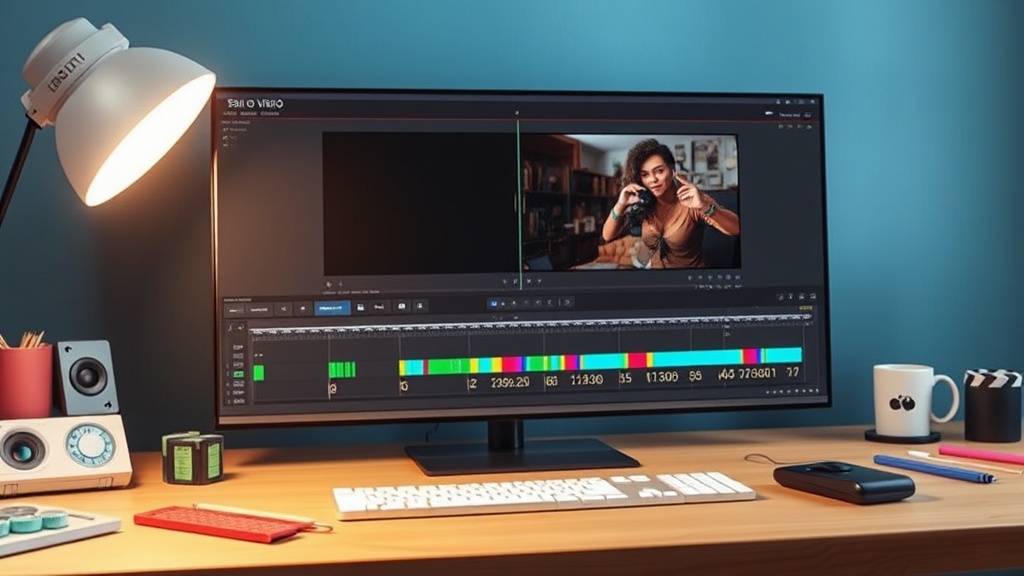
Timeline Studio, a local-first AI video editor designed to run entirely within the browser, faced a subtle yet significant bug: audio desynchronization when clips were split. The editor combines a multi-track timeline with features like captions, AI voiceovers, music, visual transforms, and deterministic offline export. Its core principle is non-destructive editing, meaning splitting a clip shouldn't alter the original media. Instead, each segment on the timeline stores its position in the project and the specific range of the source media it represents.
This non-destructive approach, while standard in professional editing software, exposed a flaw in Timeline Studio’s implementation. Specifically, when voiceover clips were split at the playhead, the user interface would correctly generate two distinct timeline segments. However, the underlying logic failed to maintain the correct source offset for the audio, leading to noticeable desync issues when these split clips were played back.
The Root of the Desync
The problem manifested in how Timeline Studio’s internal state tracked the relationship between a timeline segment and its original audio source. When a clip was split, the UI would create two new segment objects. Each object would inherit properties from the original clip, including its source media file and its start and end points within that source. The intended behavior was that each new segment would simply reference a *different range* of the same source audio file.
However, the bug lay in how these ranges were calculated and stored, particularly for voiceover clips. The editor’s logic for determining the source offset for the second segment after a split was flawed. Instead of correctly calculating the new start and end points within the original audio file, it sometimes defaulted to incorrect values or failed to update them precisely. This meant that while the visual representation on the timeline was split, the audio data it was supposed to play back was either the original, unsplit audio, or an incorrectly offset portion, leading to the audible desync.
Consider a voiceover clip that is 10 seconds long, starting at the 1-minute mark of the original audio file. If a user splits this clip at the 5-second mark (relative to the clip’s start on the timeline), the expectation is that the first segment plays audio from 1:00:00 to 1:00:05, and the second segment plays audio from 1:00:05 to 1:00:10. The bug meant that the second segment might incorrectly attempt to play audio starting from the beginning of the original file, or an arbitrary point, rather than the correct 1:00:05 mark.
Implementing the Fix
The fix involved a careful re-evaluation of the data structures and logic responsible for managing clip segments and their source media references. The development team, notably Martin Delophy, focused on ensuring that when a clip was split, both resulting segments accurately retained their respective start and end times within the original source audio. This required modifying the segment creation process to rigorously recalculate and assign these source offsets.
The critical change was to ensure that the split operation correctly derived the start and end times for the second segment. This often involves subtracting the start offset of the first segment from the total duration of the original source range, and then applying that calculated duration to the start time of the second segment. The process looks something like this:
- Identify the original source media and its start/end times for the clip being split.
- Determine the split point relative to the clip's start on the timeline.
- Calculate the corresponding time within the original source media for this split point.
- For the first new segment: its source range is from the original start time to the calculated split point time.
- For the second new segment: its source range is from the calculated split point time to the original end time.
The bug was traced to step 5, where the calculation or assignment of the source range for the second segment was not precise. The correction involved implementing a more robust calculation method, possibly by explicitly referencing the original source media's time base and ensuring that the segment’s `start` and `end` properties accurately reflected the timecode within that source, rather than a relative offset that could be misapplied.
Impact and Future Considerations
This fix is crucial for Timeline Studio’s usability. While the project aims for advanced AI features, a fundamental bug like audio desync in split clips would undermine user trust and the professional utility of the editor. By addressing this, the team ensures that the non-destructive editing paradigm functions as expected, providing a stable foundation for more complex editing workflows.
The successful resolution of this bug underscores the importance of meticulous state management in browser-based video editing applications. These applications must precisely track relationships between timeline elements, source media, and playback times, often under the constraints of JavaScript and browser APIs. For developers building similar tools, this incident serves as a reminder that even seemingly straightforward operations like splitting a clip require careful validation of how source offsets are handled to prevent audible artifacts.
The project's origin as a submission for DEV's Summer Bug Smash powered by Sentry highlights the community-driven nature of improving developer tools. Issues like this, when identified and fixed, contribute to the overall maturity and reliability of the open-source ecosystem.
What remains to be seen is how this fix scales with more complex audio manipulations, such as overlapping audio tracks or synchronized multi-language voiceovers. The current fix addresses a core split operation, but as Timeline Studio evolves, continued vigilance in its audio engine's accuracy will be paramount.