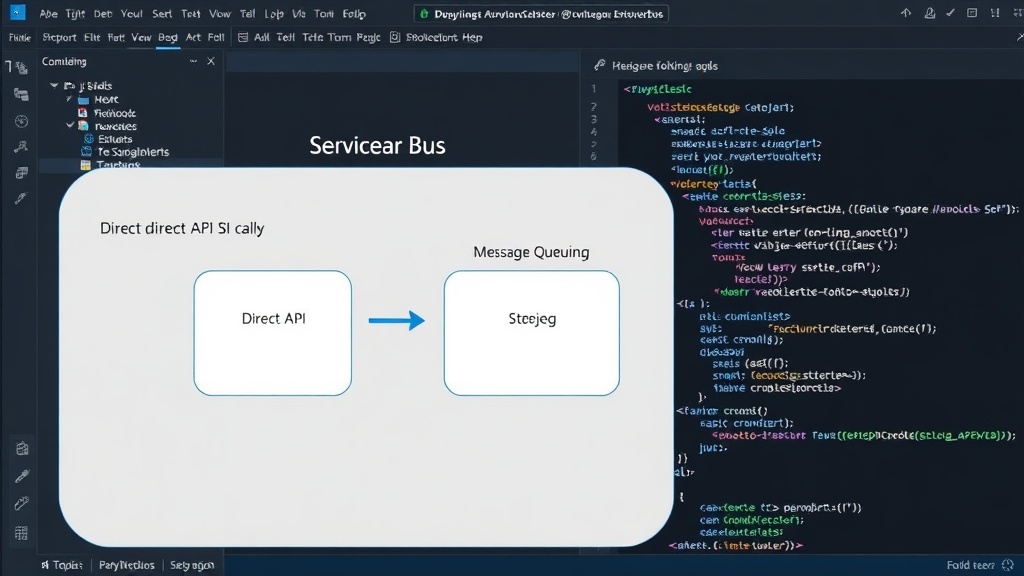
Decoupling Applications with Azure Service Bus
Azure Service Bus is an enterprise-grade cloud messaging service designed to decouple applications. Instead of direct, synchronous API calls, services communicate asynchronously by sending messages to Service Bus. This approach ensures that applications do not need to be online simultaneously. A sending service can fire off a message and move on, while a receiving service can process it at its own pace, even if it experiences temporary downtime. This loose coupling contrasts sharply with the tight coupling inherent in direct API calls, where the failure or slowness of one system directly impacts the other.
At companies like Blue Yonder, Service Bus served as a critical backbone for integrations between various components, including Logic Apps, Function Apps, and external systems such as Salesforce and ServiceNow. This architectural pattern is fundamental for building reliable, scalable, and resilient integration solutions.
Topics and Subscriptions: The Publish/Subscribe Model
Azure Service Bus primarily utilizes a publish/subscribe (pub/sub) messaging pattern through Topics and Subscriptions. A Topic acts as a central message distribution point. Publishers send messages to a topic, and these messages are then made available to one or more Subscriptions associated with that topic.
Each subscription represents a unique logical message queue attached to the topic. When a message arrives at a topic, Service Bus delivers a copy of that message to every active subscription. This allows multiple consumers to process the same message independently. For instance, a single event, like a new order being placed, could trigger separate actions: one subscription might handle inventory updates, another might process payment, and a third could send a notification to the customer. This fan-out capability is a core benefit of the pub/sub model.
Subscriptions can also be configured with filters. Filters allow a subscription to receive only a subset of the messages sent to the topic. These filters can be based on message properties (e.g., only messages with `orderType = 'premium'`) or SQL-like expressions. This selective delivery mechanism further enhances efficiency by ensuring consumers only receive messages relevant to their specific tasks, reducing unnecessary processing and load.
Dead Letter Queues: Handling Message Failures
Despite robust design, messages can sometimes fail to be processed successfully by a consumer. This could be due to various reasons, such as malformed message content, temporary backend service unavailability, or bugs in the consumer application. To manage these scenarios gracefully, Azure Service Bus provides Dead Letter Queues (DLQs).
Every subscription has an associated DLQ. When a message cannot be delivered to a consumer or is explicitly abandoned by a consumer after multiple retries, Service Bus automatically moves it to the subscription's DLQ. This prevents the message from being lost and ensures that the main subscription queue does not get blocked by unprocessable messages.
The DLQ serves as a holding area for problematic messages. Administrators or automated processes can then inspect the messages in the DLQ to diagnose the root cause of the processing failure. Once the issue is resolved, messages can be moved back to the main subscription queue for reprocessing or discarded if no longer needed. This is crucial for maintaining data integrity and enabling effective troubleshooting in distributed systems. The dead-lettering process can be configured with specific reasons, such as 'MaxDeliveryCountExceeded' or 'MessageExpired', to aid in diagnosis.
Key Benefits and Use Cases
The combination of topics, subscriptions, and dead-letter queues offers several significant advantages:
- Reliability: Messages are persisted until successfully processed, and DLQs capture failures.
- Scalability: Decoupled services can scale independently based on message volume.
- Resilience: Temporary outages of consumer services do not interrupt the overall flow.
- Flexibility: Multiple consumers can process messages from a single topic, enabling diverse workflows.
- Maintainability: Centralized messaging and clear error handling simplify system management.
Common use cases include:
- Event-driven architectures where multiple services need to react to the same event.
- Order processing systems where different components handle shipping, billing, and inventory.
- Data synchronization between disparate systems.
- Background job processing where tasks are queued for asynchronous execution.
Understanding these core components of Azure Service Bus is essential for designing and implementing robust, scalable, and resilient cloud-native applications. It moves away from fragile direct calls to a more robust, message-driven architecture.