Introduction to AWS FinOps Agent
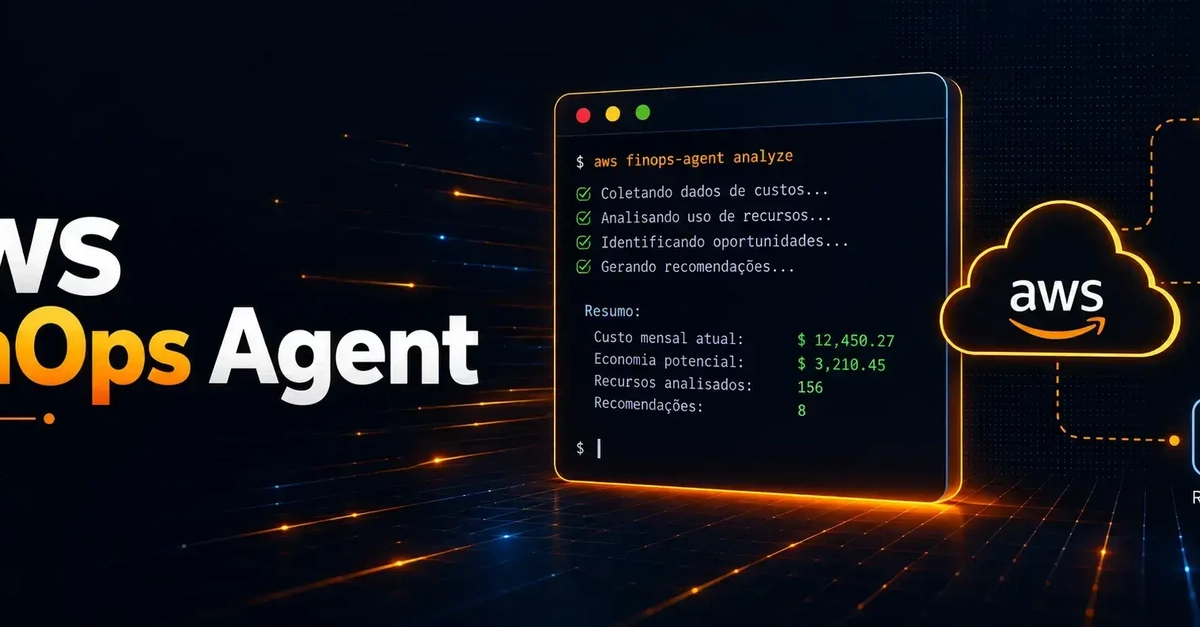
The AWS FinOps Agent, launched in June 2026, aims to provide enhanced visibility into AWS spending by consolidating data from native tools like Cost Explorer, Compute Optimizer, and Cost Optimization Hub. Traditionally, access to these granular cost insights is limited to FinOps or infrastructure teams. This often leaves development teams, who provision and manage resources, unaware of the cost implications of their work. Without active monitoring and timely alerts, unexpected cost increases can go unnoticed for extended periods, leading to budget overruns.
The FinOps Agent addresses this gap by analyzing cost data and publishing actionable insights directly to communication channels like Slack or ticketing systems such as Jira. This direct integration ensures that the teams responsible for resource provisioning are promptly informed about cost fluctuations, enabling faster decision-making and more proactive cost management. By bringing cost awareness closer to the source of spending, the agent facilitates a more distributed and effective FinOps culture within organizations.
Core Functionality and Benefits
The primary benefit of the FinOps Agent is its ability to aggregate and interpret cost data from multiple AWS services. Instead of requiring developers to navigate complex AWS consoles or manually correlate data from different reports, the agent performs this analysis automatically. It identifies significant cost changes, potential optimizations, and anomalies, then distills this information into concise, understandable alerts.
Integrating with Slack means these alerts appear directly in development team channels, making cost information a natural part of their daily workflow. This contrasts sharply with traditional methods where cost reports might be generated periodically and shared via email or static dashboards, often leading to delayed awareness and action. The agent's ability to push notifications ensures that critical cost information reaches the right people at the right time, fostering a culture of cost accountability across all engineering teams. For instance, a sudden spike in EC2 instance costs due to an unoptimized deployment could be flagged within minutes rather than days.
Configuration and Integration Steps
Setting up the FinOps Agent involves several key steps, starting with ensuring the necessary AWS permissions and configurations are in place. The agent typically requires read-only access to cost and usage reports, as well as permissions to interact with services like Cost Explorer and Compute Optimizer. For Slack integration, an incoming webhook URL is required, which allows the agent to send messages to a designated Slack channel. Similarly, for Jira integration, API tokens and project keys are needed to create or update tickets.
The configuration process generally involves deploying the agent, which might be done via AWS CloudFormation, CDK, or manual setup of Lambda functions and IAM roles. Once deployed, the agent needs to be configured with the specific AWS accounts and regions to monitor. Users then define the alerting thresholds and criteria—for example, notifying when daily costs exceed a certain percentage of the monthly budget or when a specific service’s cost increases by more than 20% within 24 hours.
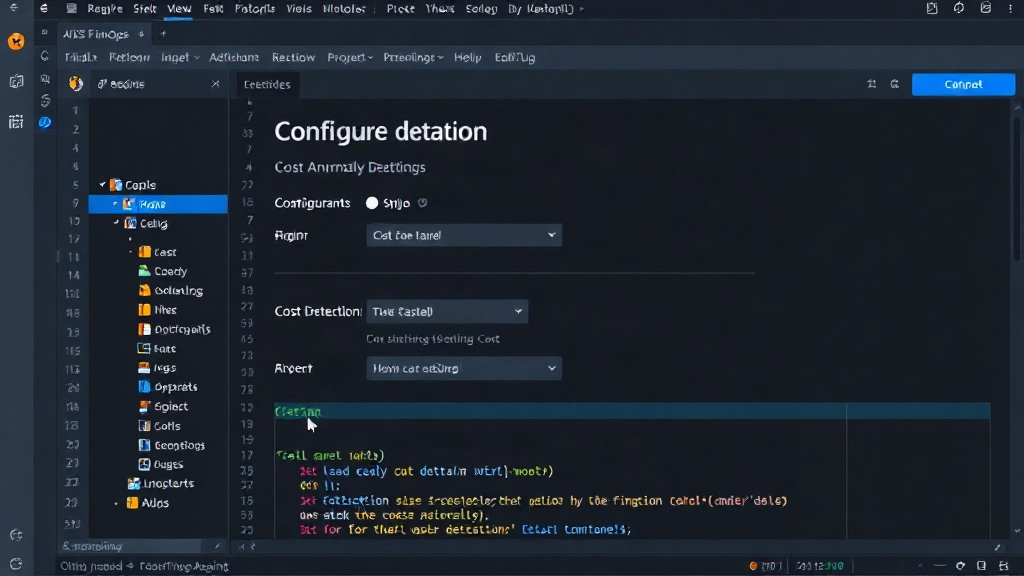
The integration with Slack is a crucial step for enabling real-time cost awareness. After obtaining the Slack webhook URL, this is configured within the FinOps Agent settings. The agent then formats the cost analysis data into human-readable messages, which are pushed to the specified Slack channel. These messages can include summaries of cost trends, alerts for unusual spending patterns, and recommendations for optimization. The level of detail can often be customized, allowing teams to receive high-level summaries or more granular data depending on their needs.
Technical Details and Data Sources
The FinOps Agent pulls data from several AWS services to provide a comprehensive view of costs. Cost Explorer provides detailed breakdowns of costs by service, tag, linked account, and other dimensions. Compute Optimizer analyzes resource utilization and provides recommendations for rightsizing instances and other resources to reduce costs. The Cost Optimization Hub consolidates optimization recommendations from various AWS services, offering a unified view of potential savings.
By combining insights from these sources, the FinOps Agent can identify not only where costs are high but also why they are high and how they can be reduced. For instance, it might detect that a particular EC2 instance is consistently underutilized (identified by Compute Optimizer) and that its associated costs have increased (identified by Cost Explorer), then recommend rightsizing the instance. The agent’s logic processes these findings and translates them into actionable notifications. The agent itself is typically implemented as a serverless application, often running on AWS Lambda, which is triggered on a schedule (e.g., daily or hourly) to perform its analysis and reporting tasks.
Implications for Development Teams and FinOps Culture
The introduction of the FinOps Agent signifies a shift towards a more proactive and democratized approach to cloud cost management. By embedding cost visibility directly into development workflows, it empowers developers to make cost-conscious decisions from the outset of a project. This can lead to more efficient resource utilization, reduced waste, and ultimately, lower cloud bills. It also helps to break down silos between finance, operations, and development teams, fostering a shared responsibility for cloud spending.
For FinOps practitioners, the agent serves as a force multiplier, automating much of the manual data collection and analysis that traditionally consumed significant time. This allows FinOps teams to focus on higher-value activities, such as strategic cost optimization initiatives, financial forecasting, and establishing robust governance policies. The agent's ability to provide real-time alerts also enables faster response to cost issues, preventing small problems from escalating into significant budget impacts. The surprising detail here is not the agent's ability to consolidate data, but its direct push to communication channels, making cost a daily conversation rather than a quarterly report.
The Future of Cloud Cost Management
The AWS FinOps Agent represents a step forward in making cloud cost management more accessible and integrated into daily operations. As cloud adoption continues to grow, tools that simplify and automate cost visibility will become increasingly critical. The trend is moving towards embedding cost awareness directly into the tools and platforms developers use every day, rather than treating cost management as a separate, specialized function.
This integration with communication platforms like Slack is likely to become a standard feature for cloud cost management solutions. The challenge ahead is to ensure these alerts are not just numerous but truly actionable and context-aware, avoiding alert fatigue. What remains to be seen is how effectively these agents can incorporate more sophisticated predictive analytics and automated optimization actions beyond simple rightsizing recommendations. As cloud environments become more complex, the demand for intelligent, integrated FinOps tooling will only increase.