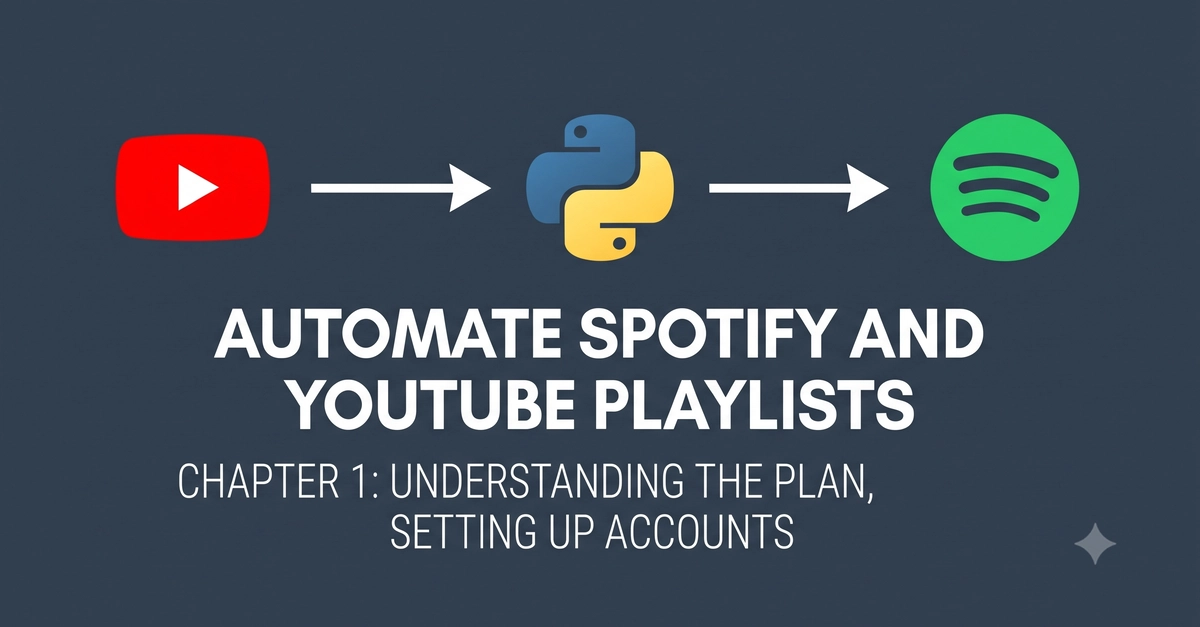
The Vision: Your YouTube Vibes, Now on Spotify
Ever found yourself lost in a YouTube playlist, wishing you could seamlessly transfer that perfect mood to Spotify for your workday soundtrack? This guide makes that a reality. We're building a Python script designed to automatically mirror a YouTube playlist onto Spotify. Imagine a tireless, free music intern who diligently updates your Spotify library every single day, ensuring your favorite YouTube tracks are always accessible. This isn't just for seasoned coders; the tutorial is crafted for absolute beginners, demystifying Python and its applications one step at a time.
What We're Building: A Daily Sync
The core functionality is straightforward: a script will run daily, check a specified YouTube playlist, identify the songs, and then find and add those same songs to a Spotify playlist. This process will be automated, likely leveraging a cloud service like GitHub Actions to run the script on a schedule, eliminating manual intervention. The goal is to have a near real-time reflection of your YouTube listening habits within your Spotify ecosystem.
The Technical Blueprint: Key Components
To achieve this automated synchronization, we need to interact with both YouTube and Spotify's APIs. This involves several key steps:
- YouTube API Interaction: The script will need to authenticate with the YouTube Data API to read the contents of a given playlist. This includes fetching video titles, artist names, and any other relevant metadata that can help identify the song.
- Spotify API Interaction: Similarly, the script must authenticate with the Spotify API to create and manage playlists. This involves searching for tracks on Spotify using the metadata obtained from YouTube and then adding the found tracks to a designated Spotify playlist.
- Authentication and Authorization: Both APIs require secure authentication. This typically involves obtaining API keys, client IDs, and client secrets, and then using OAuth 2.0 flows to grant the script permission to access your data and perform actions on your behalf. Storing these credentials securely is paramount.
- Scheduling and Automation: To ensure the daily sync, the script needs to be executed regularly. Services like GitHub Actions, Cron jobs (on a personal server), or cloud-based scheduling tools can be employed. GitHub Actions is a popular choice for its integration with code repositories and its generous free tier.
- Error Handling and Logging: Real-world automation requires robustness. The script should include error handling for API rate limits, network issues, songs not found on Spotify, or discrepancies in song identification. Logging these events is crucial for debugging and monitoring.
Setting Up Your Developer Accounts
Before writing any code, you need to set up developer accounts and obtain the necessary credentials for both YouTube and Spotify.
Google Cloud Platform & YouTube Data API
1. Create a Google Cloud Project: Navigate to the Google Cloud Console and create a new project. This project will house your YouTube API credentials.
2. Enable YouTube Data API v3: Within your project, search for and enable the YouTube Data API v3. This grants your project permission to access YouTube data.
3. Create API Credentials: Go to the 'Credentials' section and create an API key. For this project, a simple API key is usually sufficient for reading public playlist data. However, if your script needs to manage YouTube playlists or user data, you would need to set up OAuth 2.0 client IDs.
Keep your API key secure. Do not commit it directly into your code repository.
Spotify Developer Dashboard
1. Register an Application: Visit the Spotify Developer Dashboard and log in with your Spotify account. Register a new application. This will generate a Client ID and a Client Secret.
2. Configure Redirect URIs: For the OAuth 2.0 flow, you'll need to specify a Redirect URI. If you're running this locally for testing, `http://localhost:8888/callback` is a common choice. If you plan to deploy it to a service like Heroku or use GitHub Actions, you'll need to configure the appropriate callback URL provided by those services.
3. Understand Scopes: Spotify's API uses scopes to define permissions. For this project, you'll likely need scopes related to reading your playlists and modifying playlists (e.g., `playlist-read-private`, `playlist-modify-public`, `playlist-modify-private`).
These credentials—your YouTube API key and your Spotify Client ID/Secret—are the keys to your kingdom. Treat them with the same care you'd afford your bank login details.
The Plan: From YouTube to Spotify
The process will look something like this:
- Fetch YouTube Playlist: The script queries the YouTube Data API with your YouTube playlist ID to get a list of all video IDs and their titles.
- Identify Songs: For each video, it extracts the title and artist information. This is often the trickiest part, as YouTube titles can be inconsistent (e.g., "Song Name - Artist (Live)", "Artist - Song Name Official Video", "Song Name - Artist Lyrics").
- Search Spotify: Using the extracted song title and artist, the script queries the Spotify API's search endpoint to find the most likely match for the track.
- Add to Spotify Playlist: Once a Spotify track ID is found, the script adds it to your designated Spotify playlist. If the track already exists, it might be skipped to avoid duplicates.
- Handle Duplicates and Mismatches: Implement logic to prevent adding duplicate songs and to log or flag songs that couldn't be found on Spotify.
The surprising detail here is not the complexity of the APIs themselves, but the inherent messiness of song metadata on platforms like YouTube. Cleaning and matching this data reliably is the real challenge.
What's Next?
With your developer accounts set up and a clear plan, you're ready for Chapter 2, where we'll dive into writing the Python code to interact with these APIs. We'll start with fetching data from YouTube and then move on to searching and adding tracks to Spotify. If you're a developer, this will involve using libraries like google-api-python-client for YouTube and spotipy for Spotify. For non-coders, we'll explain the concepts and guide you through using pre-built functions and configuration files.