
Automating Production: A CI/CD Pipeline for Google Cloud Run with GitHub Actions
Manual deployments are a relic of a less efficient engineering past. Repeating commands like docker build and gcloud run deploy for every code change wastes valuable developer time and, more critically, introduces the risk of deploying flawed code into production. This guide details how to establish a robust Continuous Integration and Continuous Deployment (CI/CD) pipeline using GitHub Actions, transforming your deployment strategy to a simple git push.
The Architecture: From Push to Production
This isn't merely about scripting commands; it's about implementing a professional, automated workflow. The core of this architecture is triggered by a code push to the main branch. Upon this event, the pipeline orchestrates several key steps to ensure a smooth and reliable deployment to Google Cloud Run.
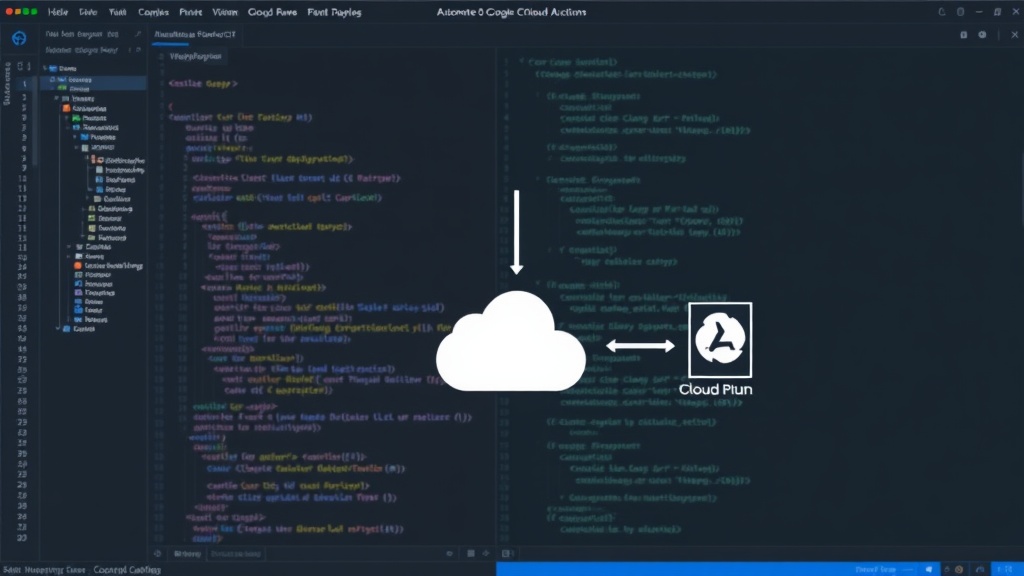
The process begins with code integration. Developers push their latest changes to the main branch of their GitHub repository. This action serves as the primary trigger for the entire automated pipeline. Once the code is pushed, GitHub Actions takes over, executing a series of predefined jobs designed to build, test, and deploy the application.
Step 1: Building the Docker Image
The first automated step is to build a Docker image of the application. This ensures that the deployed artifact is consistent and reproducible. GitHub Actions will checkout the repository's code and then use Docker to build an image based on the provided Dockerfile. This image encapsulates the application and its dependencies, creating a portable unit ready for deployment.
The process involves leveraging Docker within the GitHub Actions runner environment. The runner will execute the docker build command, tagging the image appropriately, often including the commit SHA or a version number for traceability. This image is then typically pushed to a container registry, such as Google Container Registry (GCR) or Artifact Registry, making it accessible for the subsequent deployment phase.
Step 2: Authenticating with Google Cloud
Before deploying to Google Cloud Run, the GitHub Actions workflow must authenticate with Google Cloud Platform (GCP). This is typically achieved using a service account key. The workflow will be configured with a GCP service account that has the necessary permissions to deploy to Cloud Run and push images to the container registry.
The service account key, a sensitive piece of information, should be stored securely as a GitHub Secret. The action then uses this secret to authenticate the runner to GCP, allowing it to perform actions on your behalf. This secure authentication mechanism is crucial for maintaining the security posture of your cloud infrastructure. The specific action used often involves fetching workload identity or using a predefined service account key to establish the connection.
Step 3: Deploying to Google Cloud Run
With the Docker image built and pushed, and authentication established, the pipeline proceeds to deploy the application to Google Cloud Run. This step utilizes the gcloud run deploy command, automated within the GitHub Actions workflow.
The command specifies the service name, the container image to deploy, the region, and other configuration parameters such as environment variables, memory limits, and CPU allocation. The beauty of this automation is that every push to main can trigger a new revision of the Cloud Run service, ensuring that production always runs the latest tested code. Rollbacks are implicitly handled by deploying a previous, known-good image if an issue is detected.
Handling Different Branches and Environments
While deploying directly from main is a common strategy for production, real-world workflows often require more nuanced branch management. For instance, a develop branch might trigger deployments to a staging environment, while specific release branches or tags could be used to deploy to production.
GitHub Actions allows for sophisticated workflow configuration using conditional logic and environment variables. You can define separate jobs or workflows that run based on the branch being pushed or tags being created. This enables developers to test features in a staging environment that closely mirrors production before merging into the main branch and triggering the final production deployment. This layered approach provides safety and control over the deployment process.
Key Considerations and Best Practices
Implementing a CI/CD pipeline involves more than just setting up the automation; it requires adherence to best practices. Ensure your Dockerfile is optimized for size and security. Regularly update dependencies and scan images for vulnerabilities. Furthermore, implement thorough testing at various stages of the pipeline—unit tests, integration tests, and even end-to-end tests—before allowing a deployment to proceed.
Monitoring is also critical. After deployment, application performance monitoring (APM) tools and logging services should be in place to quickly detect and diagnose any issues. This feedback loop is essential for continuous improvement. The automated pipeline should be seen as the backbone, but robust testing and monitoring are the vital organs that ensure the health of the deployed application.
The transition to a fully automated CI/CD pipeline for Google Cloud Run significantly enhances development velocity and reliability. By defining the entire deployment process within GitHub Actions, teams can focus more on writing code and less on the mechanics of deployment, leading to faster iteration cycles and more stable production environments.