The Gap in Release Testing: Broken Email Links
Release checklists often confirm the API is live, the message queue is draining, and the user interface loads. Yet, a critical user-facing communication can still falter. An approval email might ship with the wrong hostname, or a password reset link could point to a staging environment instead of production. This gap represents a significant risk, leading to user confusion, support overhead, and a tarnished brand reputation. While teams may have unit tests for template rendering or integration tests for queuing events, these often fall short of verifying the end-to-end user experience for critical emails immediately before a release.
Manual QA can catch some issues, but it’s prone to human error and is often performed too far removed from the actual release deployment to be effective as a final gate. The problem isn't a lack of testing, but rather that existing tests are decoupled from the immediate deployment pipeline. This disconnect means that even with a seemingly robust testing strategy, a simple, user-impacting email regression can slip through. The solution lies in implementing a focused, replayable workflow that specifically targets the most critical user-facing email for each release.
Implementing a Focused Email Check Workflow
The goal is not to build an exhaustive email testing suite, but to create a single, replayable workflow that validates the most crucial email in a given release. This could be the signup confirmation, an account approval, a password reset, or an invitation email—any communication that is user-visible and has a high potential for breakage. A dedicated, isolated testing mechanism is key. Using a fake email address can serve as an isolated target, but the real value comes from how this check is structured within the release process itself.
Imagine a scenario where a new feature release includes a critical user onboarding flow that sends an email with a verification link. While developers might have tested the API endpoint and the template rendering in isolation, the deployment process itself could introduce an error. Perhaps a configuration change inadvertently points the `href` attribute in the email’s link to a development server rather than the production domain. This is precisely the kind of error a focused, automated check can catch. By scripting a workflow that simulates a user action (like initiating a password reset or signup) and then programmatically verifies the content of the resulting email, you create a safety net.
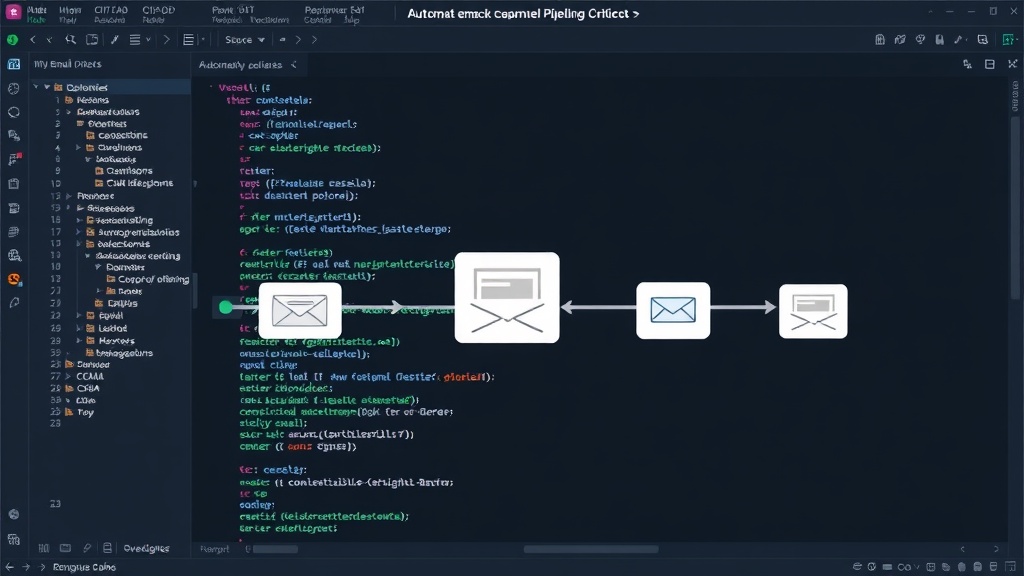
This workflow should be designed to be easily replayed. It needs to be more than a one-off manual check. Think of it less like a single test case and more like a mini-integration test that specifically focuses on the email delivery and content verification. The workflow would typically involve:
- Triggering the Email: Programmatically initiating the action that sends the email (e.g., submitting a form, calling an API endpoint).
- Capturing the Email: Using a dedicated email testing service or a custom-built inbox to receive the outgoing email.
- Verifying Content: Programmatically inspecting the email's subject, body, and crucially, any links or dynamic content. This includes checking for correct hostnames, valid link formats, and accurate personalization tokens.
- Asserting Success/Failure: The workflow should fail the build or deployment pipeline if the email verification does not pass, providing immediate feedback.
What Matters Most: The User-Visible Link
The most common and damaging email regressions involve broken links. These can be links to verify an account, reset a password, confirm an order, or direct users to important resources. When these links point to the wrong place, users are blocked from completing essential actions. They might land on a 404 page, a development server, or an expired staging environment. This directly impacts user experience and can lead to significant frustration and churn.
Consider a password reset email. The user needs to click a link to set a new password. If that link is broken, the user cannot regain access to their account. This isn't a minor inconvenience; it's a complete roadblock. The automated check must therefore prioritize verifying the integrity and correctness of these critical links. This involves not just checking that a link exists, but that it resolves to a valid, accessible URL, and that the URL contains the correct parameters (like a unique token) and the correct base domain (production, not staging).
This focused approach contrasts with broader integration tests that might enqueue an email and check that the event occurred. While valuable, these tests don't confirm the email content itself is accurate post-deployment. They also don't guarantee that the links within that email will function correctly in the production environment. The release-ready email check acts as the final sanity check, ensuring that the user-facing communication is not only sent but is also functional and correct at the moment of deployment.
Integrating into the Release Pipeline
The power of this check comes from its integration into the release pipeline. It should be one of the final automated steps before a release is deemed deployable or is automatically promoted to production. This ensures that any configuration changes or last-minute code pushes that might affect email generation are caught.
This workflow can be implemented using various tools. Services like Mailtrap, Postmark, or even custom solutions using temporary email addresses and simple scripts can capture outgoing emails. The verification logic can be written in any scripting language (Python, JavaScript, etc.) and integrated into CI/CD platforms like Jenkins, GitLab CI, GitHub Actions, or CircleCI. When the verification script fails, it should trigger a pipeline failure, preventing the release from proceeding or automatically rolling it back.
The surprising detail here is not the complexity of the solution, but its simplicity and its placement. Many teams over-engineer their testing suites, scattering email verification across unit and integration tests. The effective approach is a single, high-fidelity check that mimics real user interaction with the email, placed strategically at the end of the release process. This final gate ensures that critical user communications are accurate and functional, directly at the point of deployment.
The Unanswered Question: What About Dynamic Content?
While verifying links and hostnames is critical, what remains an open question for many teams is how to effectively test highly dynamic email content that relies on real-time data or complex personalization logic. For instance, an order confirmation email that lists specific items, quantities, and prices, or a personalized marketing email that pulls user-specific recommendations. While the basic link check is essential, ensuring the accurate rendering of all dynamic elements in such emails often requires more sophisticated strategies, potentially involving mock data or more complex end-to-end simulations that go beyond a single critical email check. For now, focusing on the most critical, user-blocking elements—like verification and reset links—provides the highest return on investment.