Bridging the Codebase Comprehension Gap
Cloning a new project and spending hours deciphering its structure, navigating through routes, models, and services, is a familiar pain point for developers. This friction in understanding unfamiliar codebases directly impacts productivity and onboarding time. To address this, Autodocs has emerged as an open-source Command Line Interface (CLI) tool designed to automate the process of generating documentation directly from the codebase itself.
Autodocs aims to significantly reduce the time developers spend trying to grasp the architecture and interdependencies within a project. Instead of manual exploration or relying on potentially outdated or incomplete documentation, Autodocs analyzes the actual code, creating a living document that reflects the project's current state. This approach ensures that the generated documentation is always in sync with the codebase, providing a reliable source of truth.
The tool's primary function is to generate Markdown documentation that details the structure and architecture of a project. This includes mapping out relationships between different components, such as how routes interact with controllers, models link to services, and how various modules are organized. By presenting this information in a clear, structured format, Autodocs makes it easier for developers to build a mental model of the project quickly.
Beyond generating a comprehensive overview, Autodocs offers granular explanation capabilities. Developers can use it to understand an entire project or to drill down into the specifics of a single file. This flexibility is crucial for both new team members onboarding onto a project and for existing developers who may need to revisit or understand a specific part of the codebase they haven't worked on recently. The ability to get on-demand explanations directly from the code reduces the reliance on tribal knowledge or lengthy Q&A sessions.
How Autodocs Works
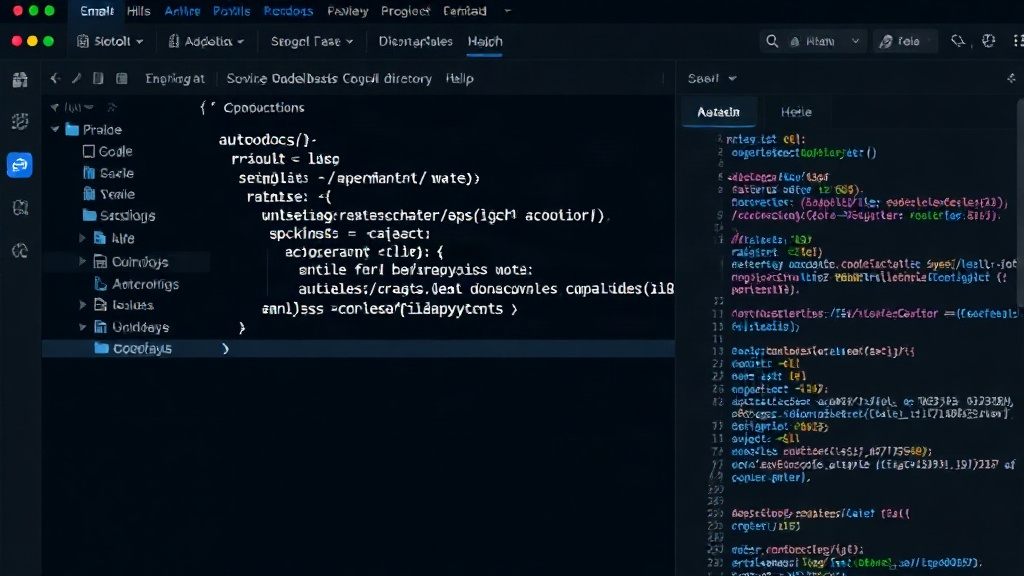
At its core, Autodocs functions by parsing the source code of a project. It looks for common patterns and structures found in many programming languages and frameworks, identifying files, functions, classes, and their relationships. The tool is designed to be framework-agnostic to a degree, capable of understanding the typical organization of web applications, libraries, and other software projects. The analysis process generates an abstract representation of the codebase, which is then translated into human-readable Markdown.
The generation of Markdown documentation is a key feature. Markdown is widely adopted in the developer community for its simplicity and readability, making it ideal for code documentation. The output can be easily integrated into existing documentation platforms, wikis, or simply stored alongside the project's source code in a repository. This makes the documentation accessible directly within the developer's workflow.
The requirements for running Autodocs are straightforward, necessitating Node.js version 20 or above. This ensures that the tool leverages modern JavaScript features and performance optimizations available in recent Node.js runtimes. The installation and execution are handled via npm or npx, making it accessible without a complex setup process. Developers can simply run a command in their terminal to initiate the analysis.
Getting Started with Autodocs
Initiating an analysis of an entire codebase is as simple as navigating to the root directory of the project in the terminal and executing the command: npx @autodocify/autodocs analyze .. This command triggers Autodocs to scan all relevant files within the current directory and its subdirectories. The output is a set of Markdown files that map out the project's architecture, structure, and the relationships between its various components.
For developers who need to understand specific parts of the code, Autodocs also offers the ability to explain individual files or directories. While the specific command for this is not detailed in the provided excerpt, the implication is that the tool can provide focused explanations, reducing the scope of analysis when deep dives are required. This targeted approach can be particularly useful for debugging or when refactoring specific modules.
The philosophy behind Autodocs is rooted in the belief that developers should spend more time building and less time deciphering. By automating the tedious task of documentation generation, the tool frees up valuable developer hours. This not only benefits individual developers by reducing frustration but also enhances team collaboration and accelerates project development cycles. The open-source nature of Autodocs encourages community contributions, allowing for continuous improvement and adaptation to new programming paradigms and project structures.
The success of tools like Autodocs hinges on their ability to accurately interpret complex code structures and provide clear, actionable documentation. As codebases grow in size and complexity, the need for automated documentation solutions will only increase. Autodocs positions itself as a valuable addition to the developer toolkit, promising to make the process of understanding and contributing to any codebase a far more efficient and less daunting experience.