The Hidden Hurdle: Why Your PDF Resume Fails ATS Scans
You've meticulously crafted a developer resume, showcasing your skills, projects, and quantifiable achievements. You hit 'Apply', confident your application is top-tier. Then, silence. The usual advice is to "quantify your impact." Sometimes, the real culprit is far more mundane: the Applicant Tracking System (ATS) simply couldn't read your PDF.
After you click 'Apply', your resume enters a digital gauntlet. The first, and often most critical, stage is text extraction. The ATS parser doesn't 'see' your resume like a human does. It operates on a character stream, pulling text in whatever order the PDF file stores it. For a simple, single-column document, this order usually matches the visual reading order. However, for anything more complex – featuring columns, text boxes, tables, or icons – the extraction can go awry, scrambling information and rendering your carefully curated content nonsensical to the system.
Common Failure Modes in Developer Resumes
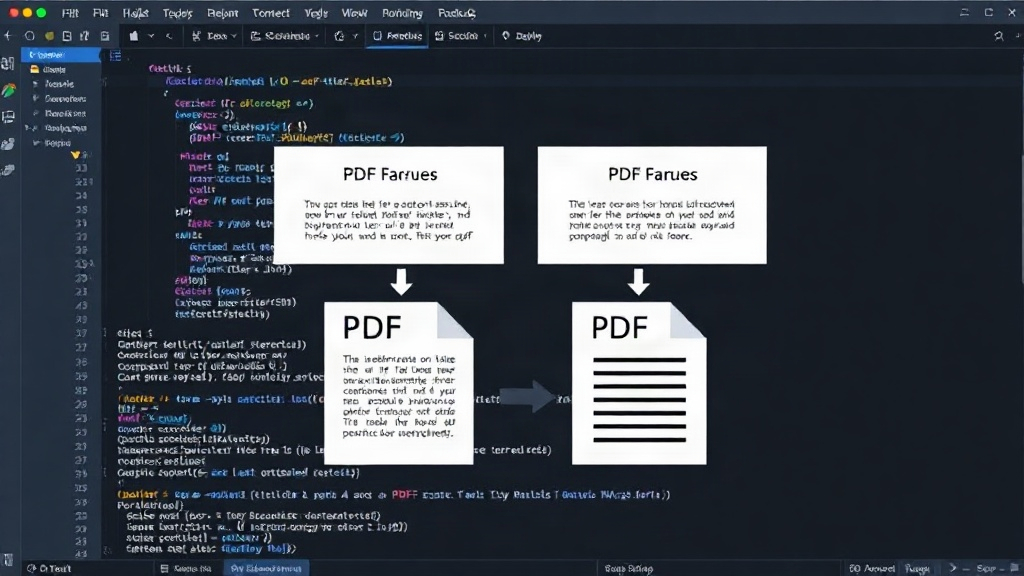
Several common formatting choices, often made with aesthetic intent, can trip up ATS parsers. One frequent offender is the two-column layout. Many developers use this to save space, placing skills or contact information in a narrow sidebar. An ATS might interleave the text from these columns line by line, mixing your technical skills with your name and address, or your project descriptions with your dates of employment. The result is a jumbled mess that fails keyword matching and relevance checks.
Another pitfall involves right-aligned text, particularly dates. When dates are right-aligned using tab stops, some parsers interpret each tabbed element as a new paragraph. This can detach dates from their corresponding job entries, making it impossible for the ATS to associate your tenure with specific roles or companies. Similarly, using icons to represent section headings – a wrench for 'Technical Skills', a briefcase for 'Experience' – is visually appealing but functionally disastrous. Parsers typically ignore or misinterpret these graphical elements, leaving the subsequent text without a clear contextual label. Without proper labels, the ATS cannot categorize your information effectively.
The Text Extraction Process Explained
PDFs are not inherently designed for easy text extraction. They are primarily a presentation format. The way text is stored can vary significantly depending on the software used to create the document and the specific export settings. Some PDFs embed fonts, others use character codes, and the order in which these elements are referenced in the PDF's internal structure dictates the extraction sequence. A 'clean' PDF, created with minimal formatting and a straightforward layout, is far more likely to yield accurate text extraction. Complex layouts, embedded images that contain text, or non-standard font encodings all increase the probability of parsing errors.
Consider a common scenario: a developer lists their programming languages and tools in a sidebar. The PDF might store the text for 'Python', 'Java', 'Docker', 'Kubernetes' in one sequence, and then the text for their job title and company in another, interleaved sequence. The ATS might then read: "Software Engineer (Column 2), Python (Column 1), Google (Column 2), Java (Column 1), Mountain View (Column 2), Docker (Column 1)". This garbled output is useless for matching against job requirements that explicitly list 'Python', 'Java', and 'Docker' as keywords.
How to Check Your Resume's ATS Readability
Fortunately, you don't need specialized software to test how an ATS might read your resume. You can simulate the process yourself with a few simple steps.
Step 1: Save as Plain Text
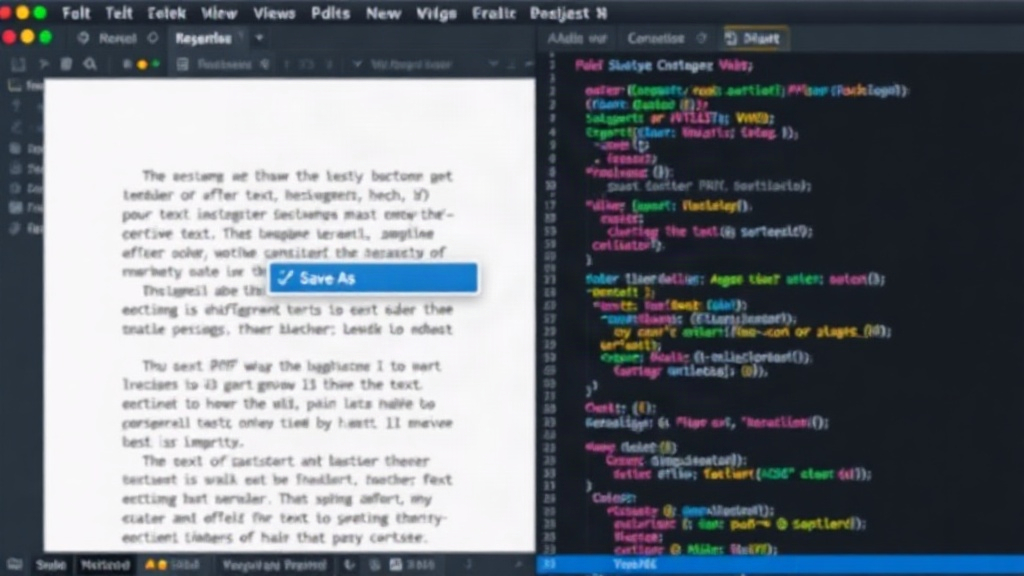
Open your PDF resume in a standard PDF reader (like Adobe Acrobat Reader, or even your browser's built-in viewer). Look for a 'Save As' or 'Export' option and choose 'Plain Text (.txt)'. This process strips out all formatting, leaving only the raw text content. The order in which this text appears is a strong indicator of how a basic ATS parser will read your document.
Step 2: Review the Plain Text File
Open the newly created .txt file. Read through it carefully. Does the text flow logically? Are your skills associated with the correct roles? Are dates correctly placed? If you see jumbled text, interleaved columns, or sections that appear out of order, your resume is likely to fail ATS scans. Pay particular attention to:
- Columnar Layouts: Does the text from different columns appear in a sensible sequence, or is it mixed up?
- Right-Aligned Dates: Are dates separated from their job descriptions?
- Icons and Special Characters: Are these replaced by gibberish or missing entirely, taking contextual clues with them?
- Keywords: Are all your critical skills and technologies present and correctly associated with your experience?
If the plain text version looks like a scrambled mess, it's a strong signal that your PDF resume needs reformatting. The goal is to present your information in a linear, unambiguous way that prioritizes text extraction accuracy over complex visual design.
Reformatting for ATS Success
To ensure your resume is ATS-friendly, prioritize simplicity and readability. Stick to a single-column layout. Use standard section headings (e.g., 'Work Experience', 'Education', 'Skills'). Avoid text boxes, tables for primary content, and decorative icons. If you need to list skills, use simple bullet points or comma-separated lists within a single text block. Ensure dates are placed directly next to their corresponding job titles and company names. While visual appeal is important for human reviewers, it must not come at the expense of machine readability. A slightly less visually striking resume that passes ATS scans is infinitely more effective than a beautiful PDF that never reaches a human recruiter.
What remains unaddressed is the long-term impact on resume design trends. As ATS technology advances, will we see a resurgence of highly visual, interactive resumes, or will the focus remain on pure text parsability? For now, prioritizing a clean, linear text flow is the safest bet for getting your application seen.