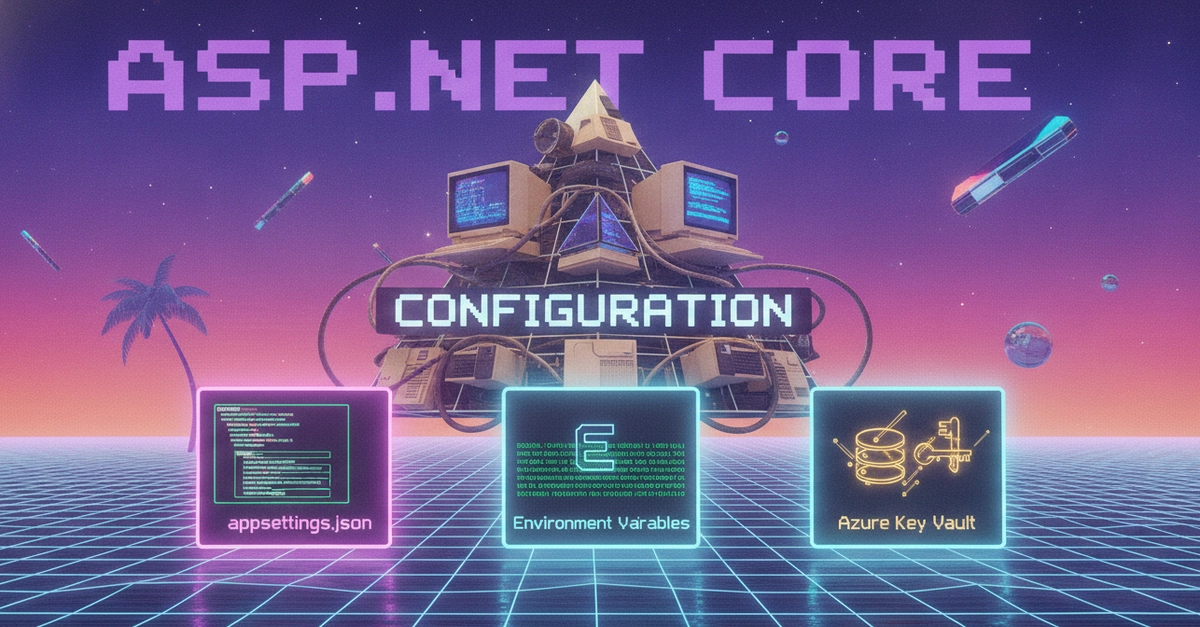
Understanding ASP.NET Core Configuration
ASP.NET Core decouples configuration from application code, providing a flexible, layered system that adapts to different environments. At its core is the IConfiguration interface, which acts as an abstraction over various configuration sources. This layered approach means settings can be defined in multiple places, with a clear precedence order determining which value ultimately takes effect. This system is crucial for managing everything from database connection strings to feature flags, ensuring applications behave correctly whether running locally during development or deployed to production servers.
The Provider Model and Precedence
IConfiguration is built upon a stack of configuration providers. Each provider reads configuration data from a specific source, such as a JSON file, environment variables, or command-line arguments. When you access a configuration value, ASP.NET Core queries these providers in a defined order. The first provider that contains the requested key-value pair returns its value. This precedence order is critical: later providers can override settings from earlier ones. For example, environment-specific settings in appsettings.json override general settings, environment variables override JSON files, and command-line arguments typically have the highest precedence.
Default Provider Stack
The default configuration setup in ASP.NET Core typically includes:
- JSON Files:
appsettings.jsonforms the base. - Environment-Specific JSON Files:
appsettings.{EnvironmentName}.json(e.g.,appsettings.Development.json,appsettings.Staging.json) override the base file. These are essential for managing settings that differ between development, testing, and production environments. - User Secrets: A development-only mechanism (via the
Microsoft.Extensions.Configuration.UserSecretsNuGet package) for storing sensitive settings locally without committing them to source control. - Environment Variables: System-level environment variables can override JSON file settings. This is a common way to manage production configurations.
- Command-Line Arguments: Settings can be passed directly when launching the application, offering the highest precedence for quick overrides.
Understanding this stack is key. A setting defined in appsettings.Development.json will be used during development, but if you also set the same key as an environment variable on your production server, the environment variable will win. This allows for robust and flexible deployment strategies.
Hierarchical Keys and the Colon Separator
Configuration values can be organized hierarchically using a colon (:) as a separator. For instance, a setting like Logging:LogLevel:Default in appsettings.json represents a nested structure. This is particularly useful for organizing complex configurations, such as logging levels, database connection details, or API settings. Environment variables and command-line arguments often support this hierarchical structure, though the exact syntax might vary (e.g., using double underscores __ on some platforms for environment variables).
Managing Production Secrets: Azure Key Vault
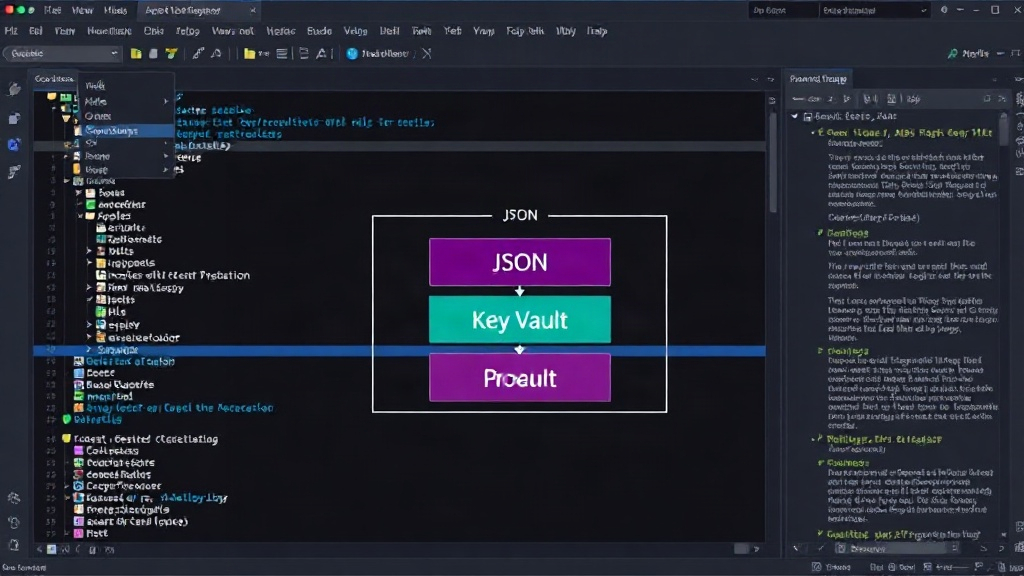
For sensitive production secrets like API keys, database passwords, and certificates, storing them directly in configuration files or environment variables is often insecure. ASP.NET Core integrates with Azure Key Vault, a cloud service for securely storing and managing secrets. By using the Azure.Extensions.Configuration.Secrets NuGet package, applications can fetch secrets directly from Key Vault at runtime. This eliminates the need to embed sensitive credentials in deployment artifacts, significantly enhancing security. The application authenticates to Key Vault using managed identities or service principals, ensuring only authorized applications can access the secrets.
The Options Pattern and Validation
While IConfiguration provides direct access to raw configuration values, the Options pattern offers a strongly-typed, safer way to consume configuration. You define Plain Old C# Objects (POCOs) that mirror your configuration structure. ASP.NET Core's dependency injection system can then bind configuration values to these objects. This approach improves code readability and maintainability. Furthermore, the Options pattern supports validation. You can define validation rules for your configuration objects, and the framework can automatically check these rules during startup or when options are accessed. This prevents the application from starting with invalid configuration, catching errors early.
Configuration Reloading
In dynamic environments, configuration settings may need to change without restarting the application. ASP.NET Core supports automatic configuration reloading. Providers like the JSON file provider can be configured to watch for changes in their source files. When a change is detected, the IConfiguration instance is updated, and any components that use the Options pattern (bound to these settings) can be notified or automatically re-bound. This is invaluable for features like feature flags, allowing them to be toggled on or off dynamically in production. Reloading is typically enabled by default for JSON files when using the default configuration builder.
What About RazorRichText?
It's important to distinguish the core configuration system from specific UI components. While Source 1 (Dev.to article on Configuration) provides a deep dive into ASP.NET Core's foundational configuration mechanisms, Source 2 (Dev.to article on RazorRichText) discusses a NuGet package for simplifying rich text editing. RazorRichText handles concerns like embedding the Quill editor, sanitizing HTML to prevent XSS attacks, and integrating with model validation. It uses standard ASP.NET Core features like tag helpers and model binding (asp-for) but is not directly about the IConfiguration system itself. Its configuration is managed through standard ASP.NET Core practices, not by altering the core configuration provider stack.