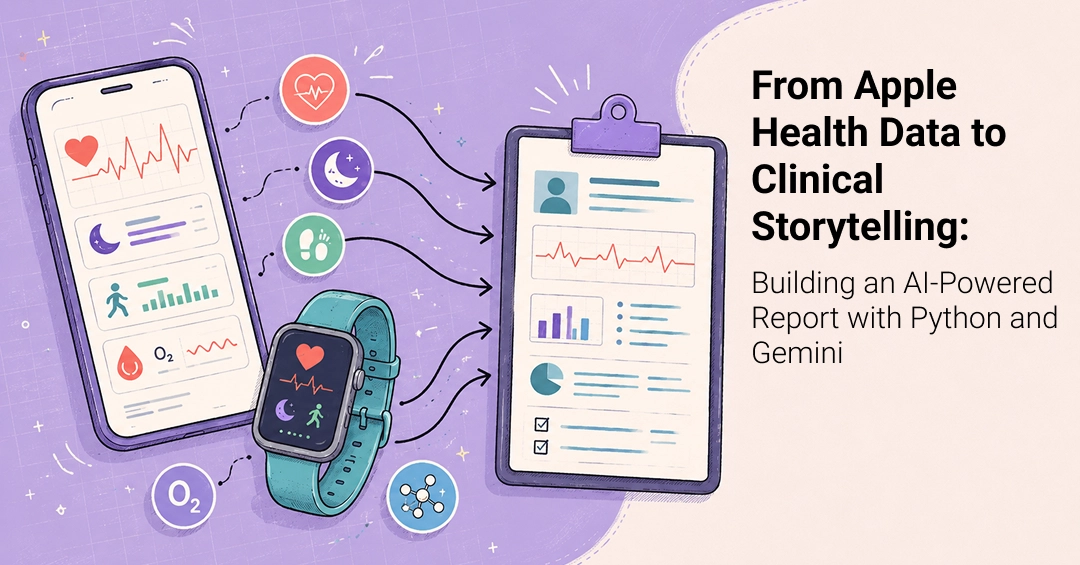
Introduction: The Data Deluge in Personal Health
The proliferation of health-focused devices and applications has created an unprecedented volume of personal health data. Smartwatches, scales, glucose monitors, and myriad health apps now capture detailed insights into our daily well-being, from heart rate and sleep patterns to nutrition and blood sugar levels. This explosion of information presents a significant opportunity: to translate raw data into actionable understanding. This article explores how to build an AI-powered system using Python and Google's Gemini to convert this often overwhelming stream of Apple HealthKit data into coherent, narrative clinical reports.

Accessing and Processing Apple HealthKit Data
The first hurdle in building such a system is accessing the data itself. Apple HealthKit provides a robust framework for developers to read health and fitness data from the Health app on iOS devices. However, direct access to HealthKit data from a Python script typically requires an intermediate step, often involving exporting data from an iPhone or using third-party tools that can bridge the gap. For this project, we assume the data has been exported from HealthKit in a structured format, such as CSV or JSON files. Common data points include:
- Heart Rate: Resting heart rate, workouts, heart rate variability (HRV).
- Activity: Steps taken, distance covered, active energy burned, workout duration.
- Sleep: Time in bed, sleep duration, sleep stages (light, deep, REM).
- Body Measurements: Weight, body fat percentage, BMI.
- Mindful Minutes: Time spent in mindfulness sessions.
Once exported, this data needs to be cleaned and preprocessed. This involves handling missing values, standardizing units, and structuring the data into a format suitable for analysis. Python libraries like Pandas are invaluable for these tasks. We can load CSV files into DataFrames, filter for relevant time periods, and aggregate data to a daily or weekly level. For instance, calculating average resting heart rate or total steps per day are common preprocessing steps.
Leveraging Gemini for Clinical Storytelling
The core of this project lies in transforming raw numerical data into a narrative. This is where large language models (LLMs) like Google's Gemini excel. Gemini can understand context, identify patterns, and generate human-readable text. The process involves feeding the preprocessed health data, along with specific prompts, to the Gemini API.
A well-crafted prompt is crucial. It should instruct Gemini on the desired output format, the target audience (e.g., a patient, a general practitioner), and the key insights to highlight. For example, a prompt might look like this:
"Analyze the following daily health data for the past week and generate a concise clinical summary. Focus on any significant trends or anomalies in heart rate, sleep patterns, and activity levels. Highlight any potential correlations observed between these metrics. The summary should be easy for a patient to understand and include actionable advice if any concerning patterns emerge.

Data:
[Insert preprocessed health data here in a structured format, e.g., JSON or CSV snippet]"
Gemini can then process this input and return a narrative report. This report could describe:
- Overall trends in activity and sleep quality.
- Periods of unusually high or low heart rate and potential contributing factors (e.g., intense workouts, poor sleep).
- Deviations from typical patterns that might warrant further attention.
The surprising detail here is not that an LLM can generate text, but its ability to synthesize complex, multi-dimensional numerical data into a coherent story. It moves beyond simple data aggregation to interpret trends and present them in a clinically relevant, narrative form. This is akin to a human analyst reviewing charts and writing a summary, but at a much faster pace.
Building the Python Application
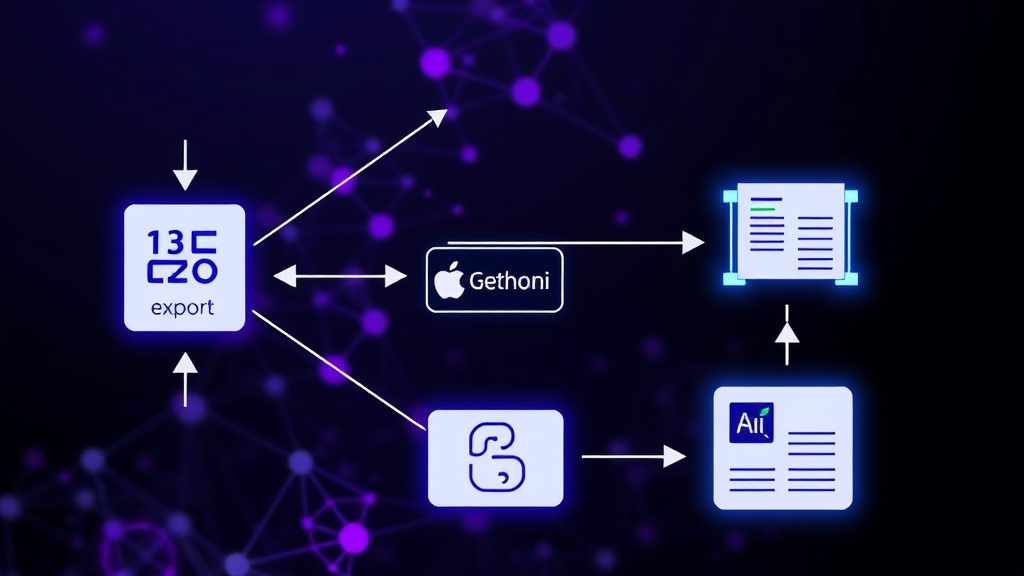
The complete application would integrate these components. A Python script would:
- Load Data: Read exported HealthKit data files (e.g., CSVs).
- Preprocess Data: Clean, filter, and aggregate data using Pandas. Calculate daily averages, totals, and identify outliers.
- Construct Prompt: Dynamically build a detailed prompt for Gemini, including the preprocessed data and specific analysis requests.
- Call Gemini API: Use the Google Generative AI Python SDK to send the prompt and receive the generated report.
- Output Report: Present the AI-generated narrative report to the user, perhaps in a simple text file, a web interface, or even a formatted PDF.
Libraries such as pandas for data manipulation, google-generativeai for interacting with Gemini, and potentially streamlit or Flask for a user interface would be essential. Error handling, especially around API calls and data parsing, is critical for a robust application.
Potential Applications and Future Directions
This approach has significant implications beyond personal health tracking. Imagine applications for:
- Remote Patient Monitoring: Automatically generating weekly summaries for physicians, highlighting changes in patient vitals.
- Clinical Trials: Analyzing participant adherence and physiological responses to treatment, presented in narrative form.
- Personalized Health Coaching: Providing users with AI-generated insights and motivational feedback based on their data.
What nobody has addressed yet is the regulatory and ethical framework for using AI-generated narratives derived from personal health data in formal clinical settings. Ensuring data privacy, accuracy, and interpretability will be paramount as these systems become more sophisticated.
The ability to transform dense health metrics into understandable stories empowers individuals and healthcare providers alike. By combining the structured data capabilities of HealthKit with the natural language generation power of Gemini, we can unlock new levels of insight and engagement with our own health data.