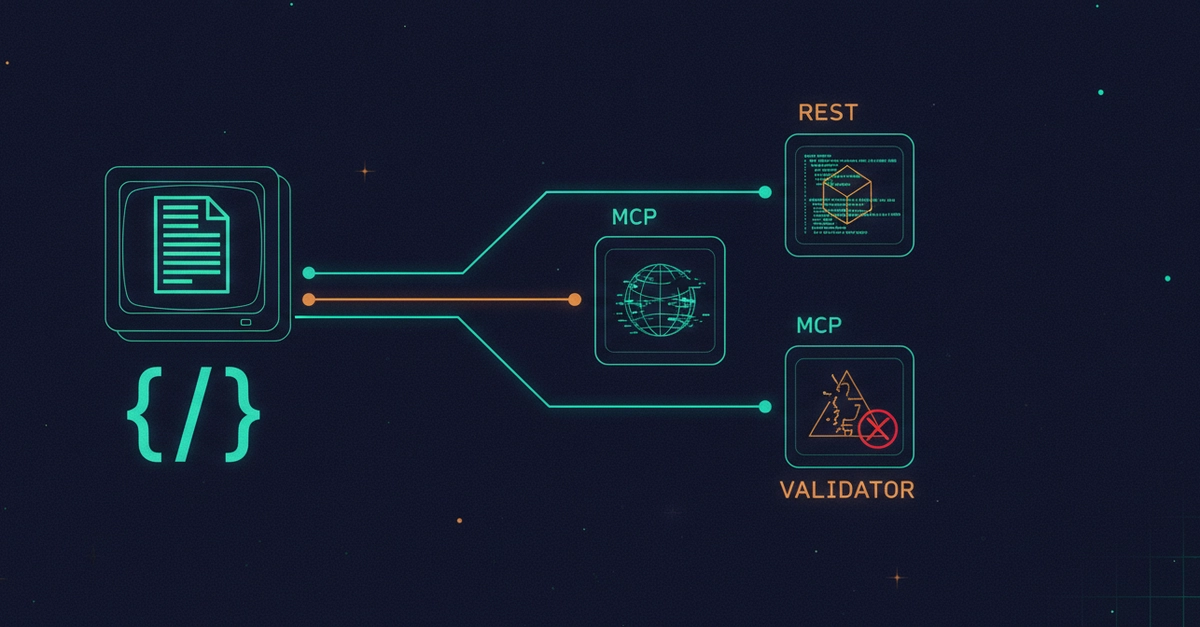
The Illusion of Simple Prompt Templating
Storing a prompt template appears straightforward: you write some text with placeholders like {{variable}}, provide arguments, and expect a rendered string back. The promise is one artifact, one render. However, within Red Hat's Apicurio Registry project, this elegant simplicity shatters. The project utilizes a PROMPT_TEMPLATE artifact, but the code responsible for rendering it is fragmented across three entirely separate engines. These engines do not share a common rendering logic, and their interpretations diverge significantly beyond the most basic variable substitution. This divergence means that the same stored template can produce three different outputs depending on which rendering engine is invoked.
This lack of a unified rendering strategy introduces subtle yet critical inconsistencies. Adding a space, a dot, or even a simple {{#if}} block within a template can cause the output to vary dramatically between these engines. For developers or teams building tools or services on top of prompt rendering—whether it's a UI playground, a new client application, or automated prompt generation—understanding which of these three rendering engines is actually being used is paramount. Without this knowledge, applications built upon these templates risk unpredictable behavior and subtle bugs that are difficult to trace.
Diving into the Discrepancies
The core of the issue lies in the implementation details of each rendering engine. While all engines support basic variable substitution (e.g., replacing {{name}} with a provided value), their handling of more complex template constructs differs. The source material points to specific line numbers within the Apicurio Registry codebase, enabling precise verification. For instance, one engine might interpret an {{#if}} block by simply omitting the content if the condition is not met, while another might throw an error or render an empty string. Similarly, variations in whitespace handling or the interpretation of special characters can lead to divergent outputs.
Consider a template designed to conditionally include a descriptive sentence: "User {{name}} {{#if has_address}} lives at {{address}}{{/if}}.". Depending on the engine, this could render as:
"User John Doe lives at 123 Main St."(Engine 1: correctly interprets and renders)"User John Doe "(Engine 2: omits the conditional block entirely, leaving trailing whitespace)"User John Doe ."(Engine 3: perhaps inserts a default character or misinterprets the block structure)
This isn't a theoretical problem; it's a practical reality for anyone interacting with Apicurio Registry's artifact templating. The article stresses that every regex and line number is cited, allowing for direct reproduction and verification using standard command-line tools like grep -n. A runnable reproduction is provided, requiring no complex build process, to demonstrate these discrepancies firsthand.

The Impact on Developers and Integrators
The implications for developers are significant. If an application relies on a specific rendering behavior for its prompts—perhaps for generating API specifications, configuration files, or user-facing messages—it must be acutely aware of the underlying engine. Building a UI playground that visualizes prompt templates, for example, requires accurately reflecting how each engine would process the input. Failure to do so would lead to a misleading user experience, where what is shown in the playground does not match the actual output generated by the system.
Furthermore, any client libraries or SDKs designed to interact with Apicurio Registry's templating features must account for these differences. A developer might expect a consistent string output, only to find their application breaking due to unexpected characters, missing conditional content, or malformed output generated by a different rendering engine than anticipated. This forces developers to either hardcode logic to handle the variations from each engine or, more practically, to identify and stick to a single, known-good rendering engine for their specific use case.
Broader Context and Unanswered Questions
This situation highlights a common challenge in software development: the fragmentation of common functionalities across different codebases or even within the same project. While the intention behind using multiple engines might have been to leverage specific features or to accommodate different use cases over time, the outcome is a loss of consistency and an increase in complexity. It begs the question: why were these engines not unified or abstracted behind a single, consistent interface from the outset?
What nobody has addressed yet is what happens to the thousands of developers and teams who have already built workflows or applications assuming a single, predictable rendering behavior. Migrating or adapting to this multi-engine reality could involve significant refactoring. The current state forces a choice: either embrace the complexity and build logic to detect and manage each engine's output, or invest time in understanding the precise behavior of one engine and hope that future updates do not alter its interpretation. This lack of a clear, unified path forward presents a tangible risk for the stability and maintainability of systems relying on Apicurio Registry's templating capabilities.