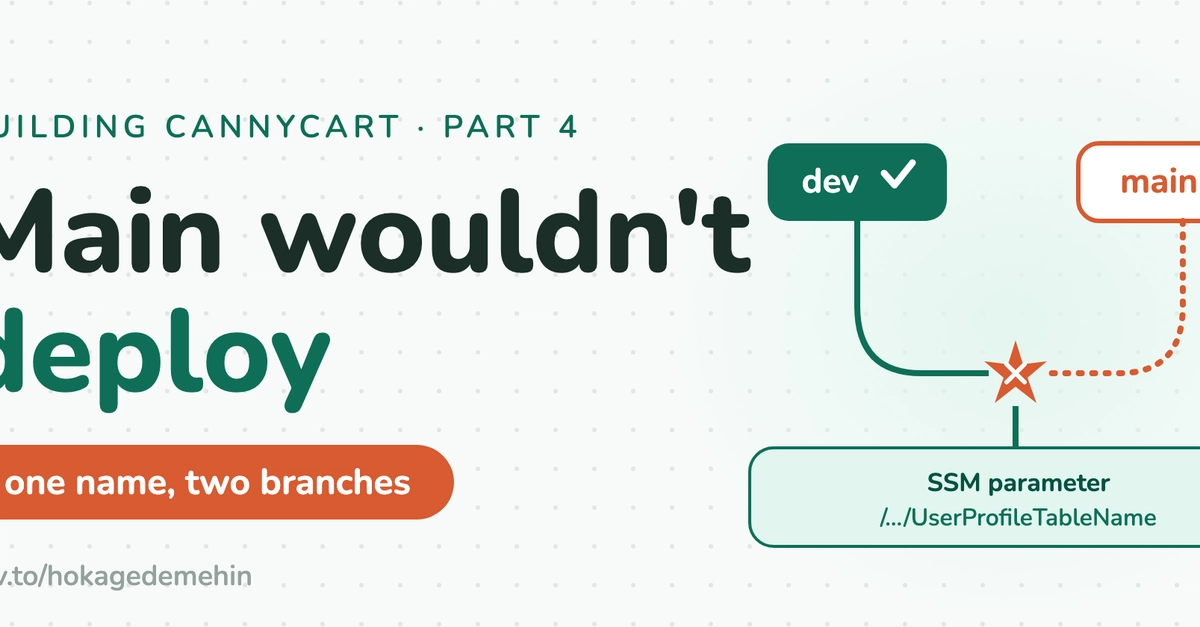
The Unexplained Rollback
The dev branch deployed clean. The exact same commit on main — the merge that fast-forwarded dev into main, byte-for-byte identical backend — rolled back every single time. Amplify Hosting went red, CloudFormation logged ROLLBACK_COMPLETE, and the only explanation it offered was this:
Validation failed with 1 error(s). Call DescribeEvents to retrieve the
full list of issues with resource and property details, resolve each
error, then retry the operation.
No resource name. No property. One error, unnamed. This is the common experience for developers hitting unexpected deployment blockers on AWS Amplify Gen 2. The platform abstracts away much of the underlying AWS infrastructure, including CloudFormation, but when things go wrong, the error messages can be cryptic, offering little actionable insight. This particular issue, however, was not an infrastructure misconfiguration in the traditional sense, but a subtle conflict arising from branch-specific resource naming conventions within CloudFormation itself.
The core of the problem lies in how Amplify Gen 2 manages different branches. Each branch, such as dev and main, is treated as a distinct environment within the same Amplify application. Amplify uses CloudFormation to provision and manage the backend resources for each environment. To ensure resources remain isolated and correctly associated with their respective branches, Amplify appends a branch-specific suffix to resource names generated by CloudFormation. For example, a Cognito User Pool for the dev branch might be named something like MyUserPool-dev-xyz123, while the same resource for the main branch would be MyUserPool-main-abc789.
This naming strategy is crucial for preventing resource conflicts. However, it can lead to unexpected issues when resource names become too long or when certain characters are used that might interfere with CloudFormation's naming constraints or its internal logic for generating unique identifiers. In this specific case, the issue wasn't with the length of the generated names, but with a collision that occurred not at the final resource name level, but at a level deeper within CloudFormation's stack management. The error message, while unhelpful on its own, pointed to a validation failure during the CloudFormation deployment process.
Unearthing the Naming Collision
The developer, encountering this roadblock, began a process of elimination. The dev branch, representing the active development environment, was deploying without issue. The main branch, intended for production or staging deployments, was failing. The critical clue was that the commit that successfully deployed to dev was identical, byte-for-byte, to the commit that failed on main after being fast-forwarded. This strongly suggested the problem wasn't in the application code or the Amplify schema itself, but in how Amplify was translating that schema into CloudFormation templates for the main branch environment.
The breakthrough came from looking beyond the immediate Amplify Hosting error and examining the underlying CloudFormation events. While the initial error message from Amplify was vague, CloudFormation's own event logs often provide more granular detail, though they too can be dense. The key insight was that CloudFormation, in its effort to create unique resources for each branch, was generating names that, while unique in their final form, were colliding at an intermediate stage or were inadvertently triggering a validation rule due to their structure. This often happens when a character or a pattern within a generated name is interpreted by CloudFormation in an unexpected way, perhaps during the generation of logical IDs or physical resource names.
The specific culprit turned out to be a naming conflict arising from a previously deleted or renamed resource. Imagine a resource, say an S3 bucket, was named MyBucket-main-abcdef. If this resource was later deleted or renamed in the main branch's configuration, and then a *new* resource was created with a name that, after Amplify's branch-specific suffixing and CloudFormation's internal modifications, resolved to a name that CloudFormation *had previously seen for that branch*, a conflict could arise. CloudFormation tries to ensure that for a given stack (representing an Amplify branch environment), each physical resource has a unique identifier. If it detects that a name it's trying to create already exists or has existed in a way that conflicts with its internal state for that stack, it will fail the deployment.
In this instance, the identical commit that worked on dev but failed on main revealed that the main branch's CloudFormation stack had a lingering state or a naming convention that conflicted with the new deployment. It wasn't that the new name was inherently invalid, but that it was invalid *in the context of the existing, albeit potentially altered, state of the CloudFormation stack for the main branch*. This is akin to trying to rename a file on your computer to something that already exists, but with the added complexity that the