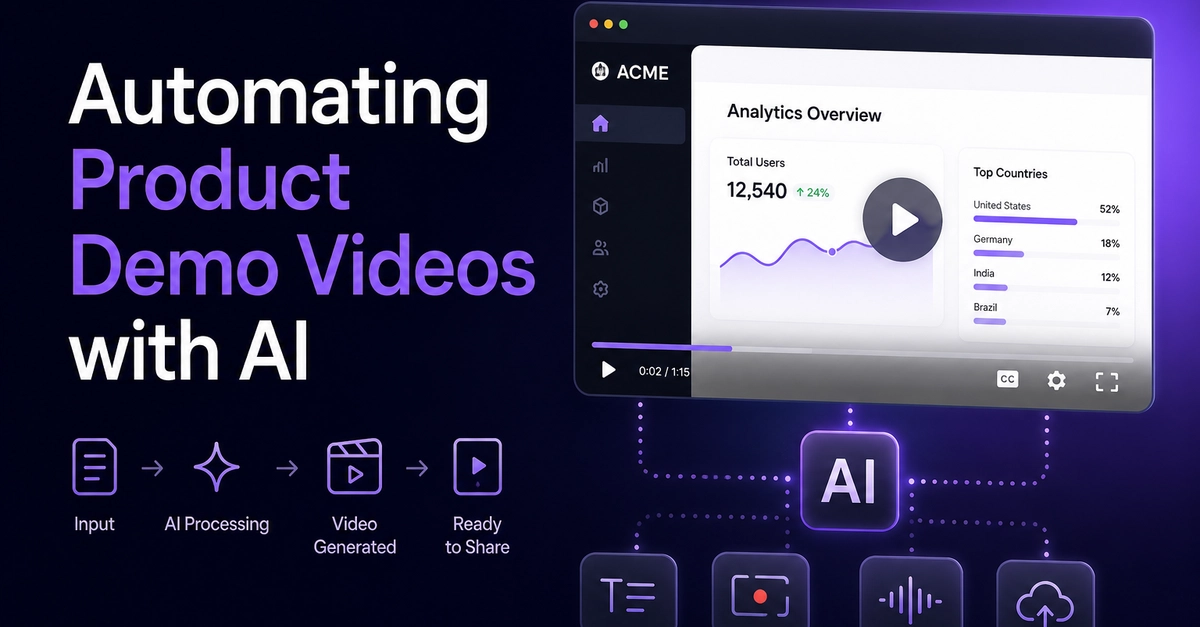
From Release Notes to Product Demo: A Repeatable AI Video Workflow for SaaS Teams
Shipping a new feature is only half the battle. Explaining it effectively to users often involves a fragmented process, pulling together information from disparate sources like tickets, draft documentation, screenshots, and rushed screen recordings. This scattered approach makes it challenging to create an accurate, reviewable product demo without inventing details or missing crucial aspects. For SaaS teams, establishing a repeatable workflow that leverages existing release artifacts can significantly streamline this explanation phase.
Consider a fictional SaaS team launching enhanced workspace permissions. The feature introduces distinct roles (Owner, Editor, Viewer) and a log of permission changes. By the time the feature is ready to ship, the core information—what the roles are, what they do, and how the log functions—already exists in some form within development tickets and early documentation. The challenge isn't a lack of information, but its organization and transformation into a compelling demo script and visual narrative. Treating release material as a versioned input bundle, followed by script and storyboard review before video generation, offers a structured solution.
Why Explaining Features is Harder Than Shipping Them
Engineers and product managers often view a feature release as a technical diff—a set of changes to the codebase. End-users, however, perceive features through their functional outcomes and benefits. A development ticket might simply state "Implement Owner, Editor, Viewer roles." This is functional, but it doesn't explain the user benefit: "Now you can grant granular access to your workspace, ensuring better security and collaboration." The gap between internal technical understanding and external user comprehension is where demo creation often falters. The process needs to bridge this gap by translating technical specifications into user-centric language and visuals.
The core issue is that the inputs for explaining a feature are rarely consolidated into a single, coherent package. Release notes, while intended to summarize, can be brief or focus on technical minutiae. Internal documentation might be dense and not geared towards a demo format. Screenshots may lack context. Screen recordings, if they exist at all, might be unscripted and difficult to follow. This makes the task of creating a clear, accurate, and engaging product demo feel like starting from scratch each time.
Leveraging Release Notes Templates for Clarity
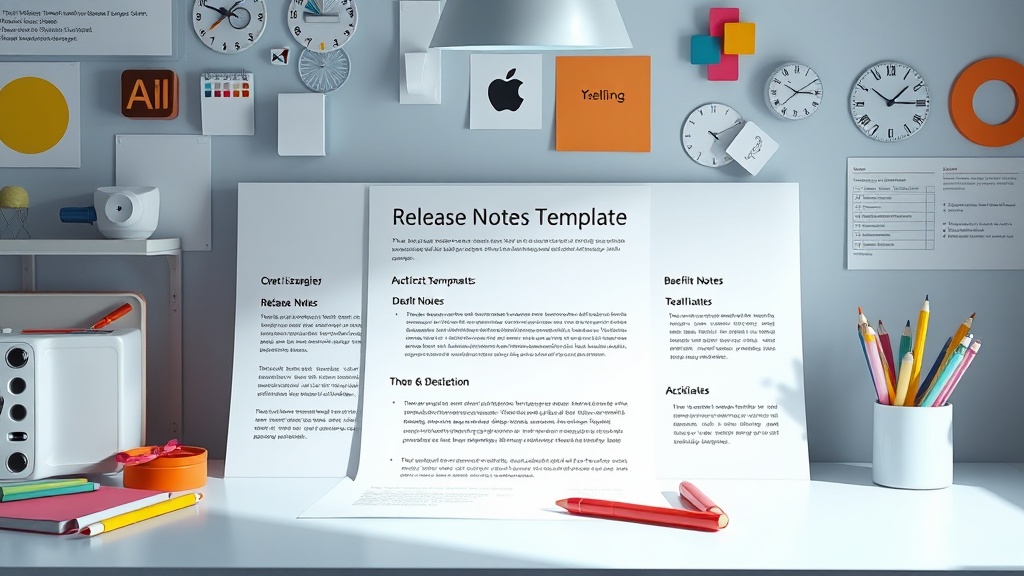
A blank page is the enemy of effective release notes, and by extension, good demo material. Utilizing pre-defined templates can transform a time-consuming writing task into a structured process. The most effective templates share common characteristics that benefit both release notes and the foundational content for demos:
- A benefit-led summary line: This ensures that even skimmers grasp the primary value proposition immediately. For a demo, this translates to the core message of the feature's introduction.
- Grouped changes: Categorizing updates (e.g., New, Improved, Fixed) makes the information digestible and helps in structuring the demo logically. Users can follow the flow from new capabilities to enhancements and bug fixes.
- User outcomes, not internal tasks: Focusing on what the user can now *do* (e.g., "Fixed a crash when exporting large files") rather than internal technical jargon (e.g., "Fixed NPE in ExportService") is crucial for demo scripts. This user-centric language directly translates into the narrative of the demo.
By adhering to these principles, teams can create release notes that are not only informative for users but also serve as a solid first draft for demo scripts. For instance, a standard SaaS release note template can be adapted:
## v[X.Y.Z] — [Month DD, YYYY]
**[One-line summary of the most important change.]**

### New
- [Feature]. [What it enables users to do.]

### Improved
- [Enhancement]. [How it benefits users.]

### Fixed
- [Bug fix]. [How this improves the user experience.]
This structured approach ensures that the essential information is captured and presented in a way that can be easily translated into a visual demonstration.
The AI-Assisted Workflow: From Artifacts to Video
The core idea is to treat all release-related materials—tickets, specifications, existing documentation, and the refined release notes—as a versioned input bundle for an AI video generation tool. This bundle acts as the single source of truth for the feature's functionality and benefits.
The workflow can be broken down into several key stages:
- Gather and Consolidate Release Artifacts: Collect all relevant documentation, tickets, and the finalized release notes. Ensure these are up-to-date and accurate.
- Generate Initial Script Draft: Feed the consolidated artifacts into an AI tool capable of scriptwriting. The AI should be prompted to focus on user outcomes and benefits, using the user-centric language from the release notes. This step transforms the raw information into a narrative flow.
- Review and Refine Script: A human reviewer (product manager, technical writer, or marketing specialist) must thoroughly check the AI-generated script for accuracy, clarity, and tone. This is a critical step to ensure the demo reflects the actual feature and speaks to the target audience.
- Develop Storyboard: Based on the refined script, create a storyboard. This can also be AI-assisted, suggesting visual elements, screen captures, or animations that correspond to script segments. The storyboard ensures the visual pacing and content align with the narrative.
- Generate Video: Use the finalized script and storyboard as input for an AI video generation platform. The AI can then create screen recordings, add voiceovers (either AI-generated or human-recorded), and incorporate branding elements.
- Final Review and Polish: The generated video undergoes a final human review for any glitches, awkward phrasing, or visual imperfections. Minor edits can be made to ensure a polished final product.
This process treats the initial release artifacts not as disparate notes, but as a structured, versioned input for a creative pipeline. It minimizes the need to