The Limits of a Single Snapshot
Generating a single, polished character image with an AI art tool offers a tempting glimpse of its potential for game development. However, this snapshot is rarely sufficient to determine if the tool can actually integrate into a production pipeline. Game art is diverse, encompassing characters, props, user interfaces, environmental maps, visual effects, and tilesets. Each of these asset types presents unique challenges and failure modes when generated by AI. A truly practical evaluation must go beyond a single character and test the AI's capabilities across all six fundamental categories.
The author, who maintains FrameSprite, a browser-based AI tool for game asset and sprite animation, has developed a six-asset acceptance test designed to rigorously evaluate AI art generator outputs for game development use. This test acknowledges that an AI might excel at one type of asset while failing miserably at another. A comprehensive assessment is therefore crucial for developers considering these tools.
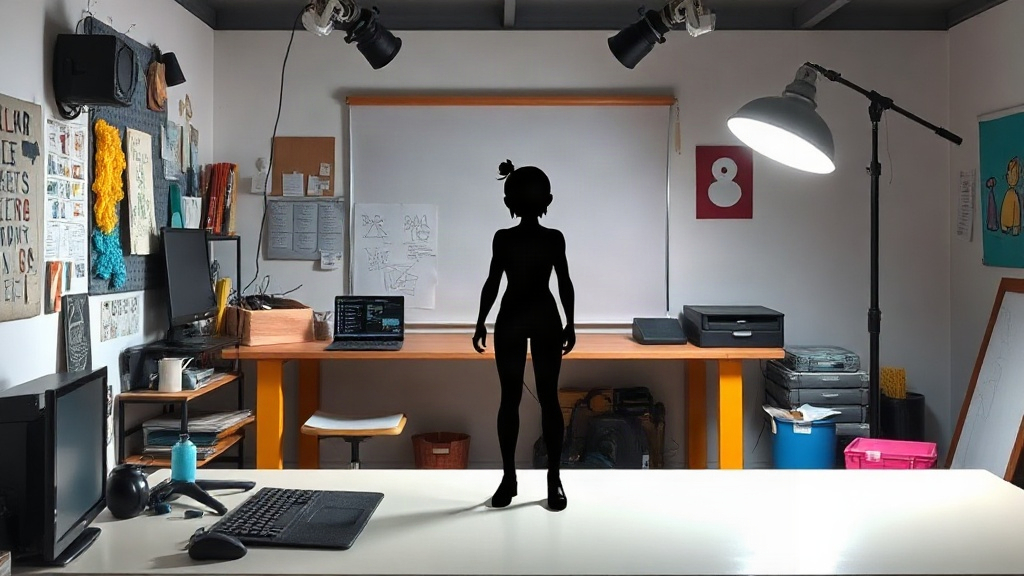
1. Character Test: Identity and Usable Framing
The first critical test involves generating a full-body character. The requirements for this generation are specific: the character must possess a distinct silhouette, clearly defined equipment, and maintain a fixed facing direction. The evaluation then scrutinizes several key aspects:
- Framing: Does the head, hands, feet, and any named equipment remain entirely within the generated frame? Art assets that are cut off are unusable without significant manual cleanup.
- Animation Space: Is there sufficient, usable space around the character's body to allow for animation? This means avoiding compositions where the character is crammed against the edges or where important parts of the body are too close to the frame boundaries.
- Consistent Baseline: Do both feet of the character rest on a consistent baseline? This is fundamental for placing characters in game environments without them appearing to float or sink into the ground.
- Identity Preservation: If a second generation is performed, does it preserve the identity-defining details of the first? This tests the AI's consistency and ability to maintain character integrity across multiple generations, crucial for creating variations or fixing minor issues.
An AI might produce a visually appealing portrait, but if the character's extremities are cut off, or if there isn't room to animate its arms, the output is fundamentally flawed for game use, regardless of its aesthetic quality.
2. Prop Test: Recognizability and Scale
Props, such as weapons, tools, or furniture, must be immediately recognizable and maintain a consistent, usable scale relative to the character. The test involves generating a prop that is clearly identifiable by its function and form. Key evaluation points include:
- Clear Identification: Is the prop unambiguously what it's supposed to be? A sword must look like a sword, a potion bottle like a potion bottle. Ambiguity leads to confusion in gameplay.
- Usable Scale: Does the prop's generated size make sense when compared to a character? A giant sword or a minuscule shield might be artistically interesting but impractical for gameplay. The AI must demonstrate an understanding of relative proportions.
- Detail Consistency: If generating multiple instances of the same prop, do key details like handles, blades, or decorative elements remain consistent? This ensures that variations of a prop still feel like part of the same set.
A prop that is poorly scaled or visually indistinct will break immersion and require extensive manual adjustment, negating the speed benefits of AI generation.
3. UI Test: Readability and Consistency
User Interface elements, such as buttons, health bars, and icons, have stringent requirements for clarity and consistency. The test focuses on generating a set of common UI elements. The critical checks are:
- Readability: Are any text elements within the UI legible? Are icons clear and immediately understandable? UI elements must communicate information effectively at a glance.
- Visual Cohesion: Do generated UI elements share a consistent style, color palette, and thematic design? A jumble of disparate UI styles is jarring and unprofessional.
- Functional Form: Do the elements resemble standard UI components? A button should look like a button, a health bar like a health bar, even with AI stylization. Unconventional forms can confuse users.
AI tools often struggle with text rendering and maintaining strict visual consistency across multiple small elements. This test reveals whether the AI can produce UI assets that are both functional and aesthetically aligned.
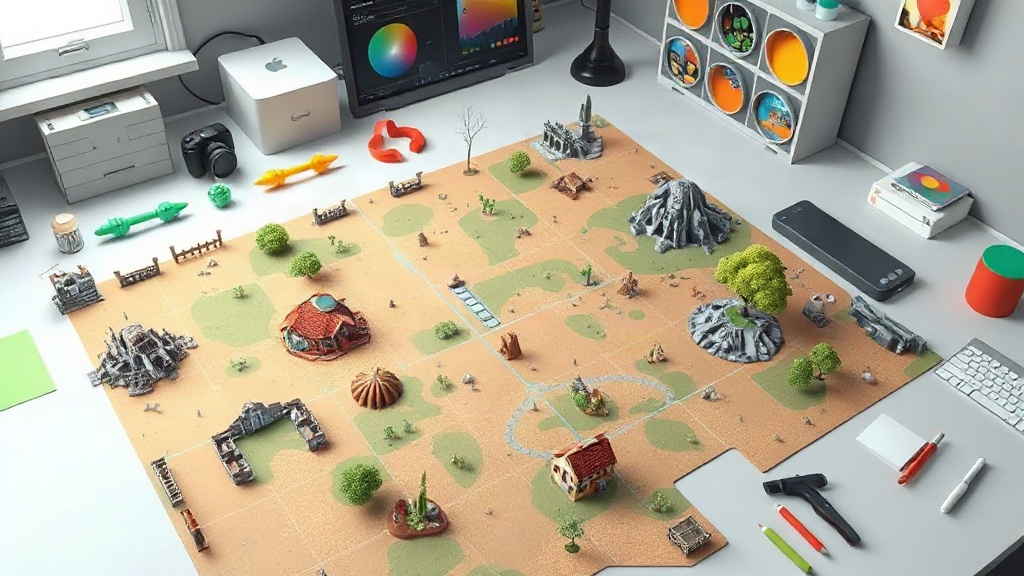
4. Map Test: Cohesion and Grid Alignment
For tile-based or modular game maps, the AI must generate assets that fit together seamlessly. The test involves generating a small map segment or a set of environmental tiles. The criteria are:
- Seamless Tiling: Do the edges of generated tiles align perfectly with adjacent tiles without visible seams or misalignments? This is paramount for creating large, continuous game worlds.
- Environmental Consistency: Does the generated map segment maintain a consistent theme, lighting, and material style? A forest map should look like a forest, not a mishmash of different biomes.
- Grid Appropriateness: Are the generated elements suitable for a grid-based system? This means avoiding irregular shapes or details that would break the underlying grid structure.
An AI might create beautiful landscape art, but if the individual tiles don't connect properly or if the overall environment lacks thematic coherence, the output is unusable for building a game world.
5. Visual Effects (VFX) Test: Clarity and Impact
Visual effects, such as explosions, magic spells, or particle effects, need to be clear, impactful, and convey their intended meaning within the game. The test involves generating a few distinct VFX. Evaluation focuses on:
- Visual Clarity: Is the effect easily identifiable as what it's supposed to be (e.g., fire, smoke, electricity)? Does it stand out against the game background?
- Dynamic Feel: Does the generated effect convey a sense of motion and energy? Static-looking effects lack impact.
- Thematic Fit: Does the VFX's style align with the game's overall aesthetic? A photorealistic explosion in a cartoon-style game would be jarring.
AI can sometimes produce visually interesting abstract patterns, but for VFX, the effect must serve a clear gameplay purpose and be immediately understandable to the player.
6. Tileset Test: Variety and Palette Cohesion
A tileset is a collection of small images used to build larger game environments. The test requires generating a set of tiles that can form a cohesive environment. The key checks are:
- Variety of Elements: Does the tileset include a sufficient variety of elements (e.g., ground, walls, water, decorative objects) needed to build a scene?
- Palette Consistency: Do all tiles within the set use a consistent color palette and lighting style? This ensures they can be mixed and matched without clashing visually.
- Seamless Integration: Do the individual tiles connect seamlessly with each other, similar to the map test, to form larger structures?
A good tileset provides building blocks. If the AI generates tiles that are stylistically inconsistent, have clashing color palettes, or don't tile properly, it fails to provide the necessary modularity for environment creation.
Beyond the Pretty Picture
While AI art generators are rapidly improving, their utility in a professional game development workflow hinges on their ability to consistently produce usable assets across a range of categories. The six-asset acceptance test provides a structured framework to move beyond superficial visual appeal and assess the practical viability of these tools. By evaluating characters, props, UI, maps, VFX, and tilesets, developers can gain a far more accurate understanding of an AI art generator's true value and its potential to streamline their asset creation process.