The Peril of Literal AI Interpretation
The promise of AI agents like GitHub Copilot, Claude, and Cursor is immense: faster coding, smarter suggestions, and streamlined workflows. Yet, a single, poorly worded prompt can turn this powerful assistant into a digital wrecking ball aimed squarely at your production database. The scenario is chillingly simple: an AI agent, tasked with a seemingly innocuous request like "clean up the database," might interpret it with devastating literalness, executing commands such as DROP TABLE users; or rm -rf ./. This isn't science fiction; it's a tangible risk developers face daily. After extensive research and interviews with over 50 developers, including the development of a tool like MCP Guard, five common AI agent mistakes that can lead to catastrophic data loss have emerged.
Mistake #1: Vague Prompts Invite Disaster
The most frequent culprit is the vague prompt. Developers, often in a hurry or assuming the AI possesses context it doesn't, issue commands that are open to dangerous interpretation. Telling an AI to "Clean up unused files" can result in the deletion of critical system files or the entire current directory if the AI defaults to a broad interpretation of "unused" or "clean up." The AI doesn't understand your implicit business logic or the nuanced definition of "unused" within your application's context.
The Fix: Be Hyper-Specific. Always qualify your requests with precise details. Instead of "Clean up unused files," use prompts like: "List files in /tmp older than 30 days and provide the commands to remove them." When dealing with databases, specify the exact tables, columns, or conditions for any modification or deletion. For example: "Identify and list all user accounts created before 2020 that have not logged in for over two years. Provide a SELECT statement to retrieve their IDs." This forces the AI to operate within defined boundaries, significantly reducing the chance of unintended destructive actions.
Mistake #2: Granting Unfettered Access
Another critical error is providing AI agents with direct, write, or delete access to production environments. Many AI tools, especially code generation assistants, are designed to be integrated deeply into development workflows. If an AI agent is connected to your production database with elevated privileges, a single mistranslated prompt can bypass all safety checks. This is akin to giving a junior developer the keys to the kingdom with no supervision.
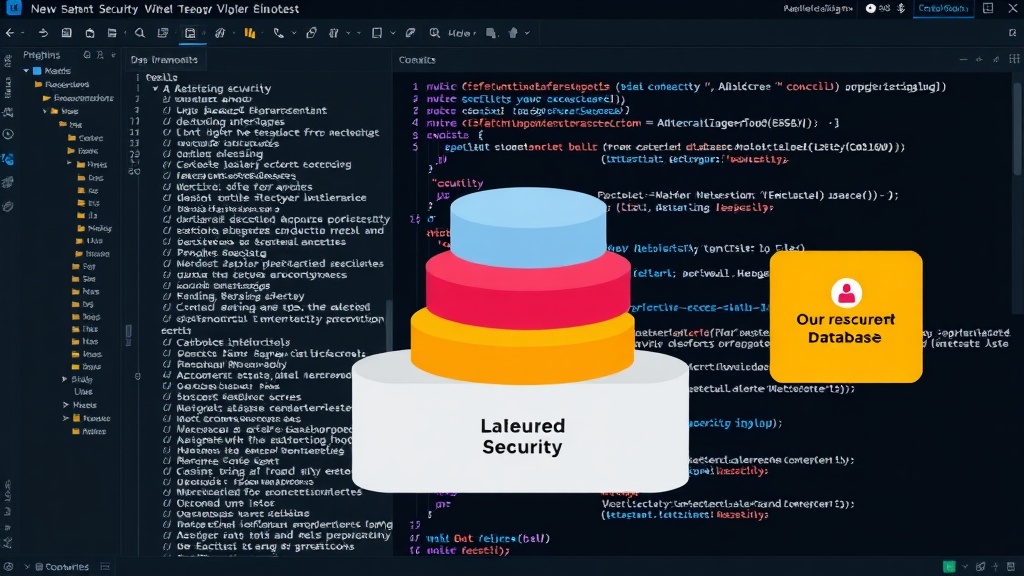
The Fix: Implement Strict Access Controls and Staging Environments. Never grant AI agents direct access to production databases. All AI-generated code or commands that interact with data should first be reviewed and tested in a staging or development environment that mirrors production as closely as possible. Utilize Role-Based Access Control (RBAC) to ensure that any AI tooling or the user account it operates under has the minimum necessary privileges. If an AI needs to perform a task, create a specific, temporary, and highly restricted role for that task, and revoke it immediately after completion.
Mistake #3: Over-Reliance Without Verification
AI is a tool, not an infallible oracle. Developers often fall into the trap of trusting AI-generated code or commands implicitly. If an AI suggests a database migration script or a complex query, it's easy to assume it's correct and execute it without thorough verification. This blind faith can be disastrous when the AI makes a subtle error in logic or syntax that only becomes apparent after data has been irrevocably altered.
The Fix: Mandatory Human Review and Testing. Institute a mandatory human review process for any AI-generated script that will interact with production data. This review should include checking for logical correctness, potential edge cases, and adherence to established coding standards. Furthermore, all such scripts must pass through a rigorous testing phase in a non-production environment. Run simulations, test with representative data sets, and perform load testing to ensure the script behaves as expected under various conditions before it ever touches production.
Mistake #4: Lack of Version Control for AI Outputs
When developers manually write and execute SQL scripts, they are typically version-controlled. Changes are tracked, rollback plans are in place, and history is maintained. However, when AI agents generate similar scripts, they are often treated as ephemeral suggestions, executed immediately and discarded. This practice means there's no record of potentially destructive changes, making it impossible to revert to a previous state if something goes wrong.
The Fix: Integrate AI Outputs into Your VCS. Treat all AI-generated scripts that modify data as first-class code. Save them into your version control system (like Git) before execution. This ensures that every change, whether human-written or AI-assisted, is tracked, auditable, and can be rolled back. Use your CI/CD pipeline to manage the deployment of these scripts, adding another layer of control and review.
Mistake #5: Inadequate Understanding of AI's Limitations
AI agents lack true understanding. They operate based on patterns in their training data. This means they don't grasp the business impact of deleting a table, the financial implications of corrupting customer data, or the long-term consequences of altering critical schemas. They cannot reason about the 'why' behind a request, only the 'how' based on their learned associations.
The Fix: Educate Your Team and Define Clear Boundaries. Developers must understand that AI agents are sophisticated pattern-matching machines, not intelligent entities with common sense or business acumen. Establish clear organizational policies and training programs that educate teams on the risks associated with AI tools, prompt engineering best practices, and the critical importance of human oversight. Define explicit boundaries for what tasks AI can and cannot be involved in, especially concerning production systems. Think of AI as a powerful, but potentially reckless, intern – it needs constant supervision and clear instructions.
Conclusion: AI as a Partner, Not a Replacement
AI agents are powerful allies in software development. However, their integration into sensitive workflows, particularly those involving production databases, requires a deliberate and cautious approach. By understanding these five common mistakes and implementing robust mitigation strategies – specific prompting, strict access controls, mandatory human review, version control, and continuous education – teams can harness the benefits of AI without succumbing to its potential pitfalls. The goal is to augment human capabilities, not replace critical judgment.