Automatic Adware Deployment via Microsoft Store
Users connecting new hardware, specifically LG monitors, are encountering an unwelcome surprise: automatic installation of adware. This process leverages the Microsoft Store, acting as a distribution channel for unwanted applications that appear immediately after hardware setup. The core issue lies in automatic installer packages that bundle adware, such as McAfee, alongside essential drivers or utilities for new devices. When a user connects a compatible LG monitor, Windows automatically detects the hardware and, in this case, initiates a download from the Microsoft Store. This isn't a manual user choice; it's an automated process designed to push software onto the user's system without explicit consent for the bundled adware.
The implications for user experience are immediate and negative. Instead of a clean setup for their new hardware, users are greeted with pop-up advertisements. This practice bypasses traditional adware vectors, which often rely on users downloading software from less reputable sources. By using the Microsoft Store, these adware distributors exploit a trusted channel, making it harder for the average user to discern malicious intent. The automatic nature of the installation is particularly concerning. Users expect hardware drivers or setup utilities to be straightforward and functional, not gateways for unwanted software and persistent ads.
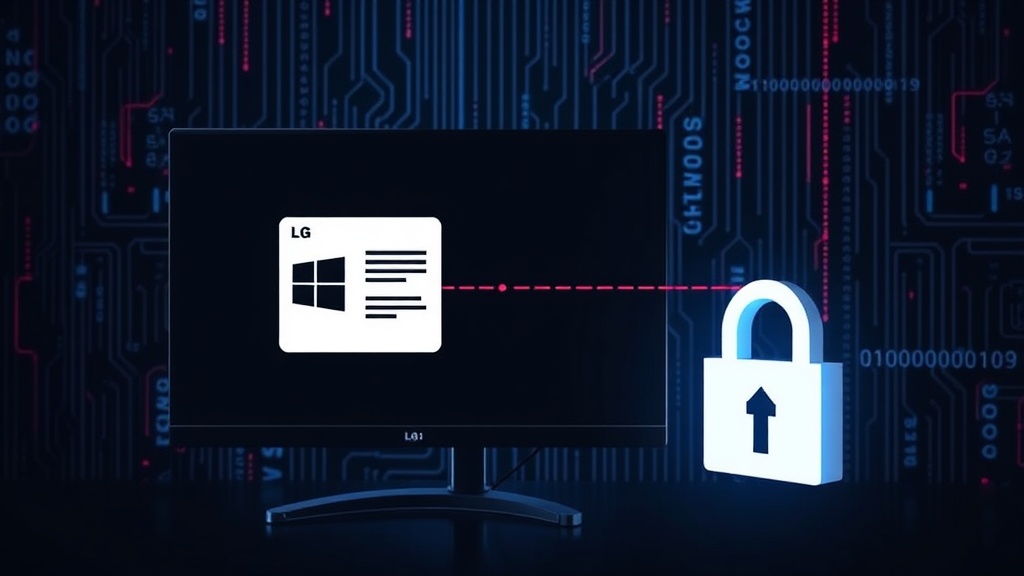
The McAfee Adware Pipeline
The specific instance highlighted involves LG monitors and McAfee. When an LG monitor is connected, Windows' Plug and Play (PnP) system identifies the hardware. This identification process can trigger the download and installation of associated software, often found through Windows Update or, in this case, curated within the Microsoft Store. The problem arises when the software package offered by the manufacturer (or a third party acting on their behalf) includes bundled adware. Users are presented with the software, which may include legitimate drivers, but also contains pre-ticked boxes or automatically installed components that serve advertisements. McAfee, a well-known security suite, is being delivered through this method, leading to immediate pop-up ads for users who have just purchased and connected new hardware.
This method is particularly insidious because it leverages user trust in both their hardware manufacturer and the Microsoft Store. Consumers often assume that software automatically installed by Windows, or readily available on the official Microsoft Store, is safe and necessary. The automatic nature of the installation means that even users who are generally cautious about software downloads can fall victim. They connect their new monitor, expect a driver, and instead get an ad-generating application. The surprise element is key; users are not actively seeking out this software, nor are they typically given a clear, prominent option to opt-out during the automatic installation process. This creates a frustrating and potentially resource-consuming experience, as the adware might run in the background, consuming system performance.
Blocking the Adware
Fortunately, there are steps users can take to prevent this automatic adware installation. The primary method involves managing how Windows handles device installations and driver updates. Users can disable automatic driver updates for hardware, which can prevent the unsolicited download and installation of bundled software. This is typically done through Windows' Device Installation Settings. By changing the setting to 'No, let me choose what to do' or disabling automatic driver and app updates, users can intercept the process and review what is being installed.
Another critical step is to review and disable optional updates within Windows Update. While the primary issue is hardware-driven installation, optional updates can sometimes include bundled software. Users should also be vigilant during the initial setup of new hardware. Manufacturers often provide their own setup utilities; users should carefully read each step and uncheck any bundled software they do not explicitly want, including trial versions of antivirus or other applications. For those who have already encountered the adware, uninstalling the unwanted application (e.g., McAfee, if it was installed without consent) via the 'Apps & features' or 'Add or Remove Programs' control panel is necessary. Following the uninstall, it is advisable to run a system scan with a trusted antivirus program to ensure no remnants remain.
The underlying mechanism relies on the Microsoft Store's integration with hardware drivers. When a device is connected, Windows queries the Store for associated applications. If the vendor has listed an application that includes adware, and Windows is configured to automatically download such software, the ad-serving app gets installed. To combat this, users can also limit which apps the Microsoft Store can automatically install. Within the Microsoft Store settings, there's an option to turn off automatic app updates, which may indirectly affect these hardware-driven installations. However, the most direct approach remains managing device installation settings within Windows itself.
The Broader Security Landscape
This incident highlights a worrying trend: the increasing use of legitimate distribution channels like the Microsoft Store to push potentially unwanted programs (PUPs) and adware. While not always outright malware, these programs degrade user experience, consume system resources, and can sometimes be a stepping stone for more malicious software. The reliance on automatic installers and the bundling of adware with necessary drivers creates a deceptive user journey. It raises questions about the vetting process within the Microsoft Store for hardware-associated applications. If a hardware vendor can push adware through an automated process, what prevents other types of unwanted software from following suit?
For hardware manufacturers, this practice erodes consumer trust. Users buy hardware expecting functionality, not a barrage of ads. The long-term damage to brand reputation can far outweigh any short-term revenue gained from ad partnerships. For Microsoft, this represents a challenge to the integrity of the Microsoft Store as a safe and reliable platform. While they aim to curate a secure environment, automated hardware installations tied to store downloads present a unique vector for abuse. Users must remain vigilant, understanding that even seemingly official channels can be exploited to deliver unwanted software. The onus is on both the user to configure their system defensively and on Microsoft to ensure stricter controls over applications distributed through their store, particularly those tied to hardware installations.