
The Unseen Bug in Asynchronous Frontend Code
Most asynchronous code running in modern frontend applications harbors a hidden bug: it often fails to stop when it should. Consider these common scenarios: A user navigates away from a page mid-request. A component unmounts before an asynchronous operation completes. A newer search query arrives, superseding a previous one.
In each case, the older network call continues to execute in the background. When it finally resolves, it attempts to update the application's state. However, the relevant component may no longer exist, leading to the infamous React warning: "Can't perform a React state update on an unmounted component." In vanilla JavaScript, this issue might manifest as stale data being silently delivered, corrupting the user experience without an explicit error.
This race condition is a pervasive problem, yet a straightforward solution has been available for years.
Introducing AbortController
AbortController is the browser's native mechanism designed to address precisely these kinds of asynchronous cleanup problems. It has been integrated into all major browsers since 2018, making its widespread adoption a long overdue expectation. Despite its maturity and availability, many tutorials and codebases either omit it entirely or implement it inconsistently. Developers often only encounter and implement AbortController after spending hours debugging the subtle, frustrating effects of unmanaged asynchronous operations.
The core idea behind AbortController is simple: it provides a way to signal that an operation should be aborted. This signal can then be listened for by the asynchronous task, allowing it to clean up resources and terminate gracefully.
Implementing the AbortController Pattern
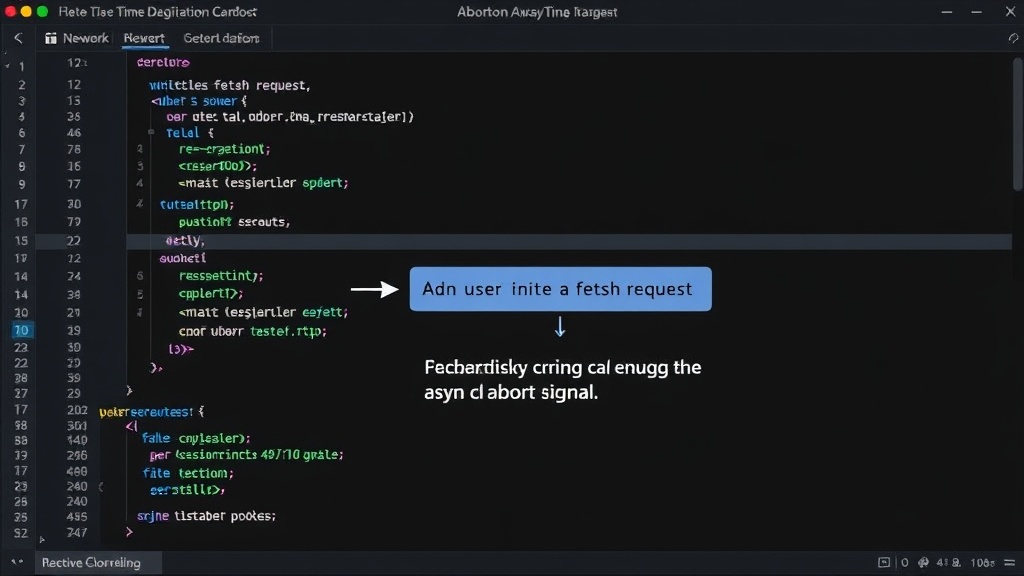
The pattern involves two main components: an AbortController instance and an AbortSignal. The controller is responsible for initiating the abort signal, while the signal is passed to the asynchronous operation (like a fetch request) that needs to be cancellable.
Here's how it works in practice:
- Create an AbortController: Instantiate a new
AbortController. - Get the AbortSignal: Access the
signalproperty of the controller. This signal object will be passed to the asynchronous API. - Pass the Signal: When making a fetch request or using other cancellable APIs, pass the
signalobject as an option. - Listen for Abort: The asynchronous API, upon receiving the signal, will automatically abort the operation if
controller.abort()is called. For custom asynchronous logic, you can manually listen for theabortevent on the signal. - Trigger Abort: When the operation needs to be cancelled (e.g., on component unmount), call the
abort()method on theAbortControllerinstance.
Example: Fetch with AbortController
The most common use case for AbortController is with the Fetch API. Here’s a typical implementation:
function fetchData(url) {
  const controller = new AbortController();
  const signal = controller.signal;

  const fetchPromise = fetch(url, { signal });

  // In a React component, you might store the controller and call abort on unmount
  // For example:
  useEffect(() => {
    const controller = new AbortController();
    const signal = controller.signal;

    fetch(url, { signal })
      .then(response => response.json())
      .then(data => {
        // Update state with data
        console.log(data);
      })
      .catch(error => {
        if (error.name === 'AbortError') {
          console.log('Fetch aborted');
        } else {
          console.error('Fetch error: ', error);
        }
      });

    // Cleanup function: abort the fetch if the component unmounts
    return () => {
      controller.abort();
    };
  }, []);

  // Return the promise and controller for external control if needed
  return { fetchPromise, abort: () => controller.abort() };
}
When controller.abort() is called, the fetch request is terminated. The promise returned by fetch will reject with a DOMException named AbortError. This allows you to catch this specific error and distinguish it from other network failures.
Beyond Fetch: Other APIs and Custom Logic
AbortController is not limited to fetch requests. It can be used with any asynchronous operation that supports it, including:
setTimeoutandsetInterval(though less common, you can wrap them to support abort signals)- WebSockets
navigator.geolocation.getCurrentPositionnavigator.mediaDevices.getUserMedia- Service workers
For custom asynchronous logic, you can manually attach an event listener to the signal object.
const controller = new AbortController();
const signal = controller.signal;

signal.addEventListener('abort', () => {
  console.log('Operation aborted!');
  // Perform cleanup here
});

// ... start your async operation ...

// To abort:
// controller.abort();
This event listener pattern is crucial for any complex asynchronous task where you need fine-grained control over the cleanup process when an abort signal is received.
Why You're Skipping It (And Why You Shouldn't)
The primary reason developers skip AbortController is its perceived complexity or the fact that it's often glossed over in introductory tutorials. The