
After 17 months of intensive use and recent significant ramp-up, the author shares advanced tips for maximizing Claude Code's capabilities. These strategies aim to enhance productivity and maintain safety in the development process.
Leveraging Auto Mode for Increased Productivity and Safety
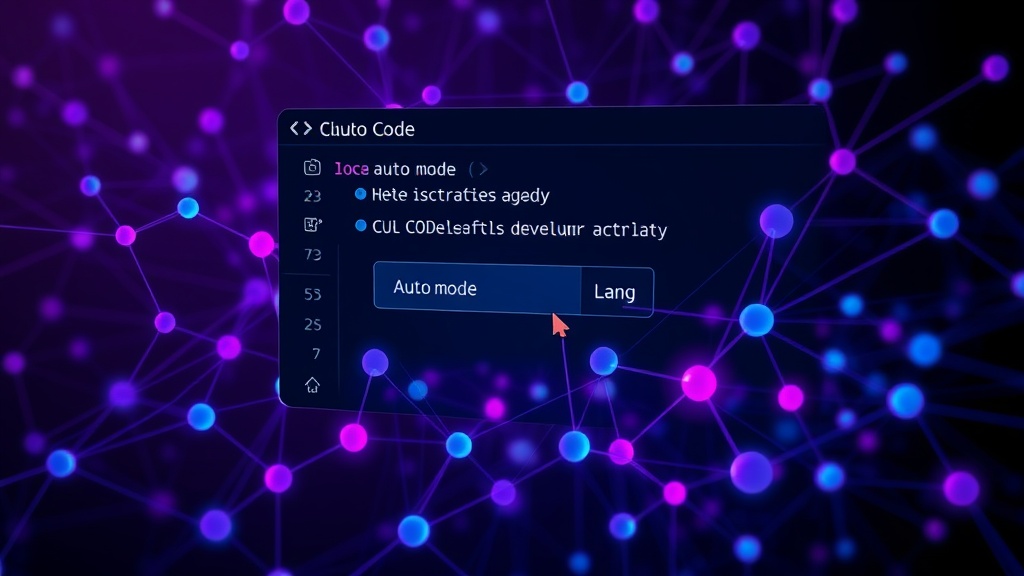
Claude Code offers an 'auto mode' that allows the AI to decide whether to run a command within the current context, rather than prompting the user for approval on every action. Accessible via Shift+Tab, this feature has been instrumental in streamlining the development workflow over the past month. The primary benefit of auto mode is mitigating 'mindless approving.' When faced with lengthy commands or fatigue, developers often approve actions without thorough review. Auto mode removes this pressure, acting as a more intelligent gatekeeper. The author reports a marked increase in productivity while maintaining a strong sense of security since adopting this mode.
This approach is akin to having a highly competent junior developer who understands the project's immediate context and can execute routine tasks autonomously, flagging only those requiring senior oversight. It frees up the developer's cognitive load, allowing them to focus on more complex problem-solving and architectural decisions.
Mobile Access and Remote Control Capabilities
Claude Code can be controlled remotely from a smartphone using a feature called 'Remote Control.' This capability extends the utility of the AI assistant beyond the desktop environment, enabling developers to interact with it while on the go. The integration allows for managing code generation, debugging, and other AI-assisted tasks from a mobile device, offering flexibility for developers who need to stay productive away from their primary workstation. This could be particularly useful for quick code reviews, responding to urgent alerts, or even initiating small code changes between meetings.
Context Window Management for Complex Projects
Effectively managing Claude Code's context window is crucial for complex projects. The AI's ability to process and retain information is limited by this window. Developers should be mindful of providing relevant information concisely. When dealing with large codebases, it's often more effective to provide only the immediate files or code snippets relevant to the current task rather than the entire project. This prevents Claude from becoming overwhelmed and reduces the likelihood of it hallucinating or providing outdated information based on irrelevant context. Regularly summarizing key decisions or architectural patterns within the prompt can also help reinforce important context for the AI.
Iterative Refinement and Prompt Engineering
Achieving optimal results with Claude Code, like any AI assistant, often requires iterative refinement of prompts. Instead of expecting a perfect output on the first try, developers should treat prompt engineering as a dialogue. Start with a clear, concise request, review the output, and then provide feedback or more specific instructions for improvement. This might involve clarifying ambiguous terms, specifying desired formats, or guiding the AI towards a particular algorithmic approach. For instance, if Claude generates a solution that is syntactically correct but inefficient, the developer can prompt it to optimize for performance. This iterative process is key to coaxing the most accurate and useful code from the model.
Utilizing Claude Code for Code Explanation and Documentation
Beyond code generation, Claude Code excels at explaining complex code segments and generating documentation. Developers can paste in unfamiliar code and ask Claude to break down its functionality, identify potential issues, or explain the logic behind it. This is invaluable when onboarding to new projects or working with legacy code. Similarly, Claude can assist in writing docstrings, README files, or even inline comments, saving significant time and ensuring consistency in documentation practices. Think of it as an always-available pair programmer focused specifically on understanding and articulating code.
Custom Instructions for Personalized Assistance
Claude Code allows users to set 'Custom Instructions,' which are persistent directives that influence the AI's behavior across all interactions. This feature is powerful for tailoring Claude's responses to your specific coding style, preferred languages, project conventions, or even your role within a team. For example, you could instruct Claude to always prioritize security vulnerabilities, adhere to a specific linting standard, or assume you are a senior developer looking for robust, production-ready code. These instructions act like a persistent persona for the AI, making its assistance more relevant and requiring less explicit instruction in each new conversation.
Integrating Claude Code into CI/CD Pipelines (Advanced Use Case)
While not explicitly detailed in the source, a logical advanced application is integrating Claude Code's capabilities into Continuous Integration and Continuous Deployment (CI/CD) pipelines. This could involve using Claude to automatically review pull requests for common issues, suggest code optimizations before deployment, or even generate test cases based on code changes. Such an integration would require careful setup and monitoring to ensure the AI's suggestions are accurate and beneficial, but it holds the potential for significant automation in code quality assurance. This moves beyond interactive use to embedding AI assistance directly into the development lifecycle.