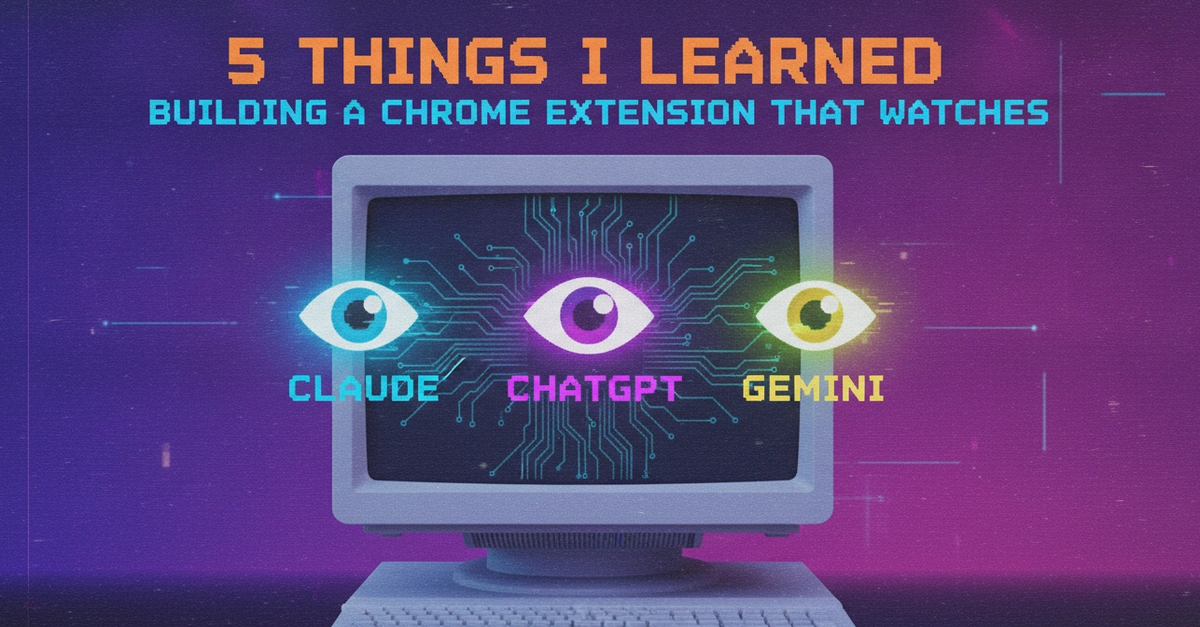
The 80/20 of UI Watching
Building a Chrome extension to detect and deploy HTML code blocks from AI chat interfaces like ChatGPT, Claude, and Gemini sounded straightforward. The developer behind this project found that deploying the code was the easy 20% of the work. The real challenge, consuming 80% of the effort, was reliably monitoring the dynamic and constantly evolving UIs of these three major AI models without the extension breaking frequently.
MutationObserver's Quirks
The core of monitoring dynamic web content lies in JavaScript's MutationObserver API. This API allows developers to watch for changes in the DOM (Document Object Model). However, AI chat applications present a unique challenge: they stream responses token by token. This means the DOM is in a perpetual state of flux, and any observer firing will often see an incomplete structure.
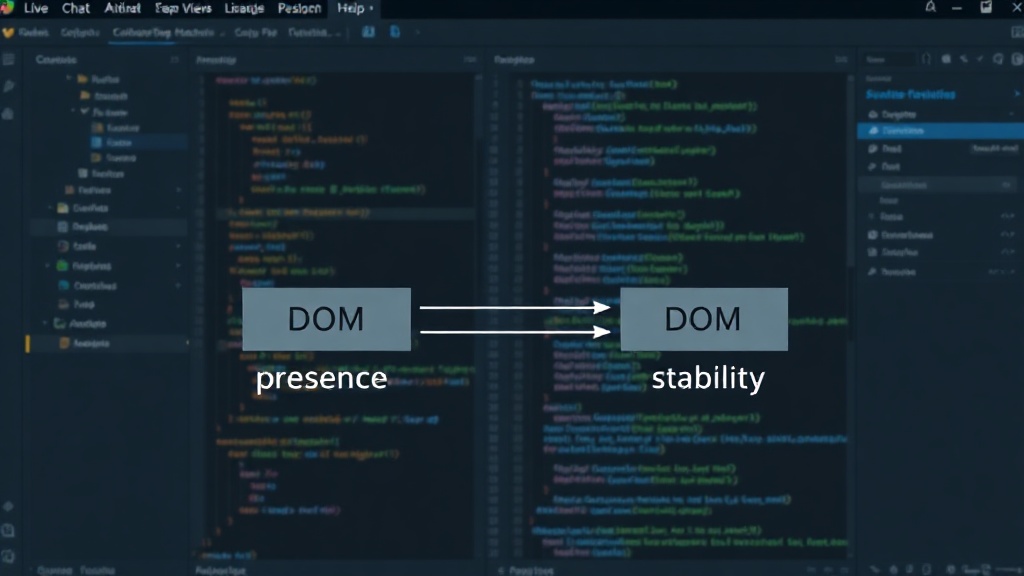
An initial approach of detecting a finished <pre><code> block the moment it appeared failed. This resulted in capturing HTML code mid-stream, leading to truncated or malformed code snippets. The key to a stable solution was not to rely on the mere presence of the element, but on the DOM's stability. This involved implementing a debouncing mechanism that waited for the DOM to settle before attempting to capture the code block. This ensures that the entire code snippet is rendered and available before the extension tries to process it.
Handling Different AI Models
Each AI model—ChatGPT, Claude, and Gemini—has its own distinct UI structure and rendering patterns. What works for one might not work for another. The extension needed to be robust enough to adapt to these differences. This meant going beyond a one-size-fits-all approach and implementing specific logic or heuristics for each platform.
For instance, the selectors used to find code blocks or identify the chat container might differ significantly. Relying solely on generic HTML tags like <pre> and <code> is insufficient because these elements might be nested differently or have varying parent structures across the platforms. The extension likely had to employ a combination of tag names, class names, and potentially attribute selectors, or even more complex DOM traversal logic, to reliably target the relevant code segments on each AI's interface.
The Need for Robust Error Handling and Fallbacks
Given the constant updates to these AI platforms' front-end code, a robust error handling strategy is paramount. UI changes can easily break selectors or expected DOM structures. The extension must be designed to gracefully handle these inevitable disruptions. This means implementing comprehensive try-catch blocks around DOM manipulation and data extraction logic. When an error occurs, the extension should ideally log the issue without crashing, perhaps notify the user of a potential problem, or even attempt to self-correct if possible.
Furthermore, fallback mechanisms are crucial. If a primary method for detecting code blocks fails on one platform, the extension should have secondary methods or alternative strategies to try. This could involve looking for different element types, checking for specific CSS classes that indicate a code block, or even analyzing the text content for patterns that suggest code. This layered approach significantly increases the extension's resilience against UI updates.
User Experience and Deployment Flow
While the technical challenge of watching UIs was the 80%, the remaining 20%—deploying the code—still required careful consideration of the user experience. The goal was to make the deployment process as seamless as possible. This involves not just extracting the code but also providing a clear and intuitive way for the user to deploy it.
The developer's choice to deploy directly to a live URL implies a need for integration with hosting services or a custom deployment pipeline. This part of the extension needs to be user-friendly, perhaps offering options for where to deploy, how to name the deployed files, and clear feedback on the deployment status. A smooth deployment flow can be the deciding factor in whether users adopt and continue to use the extension, even if the underlying detection mechanism is complex.
The Continuous Nature of Maintenance
The most significant takeaway is that building such an extension isn't a one-time task; it's an ongoing commitment. The AI platforms are not static products. They are continuously updated by their respective companies, often multiple times a week. Each update, no matter how small, carries the potential to break the extension's UI scraping logic.
This means the developer must be prepared for continuous maintenance. This involves actively monitoring the extension's performance, analyzing user-reported issues, and quickly adapting the code to accommodate UI changes. It's a cycle of detection, debugging, and deployment. For users, this means understanding that such extensions might require periodic updates and that stability can never be fully guaranteed. For the developer, it necessitates a proactive approach to monitoring and a well-defined process for rapid fixes. What nobody has addressed yet is the long-term sustainability model for extensions that rely on scraping constantly changing third-party UIs, especially when those UIs are controlled by massive tech companies.